Create a retro ’50s Sci-Fi poster in Photoshop

Create a retro ’50s Sci-Fi poster in Photoshop

Achieving a distinct vintage sci-fi aesthetic often involves intricate color manipulation beyond simple desaturation. This tutorial demonstrates a surprising approach to color grading, using specific color balance adjustments across shadows, midtones, and highlights to infuse a retro tone. For instance, cyan/red is pushed to +100 in all three tones, while yellow/blue is consistently set to -100.

This precise method, combined with the Diffuse Glow filter and careful Brightness/Contrast settings, transforms a standard skyline into a scene reminiscent of 1950s cinematic backdrops. The technique is a masterclass in shaping mood and era without relying on complex, multi-layered color lookups.

Watch the Video

Video by Blue Lightning. Any links or downloads mentioned by the creator are available only on YouTube

Emulating Vintage Sci-Fi Aesthetics in Photoshop

1950s science fiction movie posters captured the public's imagination with their distinct visual language, often characterized by dramatic illustrations, stark contrasts, and a limited, yet impactful, color palette. These posters aimed to convey a sense of wonder, impending doom, or technological marvel, frequently employing simplified forms and a focus on iconic elements like towering robots or futuristic cityscapes. The aesthetic frequently borrowed from pulp magazine covers, emphasizing bold typography and a tangible, almost tactile, quality.

Replicating this era's visual style in digital art involves more than just applying a sepia tone. It requires understanding how to manipulate color channels and luminosity to mimic the limitations and artistic conventions of the time. Filters like Diffuse Glow can simulate the soft, slightly out-of-focus quality of older film, while precise Color Balance adjustments can shift the entire tonal range to a specific historical tint.

Furthermore, integrating authentic textures, such as paper creases and stains, is crucial for grounding the digital creation in a tangible, vintage reality. These subtle details, often achieved through blend modes like Multiply, provide the visual cues that transport the viewer back to a bygone era of cinematic promotion.

Practical Tips for Retro Poster Design

  • Global Layer Control: Quickly hide or show multiple layers by Alt/Option-clicking the eyeball icon of a single layer, making it efficient to isolate elements.
  • Precise Color Toning: Use Color Balance adjustments across shadows, midtones, and highlights with specific numeric inputs to achieve consistent vintage color grades.
  • Atmospheric Vignettes: Create a darkening vignette effect by using the Elliptical Marquee tool, Transform Selection (with locked aspect ratio), and a high Feather radius to seamlessly blend the edges.
  • Text Styling for Impact: Employ Vertical Scale and Warped Text (Arc Upper) to create dynamically stretched and curved titles, enhancing the retro aesthetic.
  • Texture Integration: Apply paper textures with Multiply blend mode to instantly age and distress the entire poster, adding a crucial layer of authenticity.

Explore further techniques for creating vintage and movie poster designs in Photoshop with these related articles and tutorials.

Redesigning a Classic Star Wars Poster in Photoshop
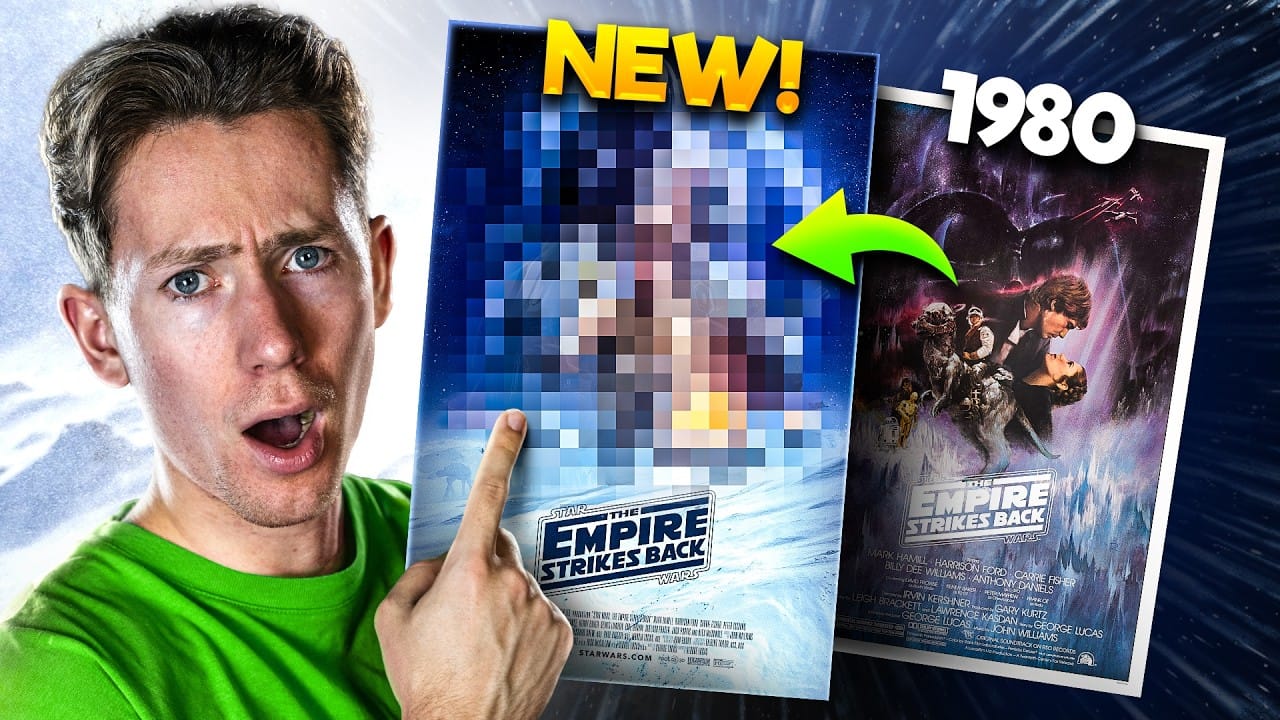
Creating compelling digital art, especially when working with existing iconic material, often presents unique technical and creative challenges. Sourcing high-quality images for older films can be a significant hurdle, leading to compromises in detail and overall visual fidelity. Furthermore, maintaining a consistent design style across a series while allowing for personal skill development over time requires thoughtful execution. This tutorial provides insight into overcoming these common frus
How to Create a Retro Boxing Poster in Photoshop
Calling all boxing enthusiasts and design aficionados! Dust off your love for vintage aesthetics and step into the ring with this dynamic Photoshop tutorial. We’ll be throwing punches (figuratively, of course) to create a captivating retro-boxing poster, brimming with the bold energy of the golden age of the sport. This tutorial is perfect for both seasoned Photoshop users and aspiring designers. Regardless of your experience level, the instructor will meticulously guide you through the creatio
Create a Vintage, Russian Constructivist Poster in Photoshop
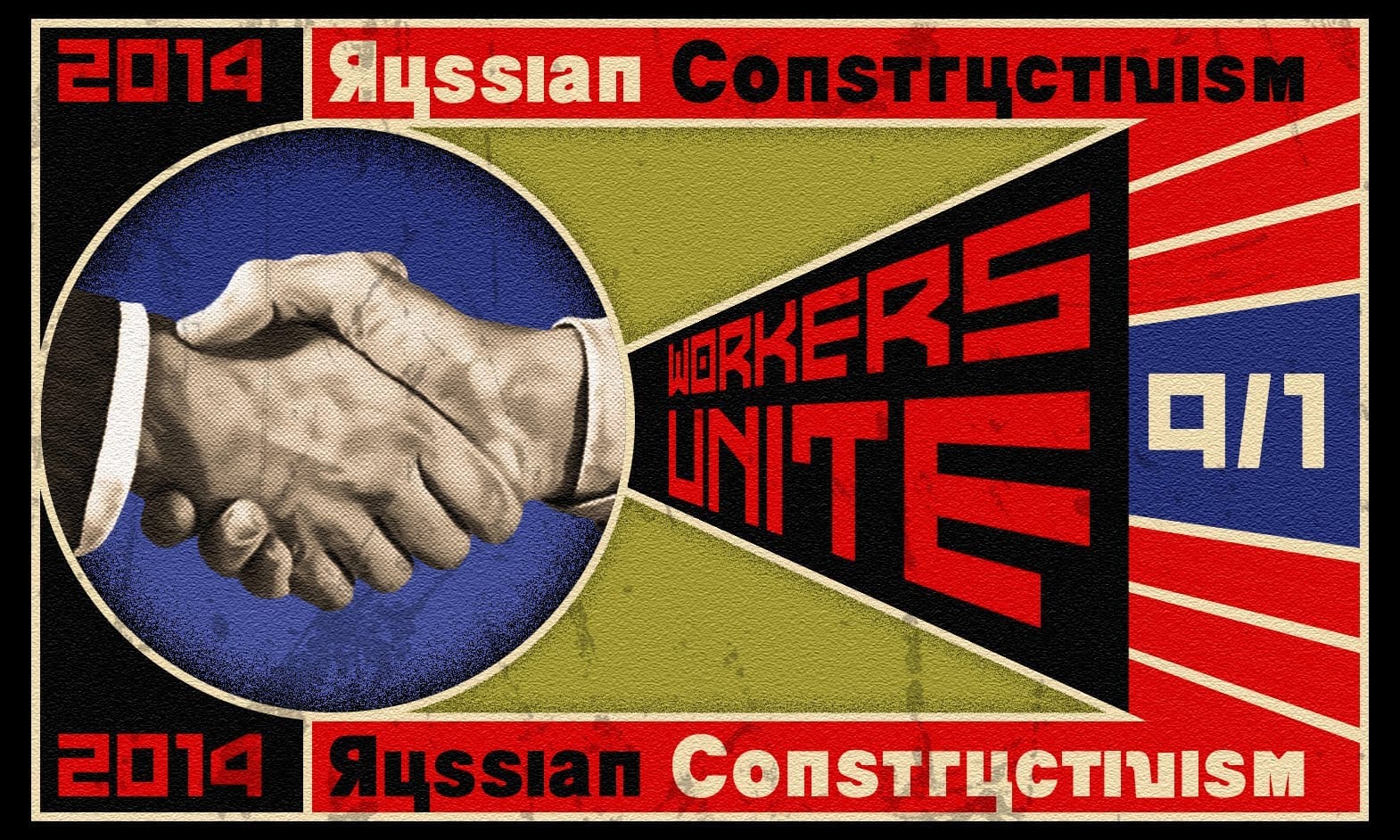
Marty Geller, the creator of Blue Lightning TV, shares a Photoshop tutorial on how to craft a vintage, Russian Constructivist poster. The tutorial draws inspiration from the work of renowned artist Alexander Rodchenko. In this step-by-step guide, Geller walks the reader through the process of creating a striking, retro-inspired poster. The tutorial emphasizes the use of Photoshop's tools and techniques to achieve the distinct aesthetic of the Russian Constructivist movement. Readers can expect
Create a Sky Fall Inspired Movie Poster in Photoshop
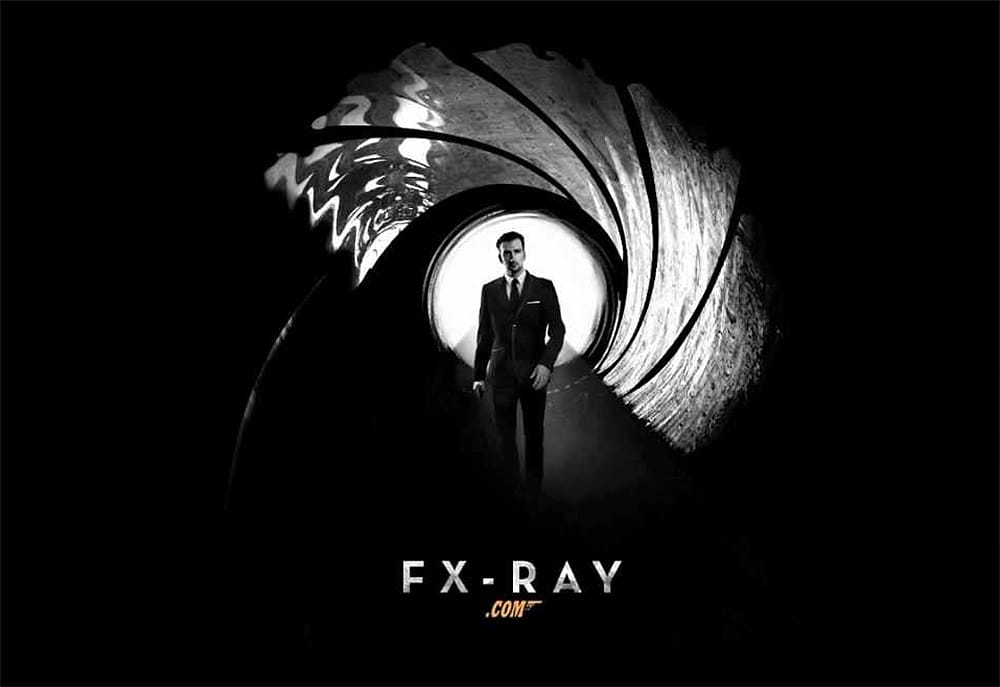
If you're looking to create an eye-catching movie poster in Photoshop, this guide offers a straightforward approach to designing a dark, black and white James Bond-inspired piece, reminiscent of Skyfall. You will start with essential techniques, including layering, blending, and using filters to achieve that cinematic feel. Each step is well-explained, allowing you to understand the process clearly. You'll learn how to manipulate images effectively, ensuring that every element of your poster a

Get tutorials & freebies delivered to you.

Subscribe to the Photoshop Roadmap newsletter, a weekly roundup of new tutorials, insights and quality downloads, trusted by 6500+ readers.

You might also like

When to Use Saturation vs Vibrance for Better Color Enhancement

While vibrance gets praised for being "gentler" than saturation, the reality is more nuanced. Saturation works like a universal volume knob, boosting all colors equally, while vibrance acts like a smart equalizer, selectively enhancing less saturated areas first. Understanding when each approach serves your creative vision makes the...

How to Check Your Generative Fill Credit Balance in Photoshop

Keeping track of your AI credit usage becomes essential when working with premium generative features. Understanding your remaining balance helps you budget your edits and avoid unexpected interruptions during important projects. The credit system divides features into standard tools (like basic generative fill) that don't consume credits, and...

How to Create Realistic Depth Blur Effects in Photoshop

Creating professional depth of field effects can transform flat images into dynamic photographs with natural-looking focus transitions. Two powerful methods in Photoshop offer different advantages: Neural Filters provide automated depth detection with atmospheric effects like haze, while Camera Raw Filter delivers precise manual control with customizable bokeh shapes. Both techniques...

Three Professional Methods to Fix White Balance in Photoshop

Color casts can ruin even the best photographs, making whites appear yellow, blue, or green instead of neutral. Poor white balance destroys the natural look of your images and creates an unprofessional appearance that's immediately noticeable to viewers. These three techniques provide increasingly precise control over white balance...

Creating Dark Moody Wildlife Photo Edits in Photoshop

Dark, moody wildlife photography transforms ordinary animal portraits into dramatic, atmospheric pieces that capture the mystery and power of nature. This editing approach combines strategic lighting placement, careful color grading, and atmospheric effects to create compelling images that draw viewers into the scene. The workflow begins with essential noise reduction...

How to Create Professional Photo Composites in Photoshop

Creating compelling photo composites requires more than simply placing images together. This comprehensive tutorial demonstrates how to blend multiple elements seamlessly, from matching lighting and color to painting realistic shadows and highlights. The project showcases a dramatic scene inspired by Stranger Things, combining buildings, characters, and atmospheric effects with precise...

You’ve successfully subscribed to Photoshop Roadmap
Welcome back! You’ve successfully signed in.
Great! You’ve successfully signed up.
Success! Your email is updated.
Your link has expired
Success! Check your email for magic link to sign-in.