Smoke Photoshop brushes

Smoke Photoshop brushes

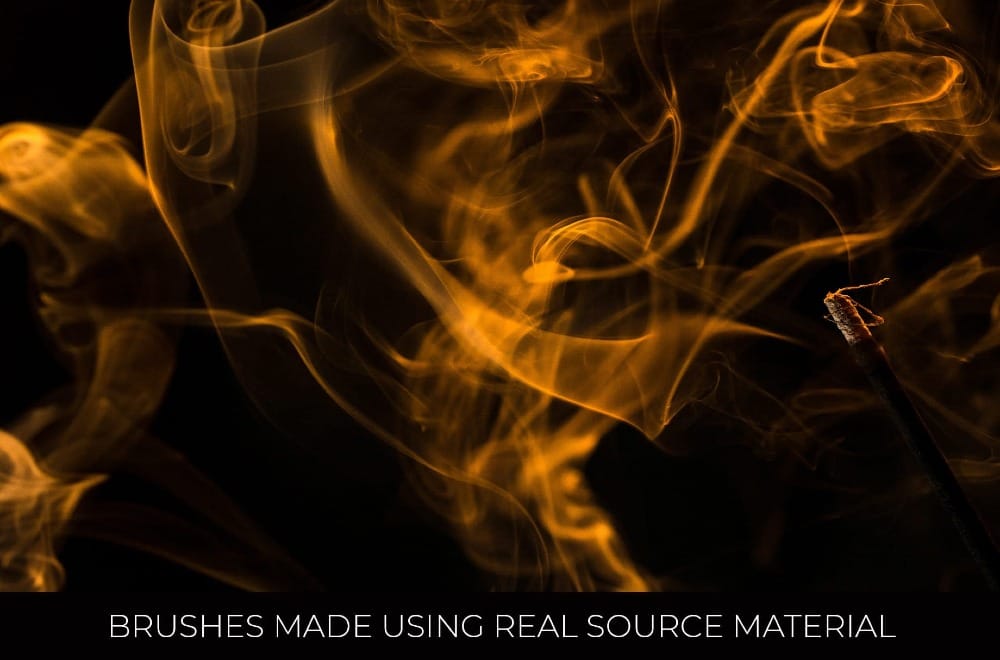
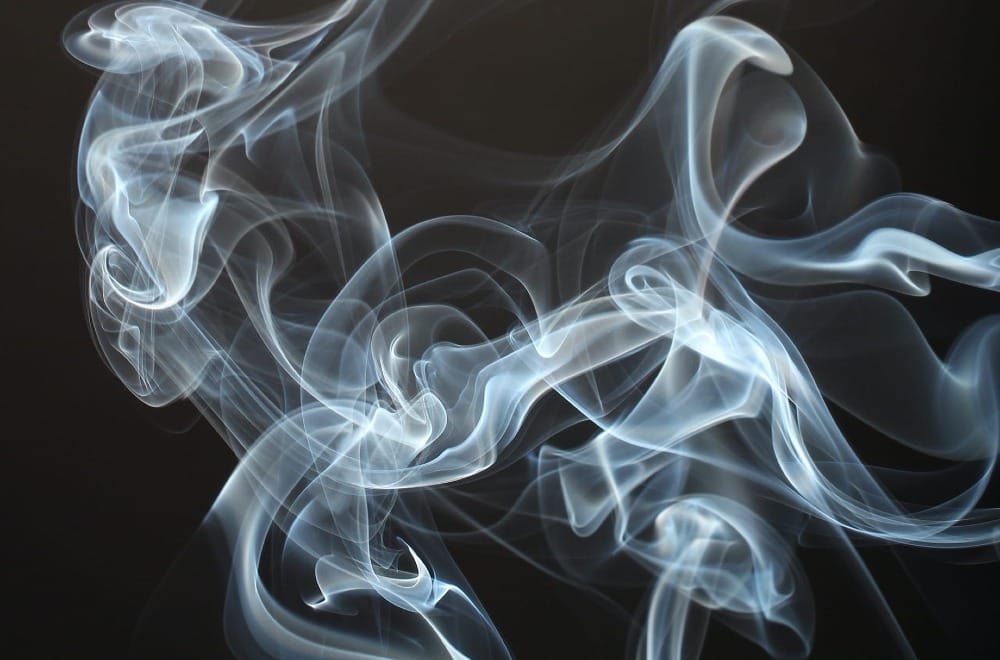
Add realistic smoke effects to your work with this set of photorealistic, high-resolution Photoshop brushes created from real smoke photography.

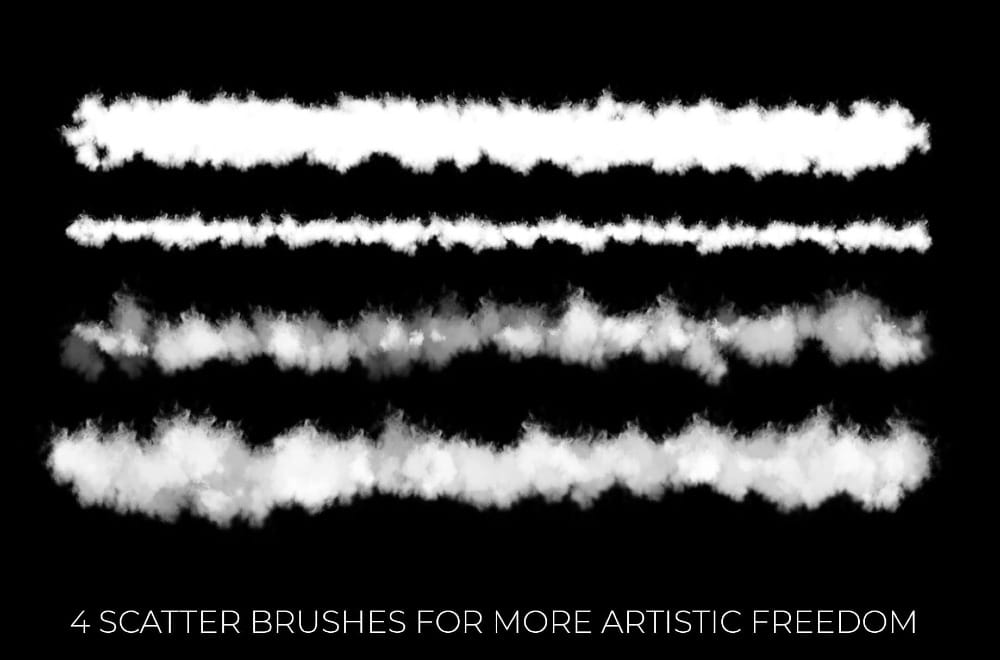
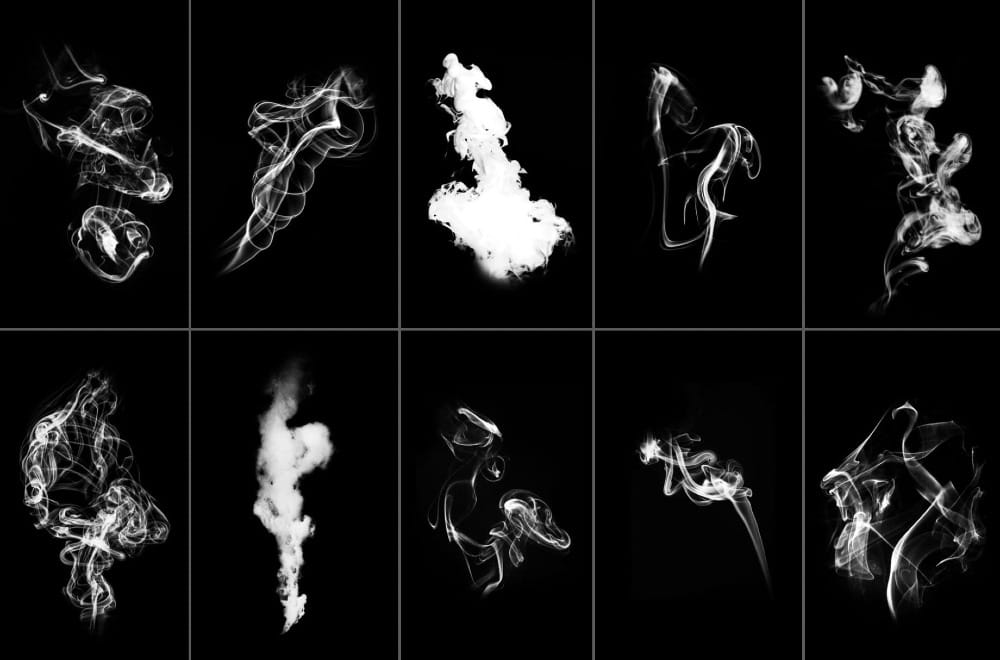
Each brush is carefully built from real smoke images to keep natural texture, depth, and movement. The set includes clearly labeled single smoke brushes showing different smoke shapes, along with scatter smoke brushes that help create softer, more organic results when layering effects.
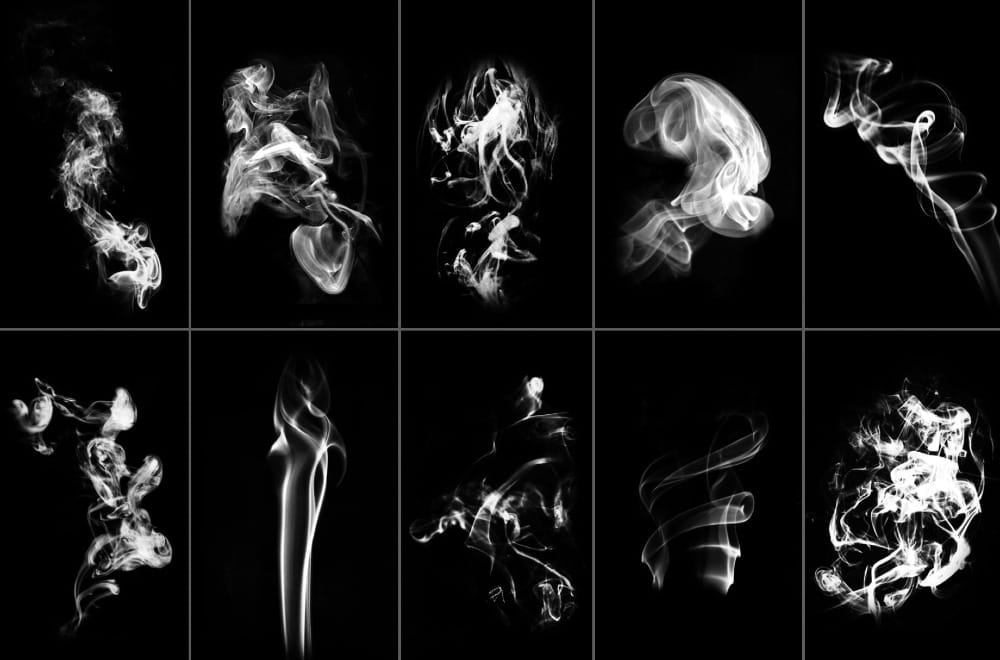
These brushes are suitable for photo manipulation, graphic design, digital artwork, posters, album covers, web graphics, print projects, and branding visuals. They can be used as painted effects or applied as overlays, and colors can be adjusted freely without losing detail.
A quick-start illustrated PDF guide is included, showing how to install and use the brushes in Photoshop.

Included in the set:

  • 22 single smoke brushes
  • 4 scatter smoke brushes
  • PDF installation guide

Compatibility:

  • Photoshop Elements
  • Photoshop CS1–CS6
  • Photoshop CC

Designed for designers and photographers who want natural smoke effects without complex editing or photography setups.

🎁
You can get this product for free by starting a Creative Fabrica free trial. The trial lets you download up to 10 products over 30 days. After that, you unlock access to over 20 million creative assets, including fonts, graphics, and craft resources, for a low monthly price.

Get tutorials & freebies delivered to you.

Subscribe to the Photoshop Roadmap newsletter, a weekly roundup of new tutorials, insights and quality downloads, trusted by 6500+ readers.

You might also like

Retro Photo Toolkit Actions and Overlays

The Retro Photo Toolkit is a collection of actions and overlays made to give your images a classic, film-inspired look. It combines color presets with textures and light effects, so you can shape both the tone and the surface of your photos in one place. You’ll find options for...

Film Burn & Grain Overlay Effect

This collection includes 52 film burn and grain overlays designed to give your photos a more natural, analog feel. The overlays add light leaks, subtle grain, and soft imperfections that can bring warmth and mood to your images. They work well on both color and black and white photos, whether...

Glitch Studio Photo Effect Bundle

The Glitch Studio Photo Effect Bundle is a set of photo effects designed to give your images a subtle or more pronounced digital glitch look. It includes a mix of distortion styles, grain, and engraved textures that can add depth and a slightly raw, modern feel to your work. You...

Rainy Day Photoshop Action: Realistic Rain on Glass Effect

Rainy Day is a Photoshop action that adds a realistic rain-on-window effect to your photos in just one click. It gives your images a moody, cinematic feel, as if they were shot through wet glass on a stormy day. Perfect for portraits and creative edits, it brings more depth, movement,...

10 Great Sites for Free Stock Photos (That Don't Look Like Stock)

The world of free stock photography has changed a lot over the last decade. It used to be ruled by a few big platforms filled with low-resolution, overly polished commercial shots. Today, the real problem isn’t finding images—it’s cutting through the noise. For Photoshop users, AI-generated content...

8 Free Spatter Brushes for Photoshop

Download this distinctive set of 8 high-resolution spatter brushes for Photoshop, crafted by the talented artist Eldar Zakirov. Compatible with Photoshop CS and later versions, these brushes offer a range of textured effects perfect for adding a dynamic touch to your artwork. You can use them in commercial projects, but...

You’ve successfully subscribed to Photoshop Roadmap
Welcome back! You’ve successfully signed in.
Great! You’ve successfully signed up.
Success! Your email is updated.
Your link has expired
Success! Check your email for magic link to sign-in.