How to Create a Colorful Aura Effect for Portraits in Photoshop

How to Create a Colorful Aura Effect for Portraits in Photoshop

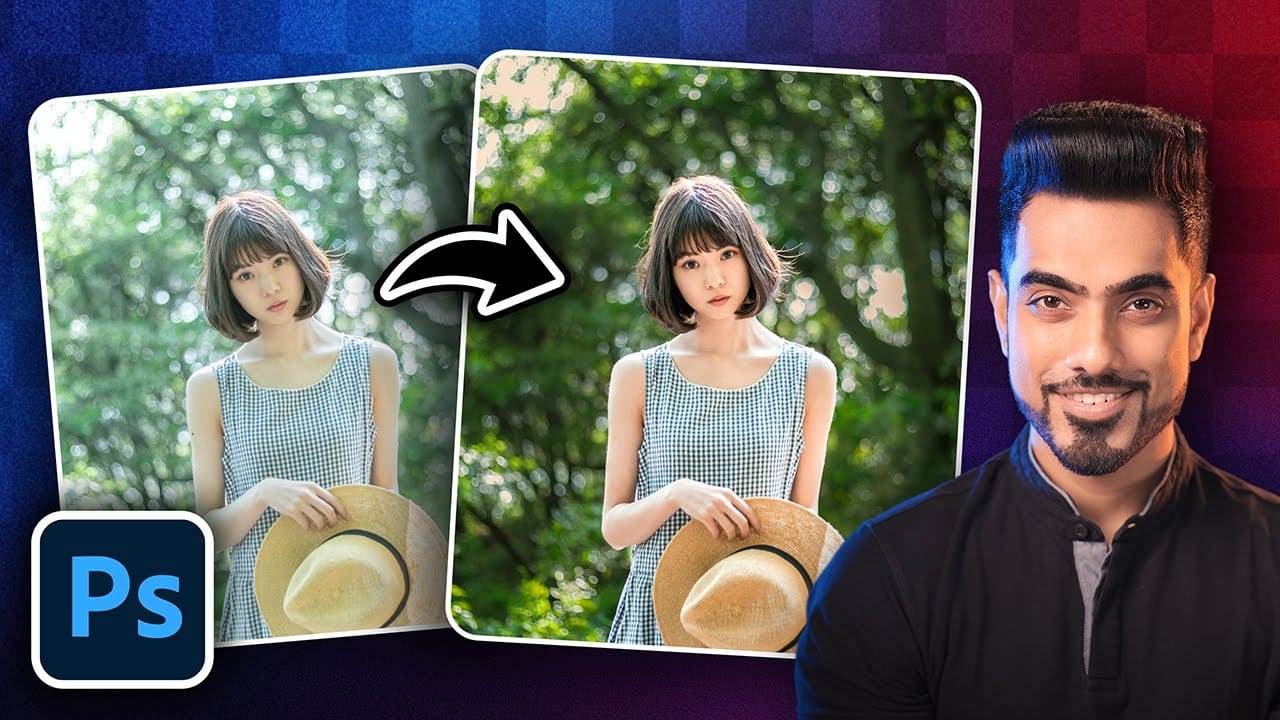
Portrait photography becomes truly captivating when enhanced with atmospheric effects that draw the viewer's eye. The colorful aura effect transforms ordinary portraits into striking visual statements by surrounding the subject with ethereal, glowing light that feels both magical and professional.

This technique works best with portraits shot against dark backgrounds and combines motion blur effects with gradient overlays or custom aura textures to create depth and visual interest.

Watch the Video

Video by PHLEARN. Any links or downloads mentioned by the creator are available only on YouTube

Practical Tips

These key techniques will help you achieve professional-looking aura effects on your portraits:

  • Start with portraits that have dark backgrounds for better contrast and visual impact with the aura effect
  • Use Path Blur with an arced motion path and increase taper settings to create natural-looking movement in the background blur
  • Set gradient layers to Color Dodge blend mode and aura textures to Screen blend mode for proper transparency
  • Adjust the black point in Levels (Ctrl/Cmd + L) when using aura textures to eliminate unwanted dark areas
  • Add grain through Camera Raw Filter to integrate all effects and create a cohesive, realistic final image

Explore more creative portrait effects and editing techniques to enhance your photography workflow.

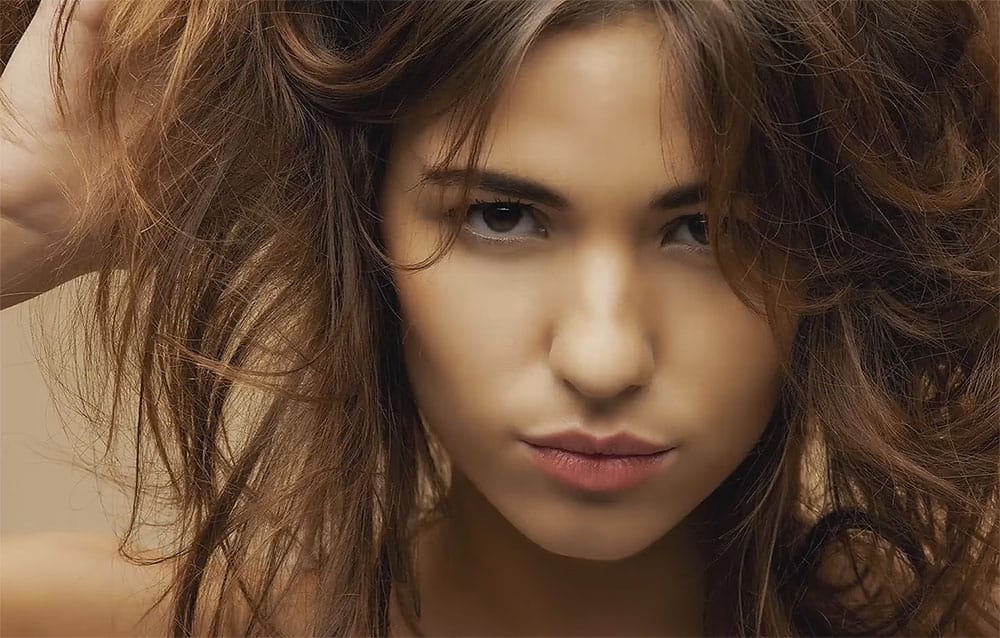
15 Fantastic Photoshop Portrait Effects You'll Want to Slap on Every Selfie Right Now
Sure, the title says you'll want to slap these effects on every selfie (that was me trying to grab your attention 😅) — but let's be honest: these aren't one-tap filters. Every tutorial here is built on real Photoshop craftsmanship — lighting, masking, blending, and a good dose of creative intuition. What makes these effects worth your time is how they walk that fine line between eye-catching and professional. They grab attention without looking cheap, they feel bold without going overboard, an
5 Essential Photoshop Techniques for Better Portrait Editing
Portrait editing often feels overwhelming, especially when trying to balance natural-looking results with professional polish. Many photographers struggle with where to start and which adjustments will have the biggest impact on their images without making them look over-processed. This tutorial covers five fundamental Photoshop techniques that will immediately improve any portrait. From creating better subject focus to color correction and skin retouching, these methods provide a solid foundat
How to make any photo look better in seconds in Photoshop
Many photographs, despite good composition, can often lack that captivating polish or depth. Achieving a professional and visually appealing aesthetic often seems like a complex or time-consuming endeavor for photographers and digital artists. This tutorial introduces a simple yet powerful Photoshop technique, sometimes referred to as the "euro glow" or "euro tint," designed to quickly elevate the quality of any image. Readers will learn how a few clicks can add contrast, vibrance, and a subtle
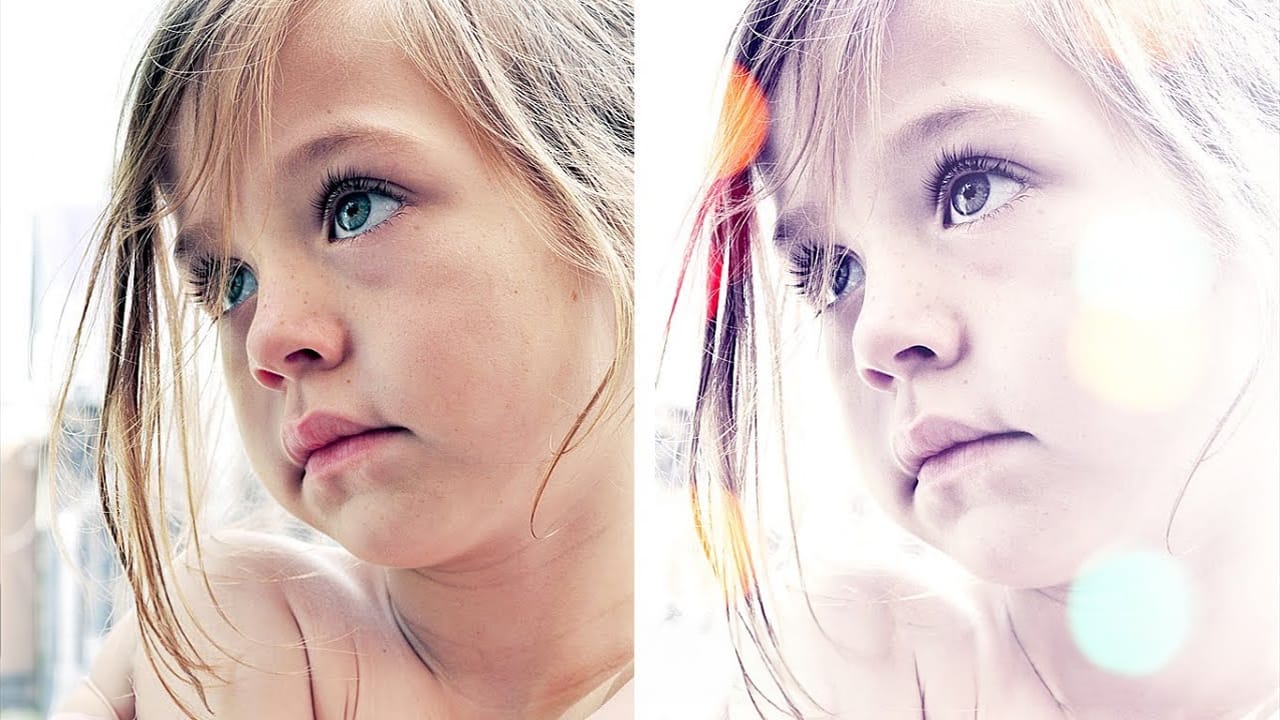
Add Quick Dreamy Effects to Portraits in Photoshop
In this tutorial by Andrei Oprinca from PsdBox you are going to learn how to make some quick edits on a personal photo without doing anything complicated. The author explains very clearly how to add nice effects to your portraits without the need of years of Photoshop experience. This technique should work in Adobe Elements and of course on previous Photoshop versions like CS5, CS4, or CS3. Watch tutorial
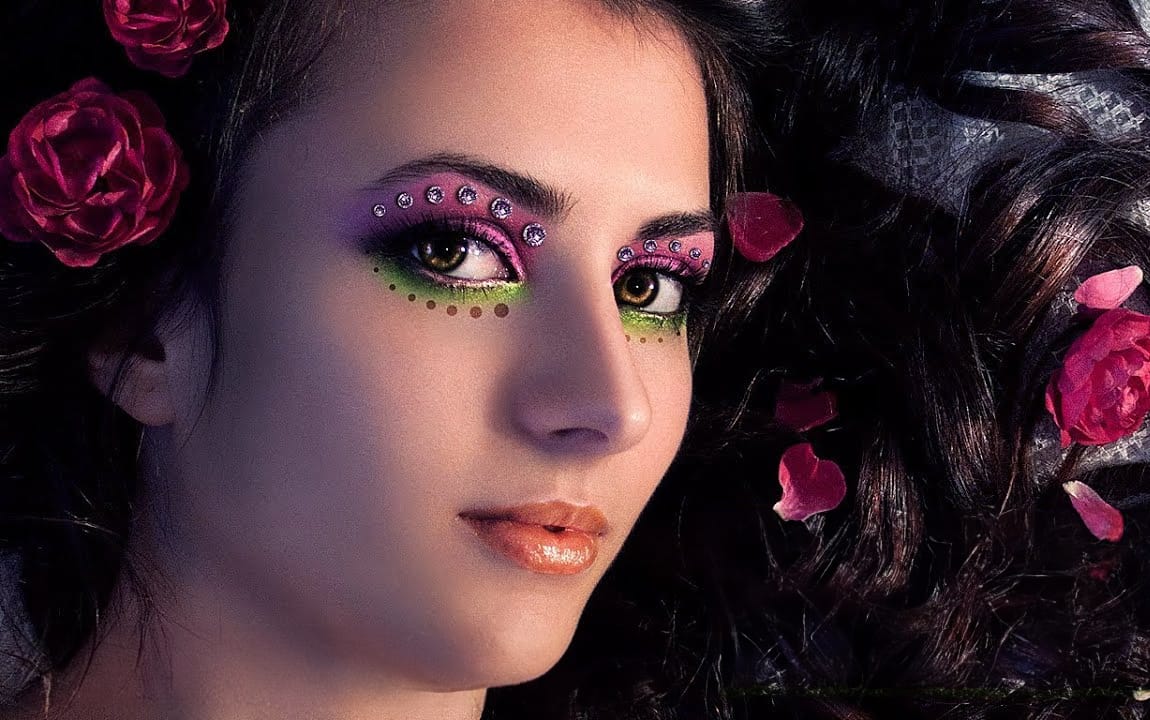
Enhanced Beauty Retouching Techniques
In this video tutorial by Andrei Oprinca from PSDBox, learn basic beauty retouching techniques to enhance a portrait image. You'll discover how to clear blemishes, apply makeup, and enhance features like the eyes and lips. Additionally, the tutorial goes beyond standard retouching by demonstrating how to add glamour to your portrait with eyelid jewels using stock images. Perfect for anyone looking to improve their portrait editing skills and add a touch of elegance to their images. Watch tuto
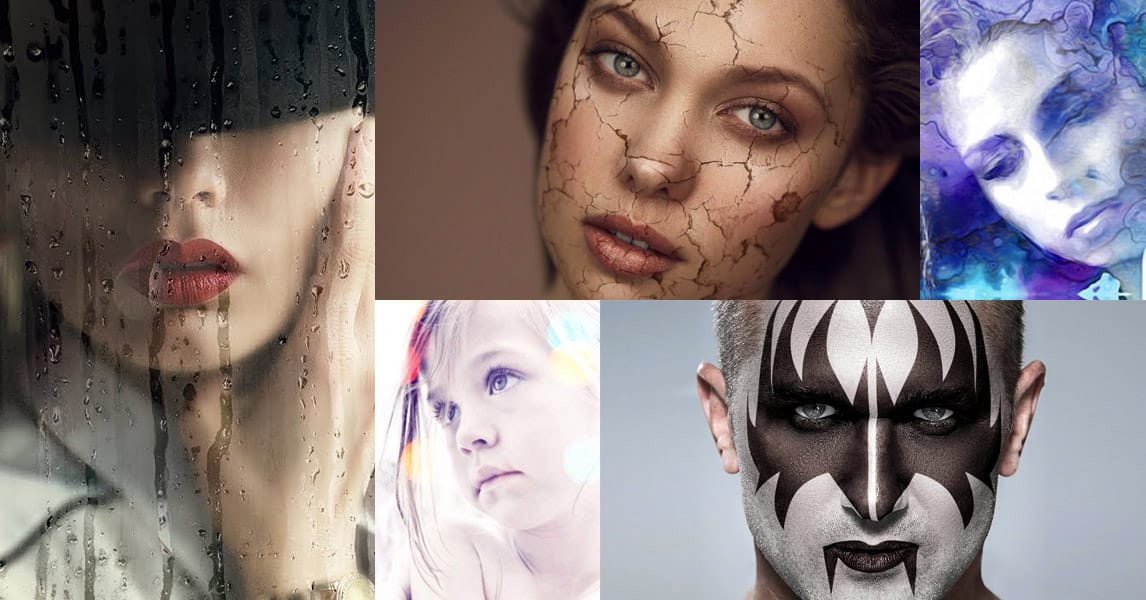
35 Creative Portrait Effects Photoshop Tutorials
When it comes to mind-bending portrait creativity, nothing rivals Photoshop's capabilities. This curated list elevates portraiture far beyond basic filters and effects, exploring 35 of the most innovative and original Photoshop techniques out there. From seamless double-exposures blending humans and nature, to hyperreal pencil renders, to surreal reality-bending manipulations - it's an expansive showcase of artistic frontiers. These tutorials offer step-by-step guidance from elite Photoshop art
100 Essential Photoshop Photo Effects Tutorials Worth Bookmarking
Every designer has that moment. You're scrolling through Instagram, Behance, or Pinterest and you see a photo effect that stops you cold. The colors are perfect. The lighting is impossible. The composition looks like it came from another dimension. And you think: "How did they DO that?" Most people bookmark the image and move on. But you're different—you want to learn how to create it yourself. That's where these tutorials come in. Here's what separates good designers from great ones: Great

Get tutorials & freebies delivered to you.

Subscribe to the Photoshop Roadmap newsletter, a weekly roundup of new tutorials, insights and quality downloads, trusted by 6500+ readers.

You might also like

How to Create a Steel Engraving Effect from Photos in Photoshop

Steel engravings were a traditional printmaking technique that created intricate illustrations with fine lines and rich tonal variation. This effect transforms ordinary photographs into artwork that mimics the detailed crosshatching and precise lines characteristic of vintage engravings found in old books and currency. The technique combines strategic filter combinations with...

How to Customize Your Photoshop Workspace for Better Workflow

A cluttered workspace can overwhelm new users and slow down experienced editors. The default interface includes dozens of panels and tools, many of which you may rarely use, while the ones you need most remain scattered across the screen. This tutorial shows you how to reorganize panels, position toolbars, and...

Creating a Fantasy Photo Composite with Grapes as Balloons in Photoshop

Transform ordinary photographs into whimsical fantasy scenes using creative vision and modern compositing tools. This detailed walkthrough demonstrates how to build a surreal image of a young girl floating through the sky, held aloft by grapes reimagined as colorful balloons. The project combines just two main photos—a portrait and...

How to Use Photoshop's Auto Distraction Removal Tool

Removing unwanted elements from photos used to require hours of careful work with clone stamps and healing brushes. The new General Distractions feature in Photoshop's Remove Tool changes this completely by automatically detecting and eliminating distractions across 26 different categories with a single click. This AI-powered upgrade can...

How to Apply Gradients to Any Object Using Hue/Saturation and Layer Masks

Changing colors and adding gradients to clothing or objects in photos requires precise selection techniques to avoid affecting surrounding elements like skin tones. This method combines hue/saturation adjustment layers with layer masks to create stunning gradient effects while maintaining full control over which parts of your image are affected....

How to Use Layer Filtering to Organize Complex Projects in Photoshop

When working with dozens of layers in complex composites or designs, finding specific elements becomes a time-consuming challenge. The layer filtering system in the Layers panel offers powerful tools to instantly isolate different types of content, making organization and editing far more efficient. These filtering options help you quickly group...

You’ve successfully subscribed to Photoshop Roadmap
Welcome back! You’ve successfully signed in.
Great! You’ve successfully signed up.
Success! Your email is updated.
Your link has expired
Success! Check your email for magic link to sign-in.