How to Add and Remove Fog in Photoshop

How to Add and Remove Fog in Photoshop

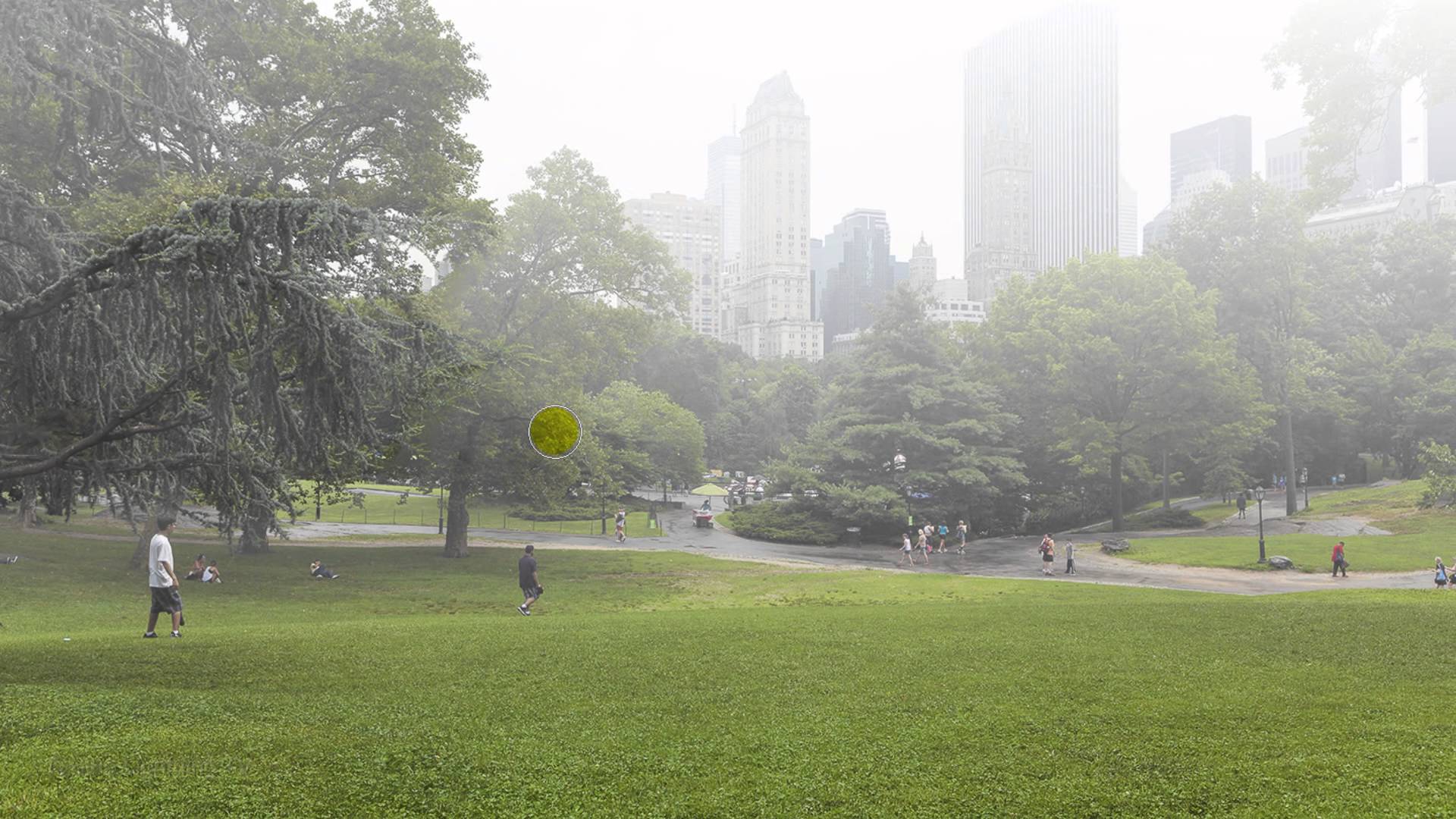
Atmospheric conditions like haze and fog can make or break a photograph. Sometimes natural haze obscures important details in your images, while other times you might want to add fog for dramatic effect. Learning to control these elements gives you complete creative control over the mood and clarity of your photos.

This tutorial covers both scenarios: quickly removing unwanted haze using a powerful tool, and creating realistic fog effects from scratch using cloud filters and blending techniques.

Watch the Video

Video by PHLEARN. Any links or downloads mentioned by the creator are available only on YouTube

Practical Tips

These key techniques will help you achieve professional results when working with atmospheric effects:

  • Use the dehaze slider in the Effects panel and drag right to remove haze, left to add it
  • Reduce saturation slightly after applying dehaze to prevent oversaturated colors
  • Create fog using Filter > Render > Difference Clouds on a 50% gray layer
  • Set fog layers to Screen blend mode to make dark areas transparent
  • Transform fog layers horizontally to create realistic low-lying mist effects

Explore these additional techniques for creating atmospheric effects in your photography:

Photoshop Weather Effects That Completely Change the Mood of a Photo
Weather can completely change how a photo feels. A soft rain can make a scene calm or emotional. Fog can add mystery. Snow can turn an ordinary photo into something quiet and cinematic. A warm sunset can make everything feel nostalgic. Even a simple sky change can shift the whole
Add fog and mist to a photo in Photoshop
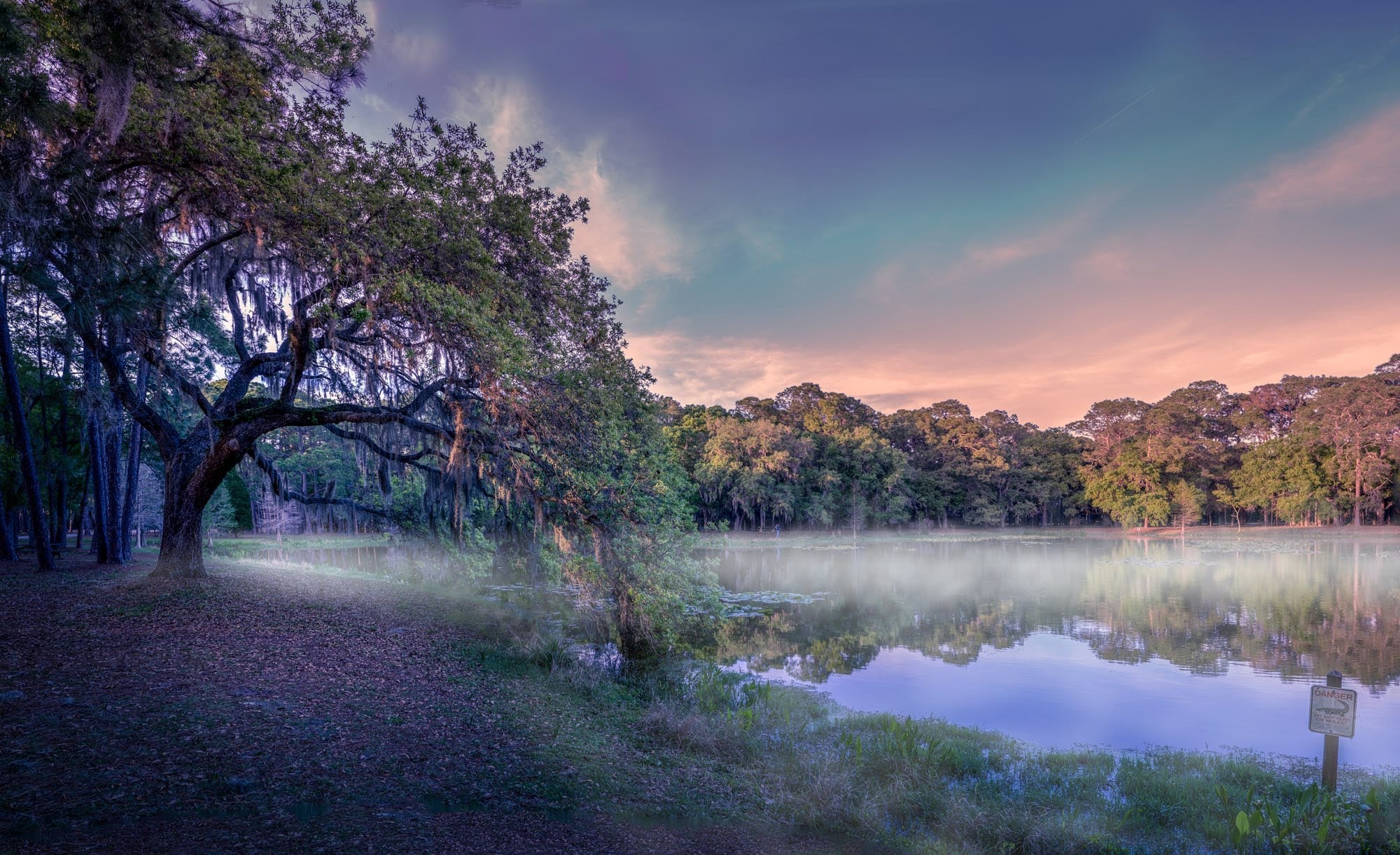
This tutorial by Serge Ramelli will show you how to add fog and mist to your landscape photos using Photoshop. It's a simple process that can be applied to a wide range of images. The steps are straightforward and easy to follow. You'll learn how to create a layer of fog or mist and adjust its opacity and blending mode to achieve the desired effect. This technique can help add depth and atmosphere to your photos, transforming a flat landscape into a more moody and evocative scene. Whether you'
How to Create Realistic, Fog and Mist in Photoshop
This video explores how to add realistic atmospheric effects to your photographs. Understanding the nuances of light and haze can dramatically transform a scene, lending it a sense of depth and mystery. Viewers will learn practical techniques for simulating fog and mist, focusing on how these elements interact with foreground and background objects. The tutorial demonstrates how to achieve a natural, ethereal look, enhancing the mood of any landscape. Learn to Create Realistic Fog and Mist
How to Add Atmospheric Effects to Images Using Texture Layers in Photoshop
Victorian London streets shrouded in fog create an unmistakable mood that transforms ordinary scenes into cinematic masterpieces. The interplay of light, shadow, and atmospheric haze gives images the kind of depth and character that draws viewers into another world. This video demonstrates how texture layers can become powerful tools for building atmospheric effects in your digital artwork, moving beyond simple surface treatments to create genuine mood and environmental storytelling. Watch th
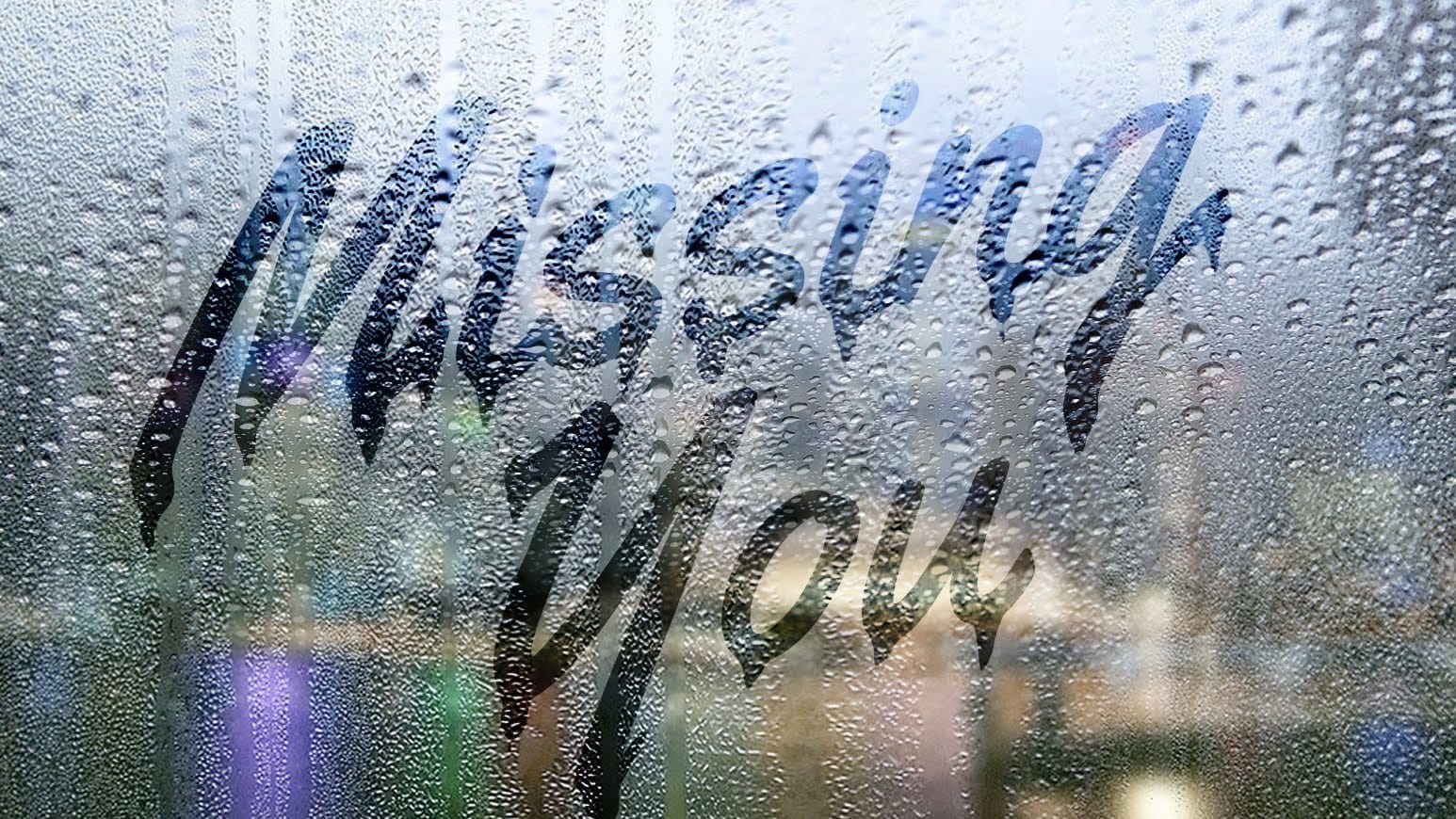
Create a text on a foggy rainy window in Photoshop
This tutorial teaches digital artists to realistically simulate handwritten text on a foggy, rainy windowpane, enhancing images with unique atmospheric depth. Learn to integrate background photos, apply non-destructive blurs, manipulate text for realistic drips, and enhance specific areas for visual impact. Watch the Video Practical Tips for Creating Rain Text in Photoshop * Convert background images to Smart Objects before applying blur to allow for non-destructive edits and flexibility.
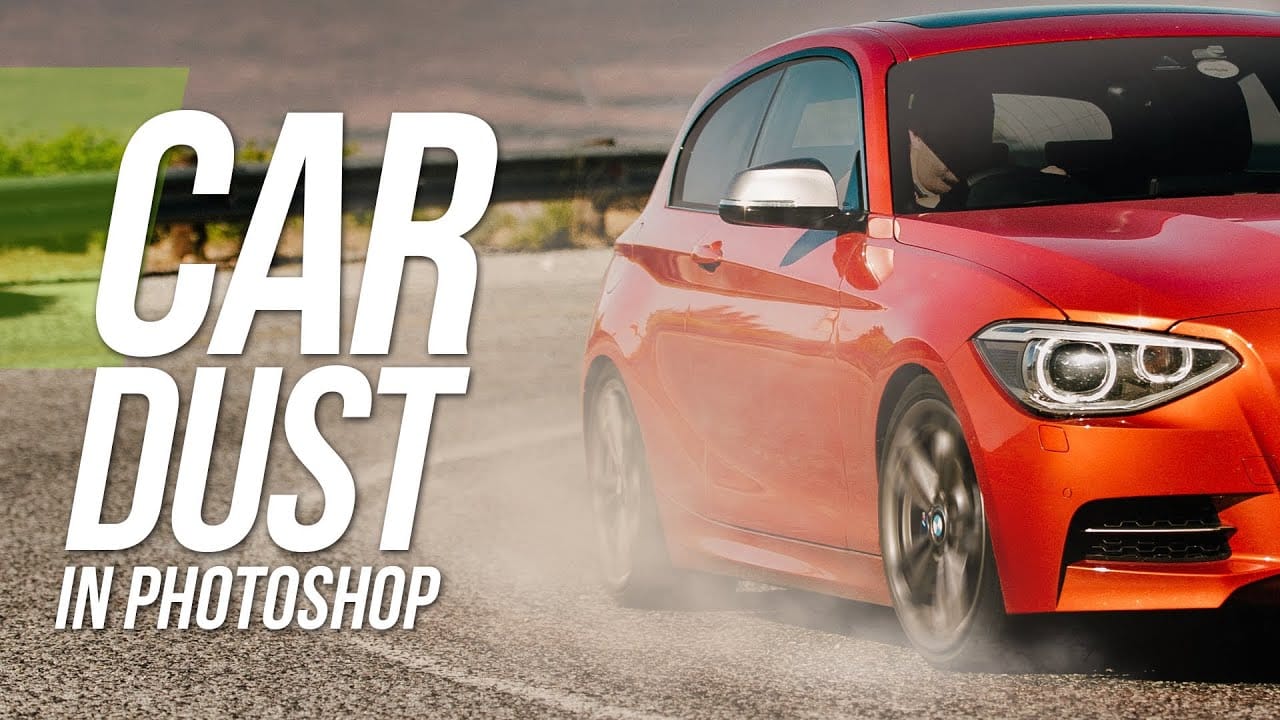
Add Dust to a Road Photo in Photoshop
Adding realistic dust clouds to car photos can transform static images into dynamic scenes that suggest motion and atmosphere. This technique uses cloud brush presets and layering methods to build convincing dust effects without complex particle systems or advanced compositing. The approach works by layering different cloud brushes with varying opacities, then using masks and dodge-and-burn techniques to integrate the dust naturally with the vehicle and road surface. Watch the Video Practic
Add clouds to a sky in Photoshop
Transforming a photo's atmosphere often starts with its sky. A dull, overexposed, or uninteresting sky can detract from an otherwise great image, leaving it feeling flat or uninspired. Enhancing or replacing the sky can dramatically improve the scene, introducing vibrant colors, dramatic clouds, or a serene backdrop. This tutorial provides a straightforward method for updating skies in Photoshop, allowing creators to effortlessly blend new atmospheric elements into their photos. It covers every
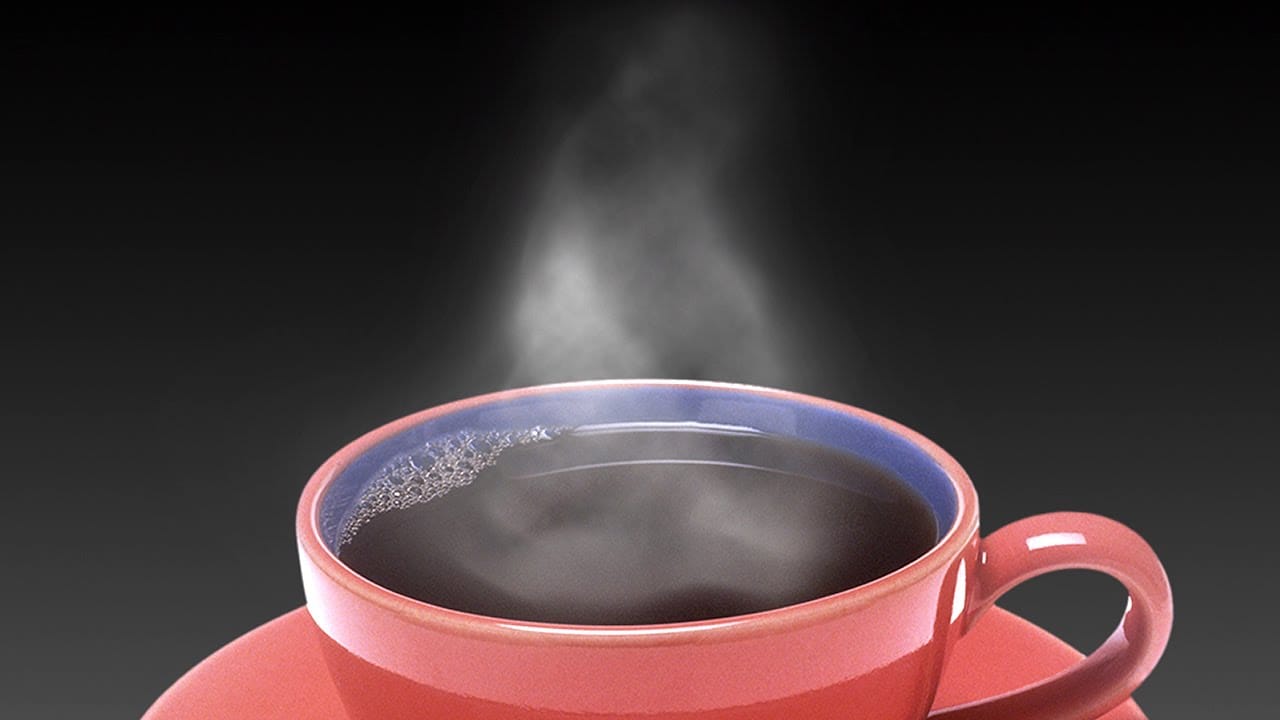
How to add steam to a photo in Photoshop
Digital imagery often benefits from atmospheric elements that enhance realism or mood. Whether portraying a hot beverage or a misty landscape, the subtle inclusion of steam or vapor can significantly elevate a photo's visual impact, adding depth and a sense of environment. This video tutorial guides you through the process of adding convincing steam and vapor effects to your photographs, providing practical steps to integrate these details seamlessly. You will learn essential Photoshop techniqu
Making a smoke dispersion effect in photoshop
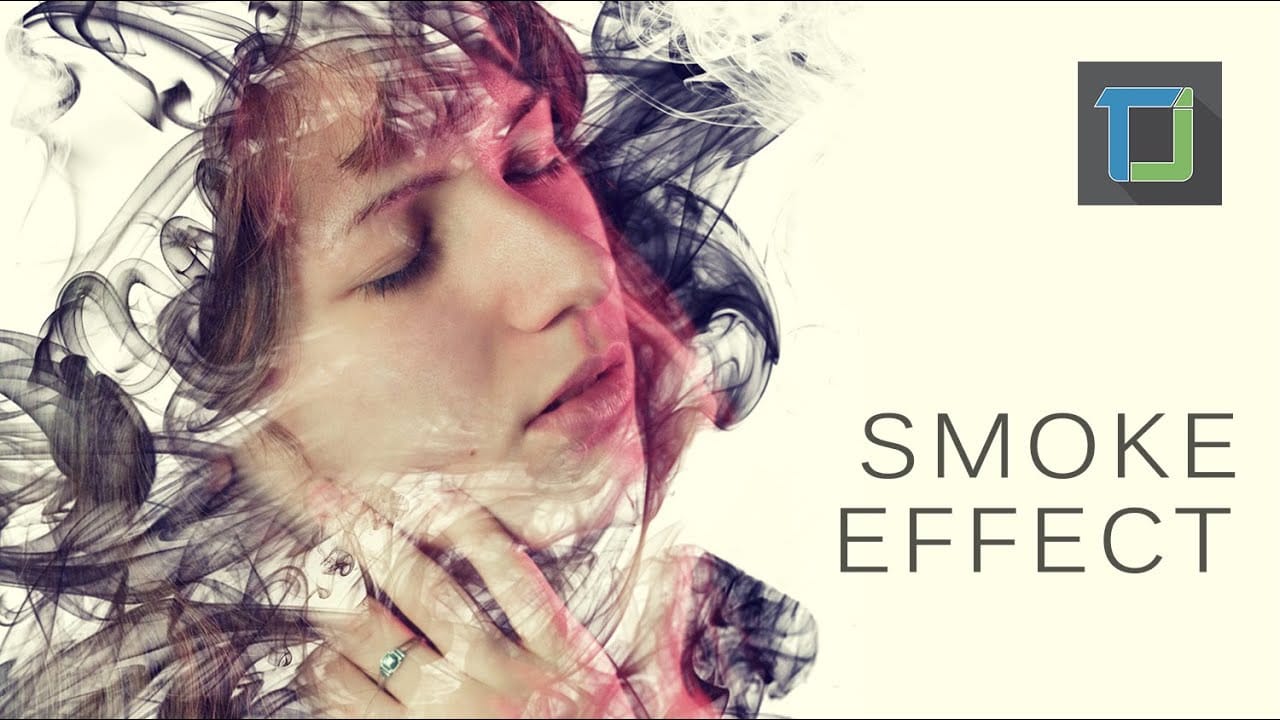
The smoke dispersion effect transforms ordinary portraits into striking artwork where parts of the subject appear to dissolve into wisps of smoke. This dramatic technique creates movement and mystery in static images. This tutorial demonstrates how to achieve professional-looking smoke dispersion using custom smoke brushes, layer masks, and strategic painting techniques in Photoshop CS6. Watch the Tutorial Essential Tips for Smoke Dispersion Effects These key techniques will help you creat

Get tutorials & freebies delivered to you.

Subscribe to the Photoshop Roadmap newsletter, a weekly roundup of new tutorials, insights and quality downloads, trusted by 6500+ readers.

You might also like

10 Photoshop Tricks You Probably Forgot Exist

There’s a funny pattern with Photoshop. The longer you use it, the more you rely on the same small set of tools… while some of the most powerful techniques quietly fade into the background. Not because they stopped working — but because they’re just a bit hidden, or not...

Add Floral Patterns to Black Dresses Using Brushes in Photoshop

Transform plain black clothing into vibrant, patterned garments using custom brushes and strategic layer blending. This non-destructive technique combines precise selections with clipping masks to paint realistic floral designs directly onto fabric while preserving the original photograph. The method works particularly well on black materials because the hard light blend...

How to Replace Objects Using Reference Images in Photoshop Generative Fill

Reference images transform Generative Fill from a text-based tool into a precise visual command system. Instead of describing what you want, you show the AI exactly which object to create, leading to more accurate and predictable results. This technique works by combining traditional selection tools with the new reference image...

How to Use Blend If Sliders for Pixel-Perfect Transparency in Photoshop

Blend If sliders control transparency based on brightness levels, making complex selections unnecessary. Understanding how these two simple sliders work with RGB channels opens up precise compositing possibilities that would otherwise require multiple masks and selections. The technique works by targeting specific brightness ranges from 0 to 255, allowing you...

How to Create a Double Exposure Effect in Photoshop Using Screen Blend Mode

Double exposure effects transform ordinary portraits into striking artistic compositions by blending two images seamlessly. This technique works best with high-contrast images—silhouettes against bright backgrounds paired with nature scenes or textures. The key to successful double exposures lies in the contrast between light and dark areas. When you combine...

You’ve successfully subscribed to Photoshop Roadmap
Welcome back! You’ve successfully signed in.
Great! You’ve successfully signed up.
Success! Your email is updated.
Your link has expired
Success! Check your email for magic link to sign-in.