


Topaz Labs has rolled out a new update for its Glow plugin and it now comes packed with even more amazing features than ever before.
For those of you who are not familiar with the company, Topaz Labs is a brand well-known among photographers and graphic designers. This company makes brilliant Photoshop plugins, like Topaz Impression and DeNoise, that lets you create incredible effects with your high-definition photos no matter if you’re a beginner or a pro.
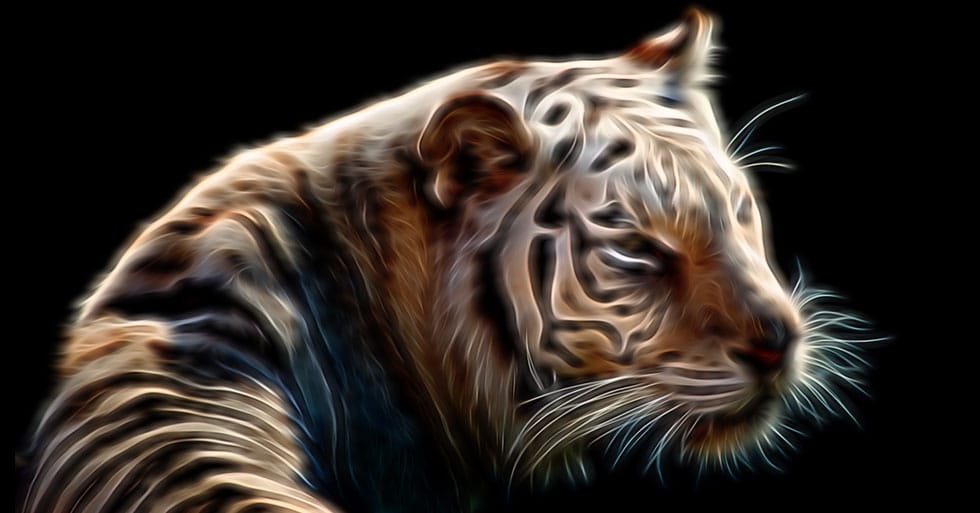
The new and the upgraded Topaz Glow 2 plugin also lives up to the company name by offering a set of unique effects for adding some radiance to your ordinary photos.
What Is Topaz Glow 2?
Topaz Glow 2 is a plugin that allows you to give your photos a luminous and a vivid effect by illuminating the contours of your images. It’s similar to the Glowing Edges effect from Photoshop, but only way better and more customizable.
Topaz Glow 2 also works as a standalone app. Which means you don’t need Photoshop to apply the effects for your photos. But, you can use the app with Photoshop to add more advanced effects and for working with RAW files.
What You Can Do With Topaz Glow 2
Even though you can have a lot of fun with all the different kinds of effects in Topaz Glow 2, it’s not just a plugin made for your entertainment. It’s so much more.
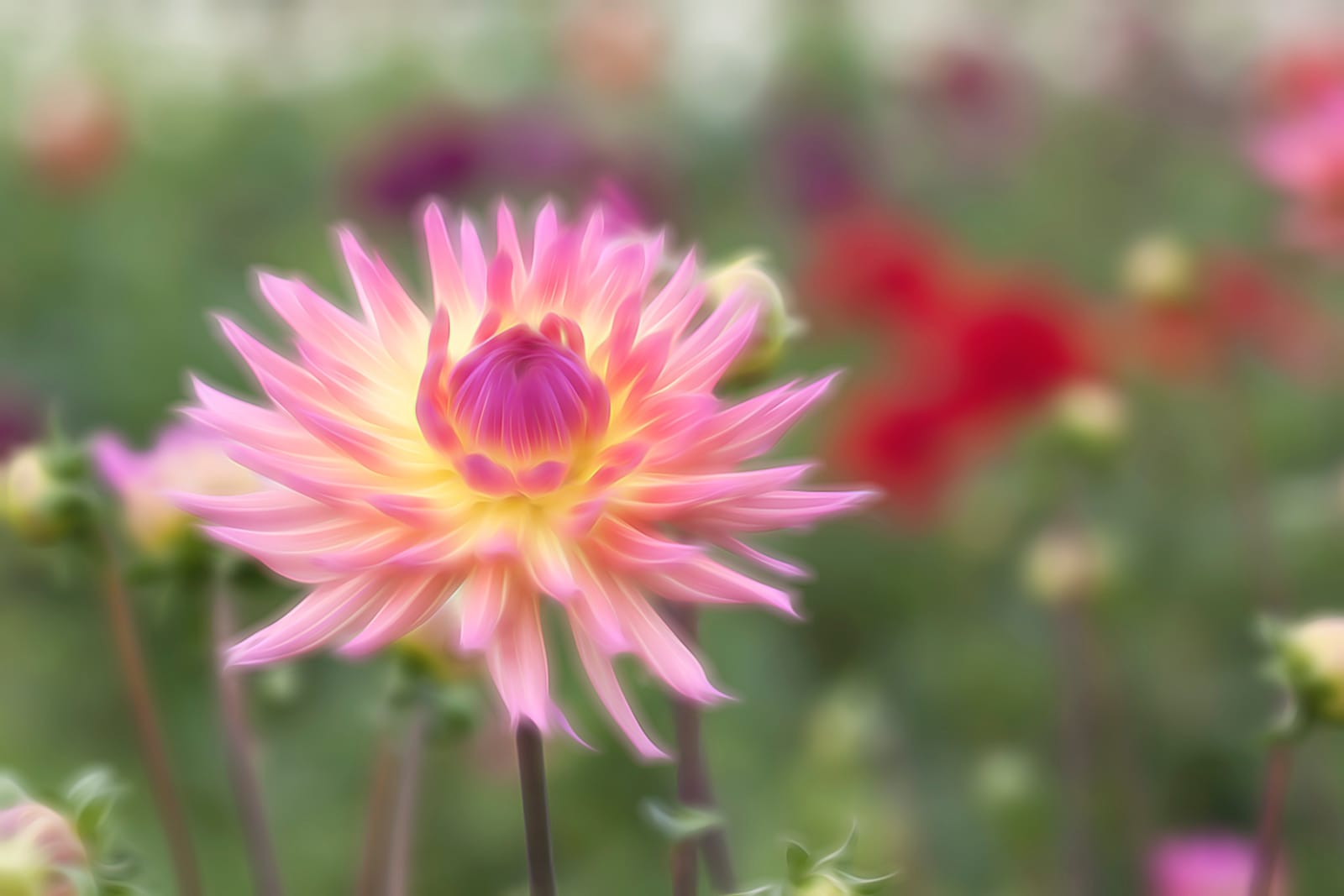
When used as a subtle effect, this plugin will give your photos an amazing look that you simply can’t achieve with any other software. Whether it’s wedding photography, nature scenes, portraits, or even silly selfies, this plugin can work wonders with any kind of photo you have.
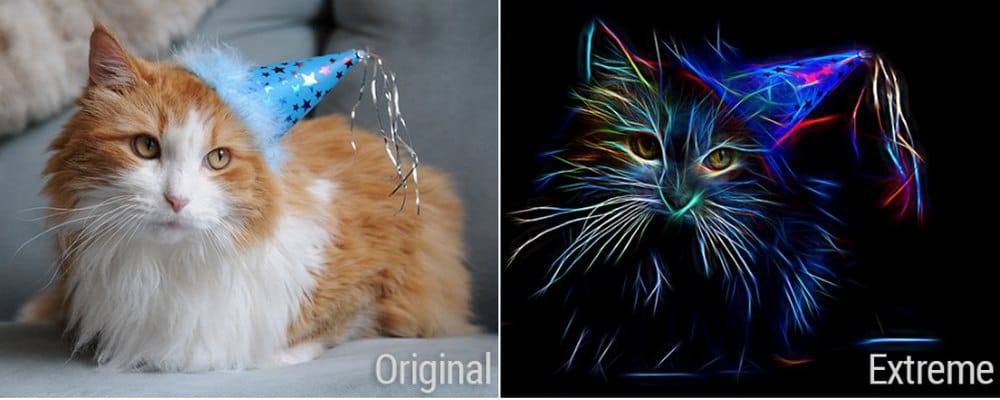
You can also use the effect at extreme levels to turn your photos into electrifying art.
Over 120 Effects To Choose From
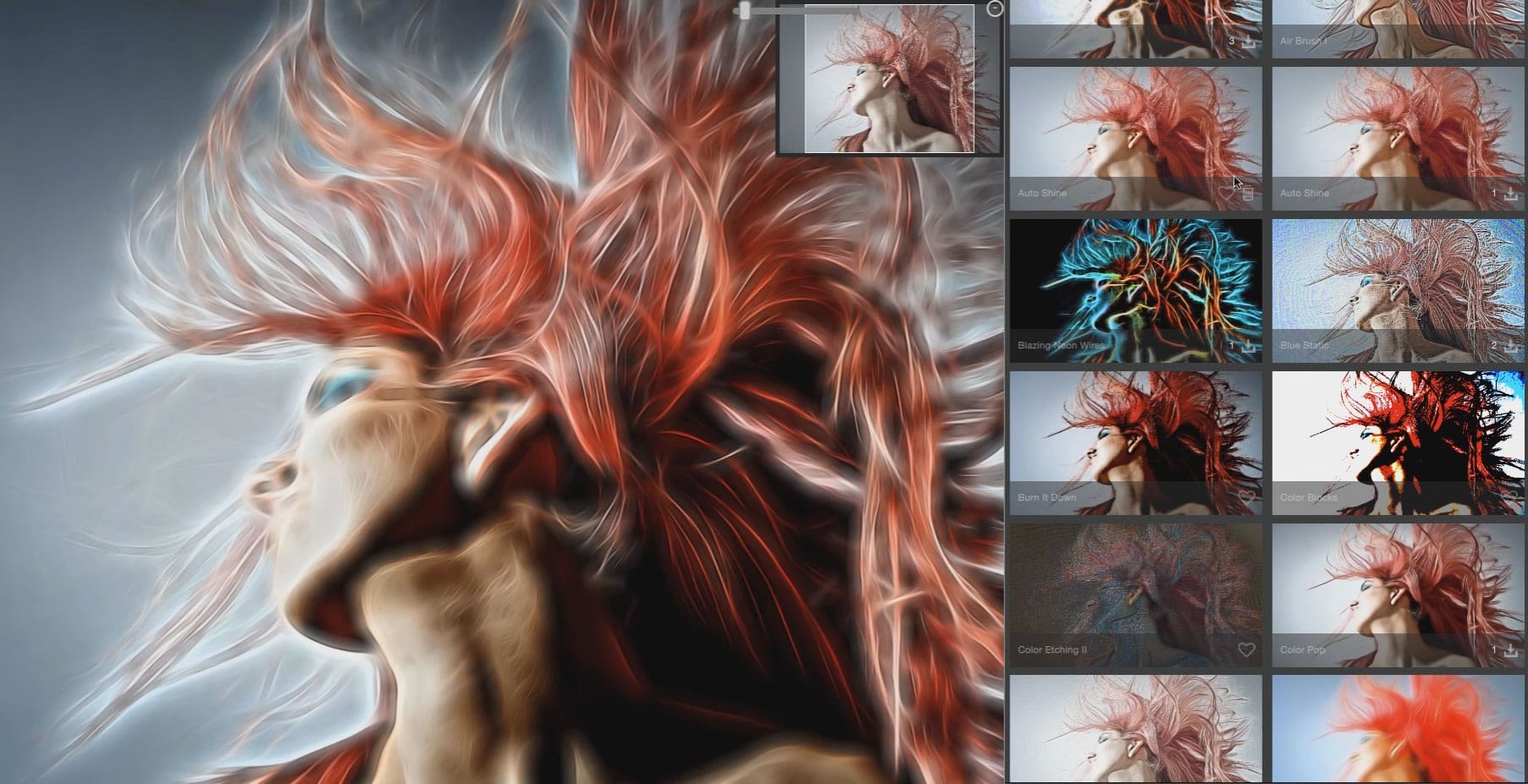
The old version of Topaz Glow only had 75 effects. Glow 2 comes with 50 new effects, totaling the number of effects at 125. Some of the effects include Electric Edges, Color Me Grunge, Oil Spill, Neon Paintbrush, and much more.
You’ll have the full freedom to work with all these effects to try giving different looks to your photos.
Built-In Masking Options
You no longer need to use a host editor like Photoshop to work with Topaz Glow 2. The plugin now comes with built-in masking options to let you take your Glow effects to the next level.
Topaz Glow 2 has built-in Spot, Color, Luminosity, and Brush Masks for masking areas of your photos for adding the effects or removing effects from specific areas.
22 All-New Blend Modes
Glow 2 now comes with 22 new blend modes, including Dissolve, Darken, Color Burn, Linear Burn, Hard Mix, Luminosity, and more.
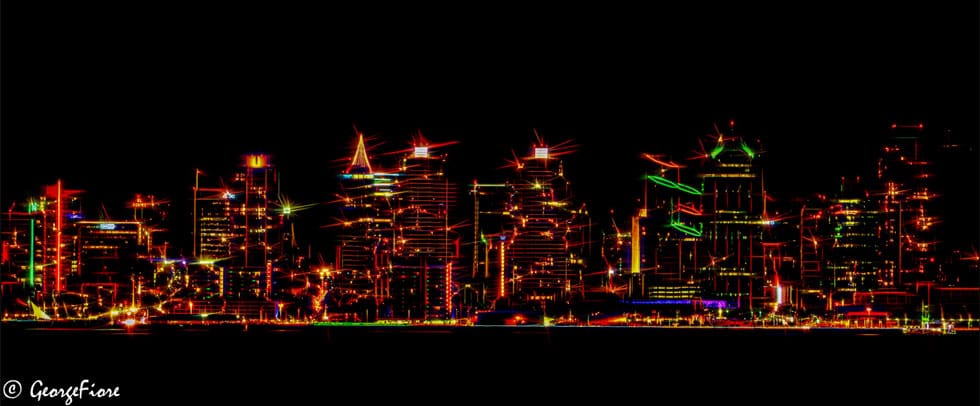
Using these blend modes, you’ll be able to customize the Glow 2 effects to perfectly match different types of photos or even create custom effects of your own. Glow 2 app will also save you time by letting you see a preview of each effect when you hover an option with your mouse.
Access To Topaz Community
Topaz Community is a special community the company introduced for users to create and share new effects with their Topaz plugins. Topaz Labs has now opened a new section in the community for Glow 2 users.
You can now browse custom effects created by other Glow 2 users and use them on your photos or create your own effects to share with the community. After logging into Topaz Community, all your custom effects will also get automatically saved and synced across all your computers as well.
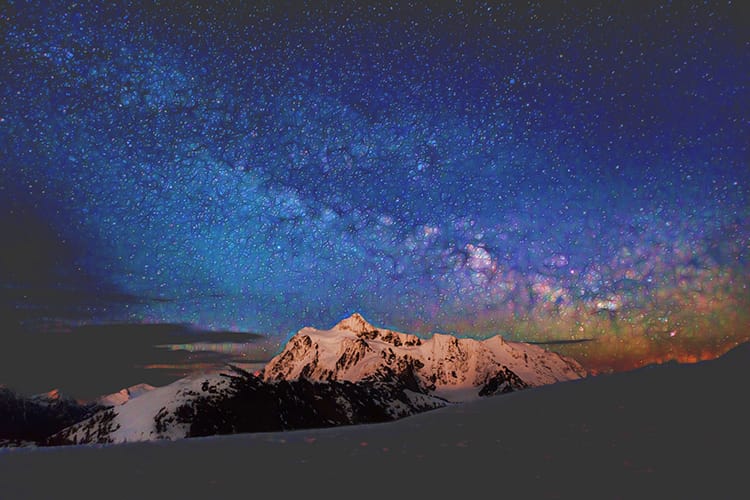
With a small mix of your imagination and creativity, Topaz Glow 2 will let you transform your photos into modern art of your own.

Topaz Glow 2 costs $69.99 or you can sign up for a 30-day free trial to test drive the plugin.
The software supports both Windows and Mac platforms. However, it requires a 64bit version of Windows OS or OS X 10.9 or above for Mac. You will also need at least a 1GB GPU that supports OpenGL 3.3 or above to run the plugin.


