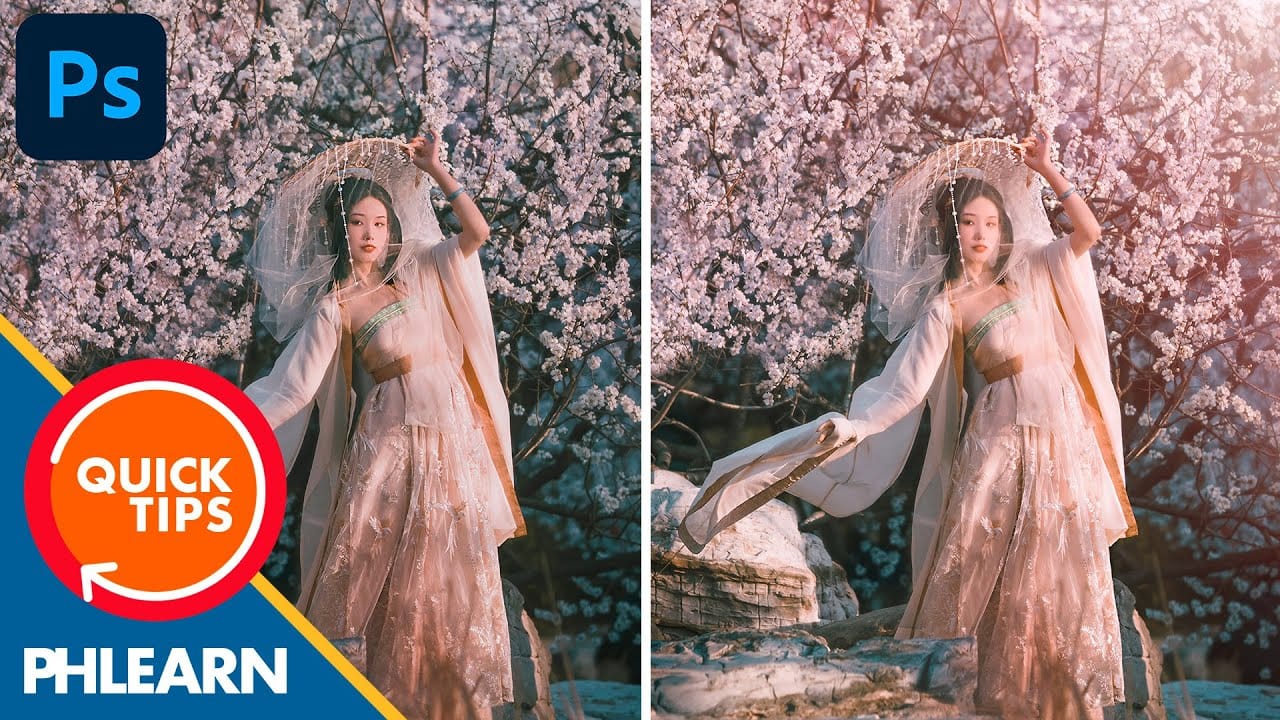
Transforming ordinary backlit photos into stunning sunset scenes requires the right combination of lighting conditions and editing techniques. This effect works best with images where the sun sits behind or to the side of your subject, creating natural shadows and warm atmospheric conditions.
Using multiple levels adjustment layers, gradient masks, and radial blur effects, you can recreate the romantic glow of golden hour lighting in any suitable photograph.
Watch the Video
Practical Tips
Here are the key techniques for creating believable sunset effects:
- Choose backlit or side-lit images where the sun appears low in the sky for the most realistic results
- Use separate levels adjustment layers for shadows and highlights to maintain precise control over each effect
- Apply radial gradients with radial blur to create the illusion of movement and energy in the scene
- Adjust individual color channels in levels to add warm reds and yellows to shadows and highlights
- Use black layer masks with white gradients to control exactly where effects appear in your image
Related Articles and Tutorials
Explore more lighting effects and atmospheric techniques to enhance your photo editing skills.
Create a Romantic Sunrise Effect in Photoshop
In this tutorial, you will explore how to create a beautiful romantic sunrise effect in Photoshop. Suitable for those with intermediate skills, this guide provides clear steps to achieve a stunning image of a couple embracing while watching a sunrise.
You will learn to manipulate lighting conditions to perfectly capture the essence of the moment. By using layer styles and adjustment layers, you'll be able to transform your image into a captivating scene.
This process not only enhances your edi

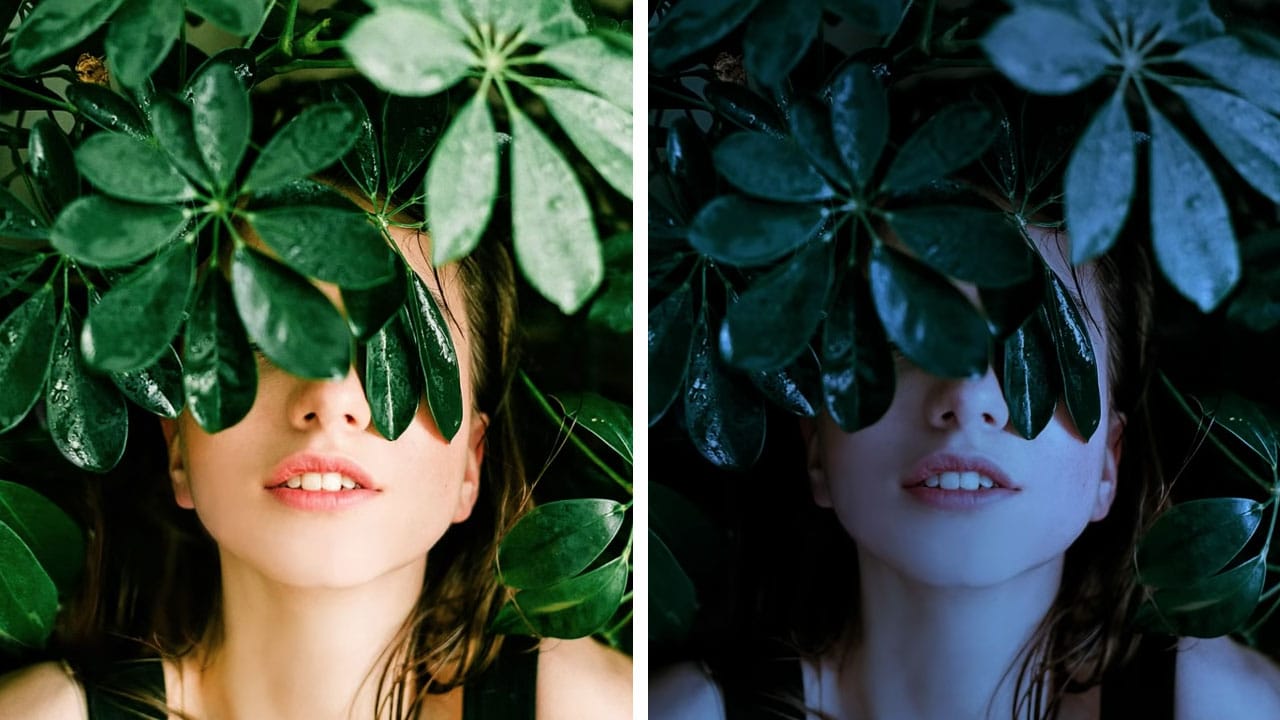
Turn day to night in 2 minutes with Photoshop
In this Photoshop tutorial, the author PiXimperfect shares a simple and effective technique to transform a daytime image into a moonlit night scene. The process only takes about 2 minutes and involves using a few adjustment layers in Photoshop.
The author guides viewers through the steps, explaining how to create the desired night-time effect. By adjusting the levels, curves, and color balance, the daytime lighting is replaced with a soft, moonlit glow. The tutorial is straightforward and easy
How to create a sun glow effect in Photoshop
In this tutorial, Aaron Nace shows how to add a vibrant sun glow effect to your photos with ease. The process involves a few straightforward steps to simulate the warm, radiant look of sunlight. Aaron explains how to use blending modes, gradients, and layer adjustments to achieve a natural and eye-catching glow.
The tutorial includes a free Sun Glow Gradient, which you can download and use immediately to enhance your images. This effect is perfect for adding a dreamy, sunlit atmosphere to your
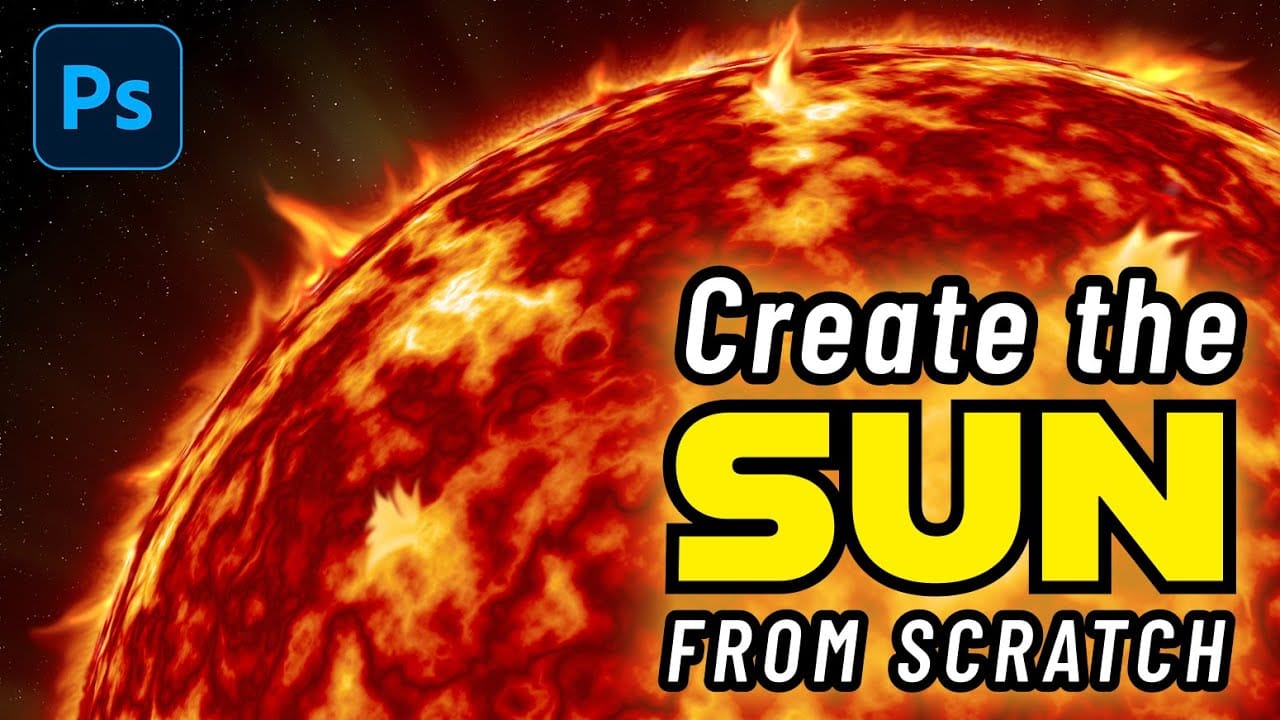
How to Create a Realistic Sun from Scratch in Photoshop
The sun remains one of the most challenging celestial objects to recreate digitally. Its complex surface textures, radiant glow, and dynamic solar flares require a combination of precise techniques and creative approaches.
This comprehensive tutorial demonstrates how to build a photorealistic sun using Photoshop's rendering filters, gradient mapping, and blending effects. The process covers everything from creating the base solar texture to adding convincing atmospheric effects and solar erupti
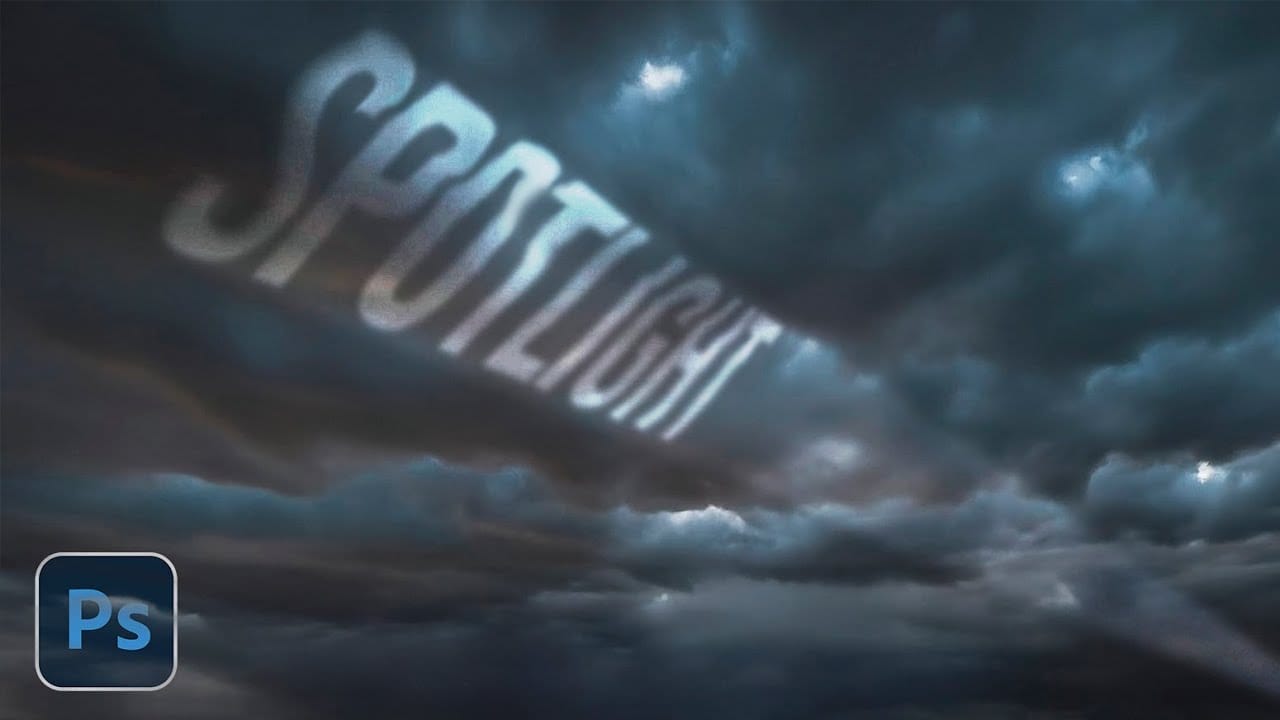
How to Create a Dramatic Spotlight Effect in the Sky in Photoshop
Adding a dramatic spotlight effect to your images can transform an ordinary sky into a captivating scene, drawing the viewer's eye and enhancing the overall mood. This technique is particularly effective for emphasizing specific elements or creating a sense of grandeur and focus within a composition.
In this tutorial, you will learn how to integrate a realistic spotlight with text into a stormy sky, utilizing Photoshop's powerful blending modes, transformation tools, and non-destructive editing
Advanced Dave Hill Effect Photo Manipulation Tutorial
In this advanced Photoshop tutorial by PSD Box, Andrei shows how to transform a daytime photo into a nighttime scene.
They start with basic adjustments like cropping and precise sky selection using color range and layer masks. Adding a dark, cloudy sky layer sets the nighttime tone, enhanced by layer styles for shadow depth. Adjustments with hue/saturation and gradient maps add warmth and darkness. Introducing a car, they paint shadows and soften with Gaussian blur, then use layer styles and hu

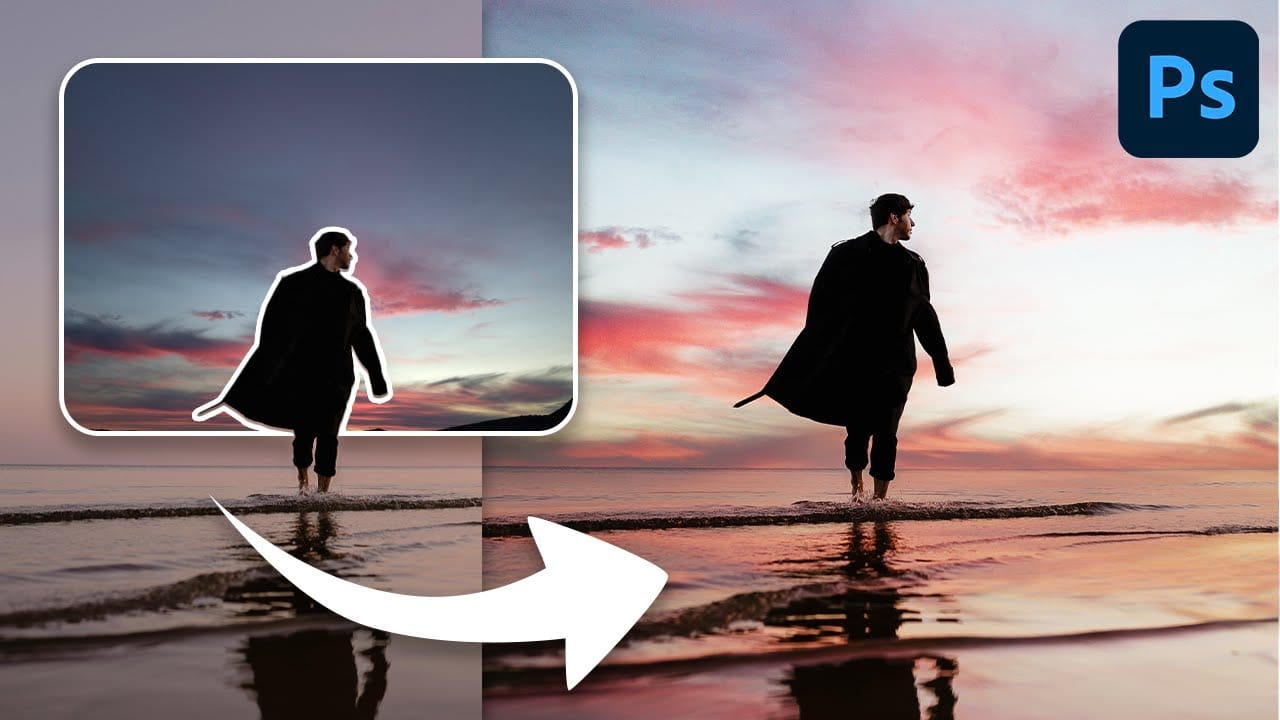
How To Easily Change The Sky In Photoshop
Transforming the mood and visual impact of a photograph often begins with its sky. A drab or overexposed sky can diminish the overall appeal of an otherwise great image, leaving it feeling flat or uninspired. Replacing the sky can dramatically enhance the scene, introducing vibrant colors, dramatic clouds, or a serene atmosphere.
This tutorial provides a straightforward method for updating skies in Photoshop, allowing creators to effortlessly blend new atmospheric elements into their photos. It
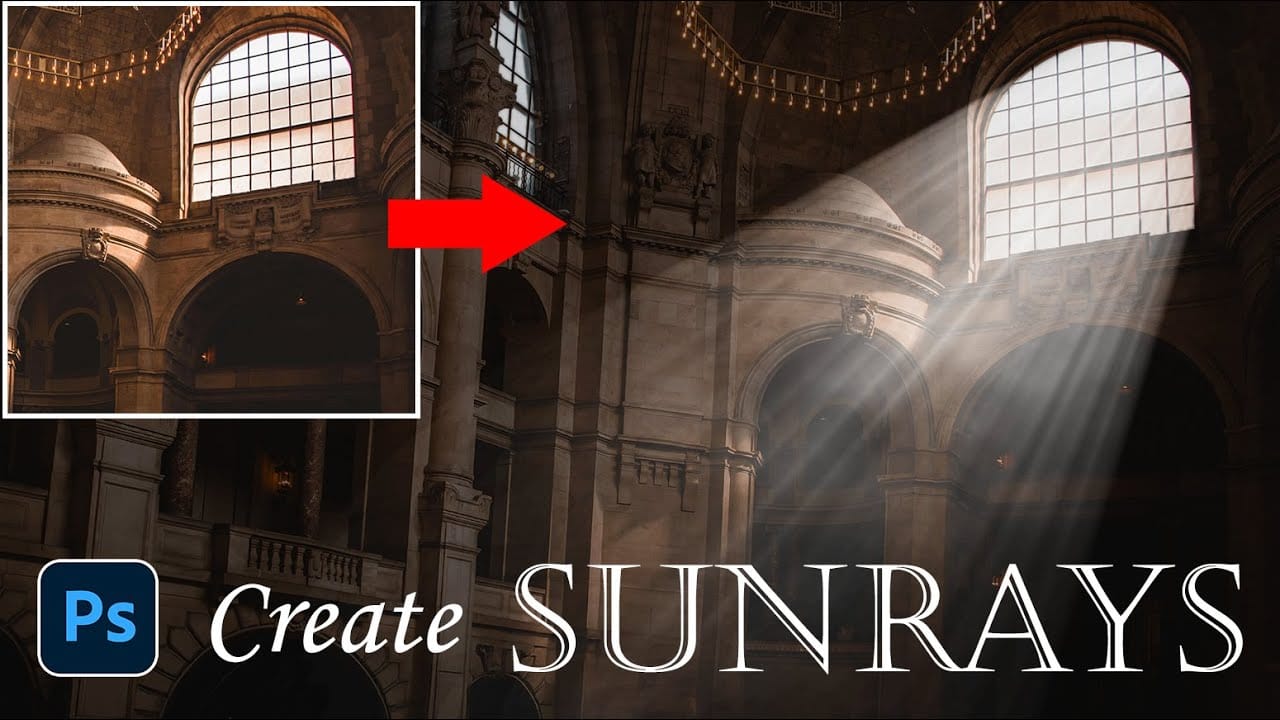
How to Add Dramatic Sunrays and Sunbeams to Photos in Photoshop
Sunrays streaming through windows create some of photography's most captivating moments. Natural sunbeams add drama, warmth, and visual interest that can transform an ordinary interior scene into something magical.
This tutorial demonstrates how to recreate those stunning light effects in Photoshop using selection techniques, radial blur, and layer masking. You'll learn to build convincing sunrays that enhance your photos with realistic lighting drama.
Watch the Video Tutorial
Practical Tip
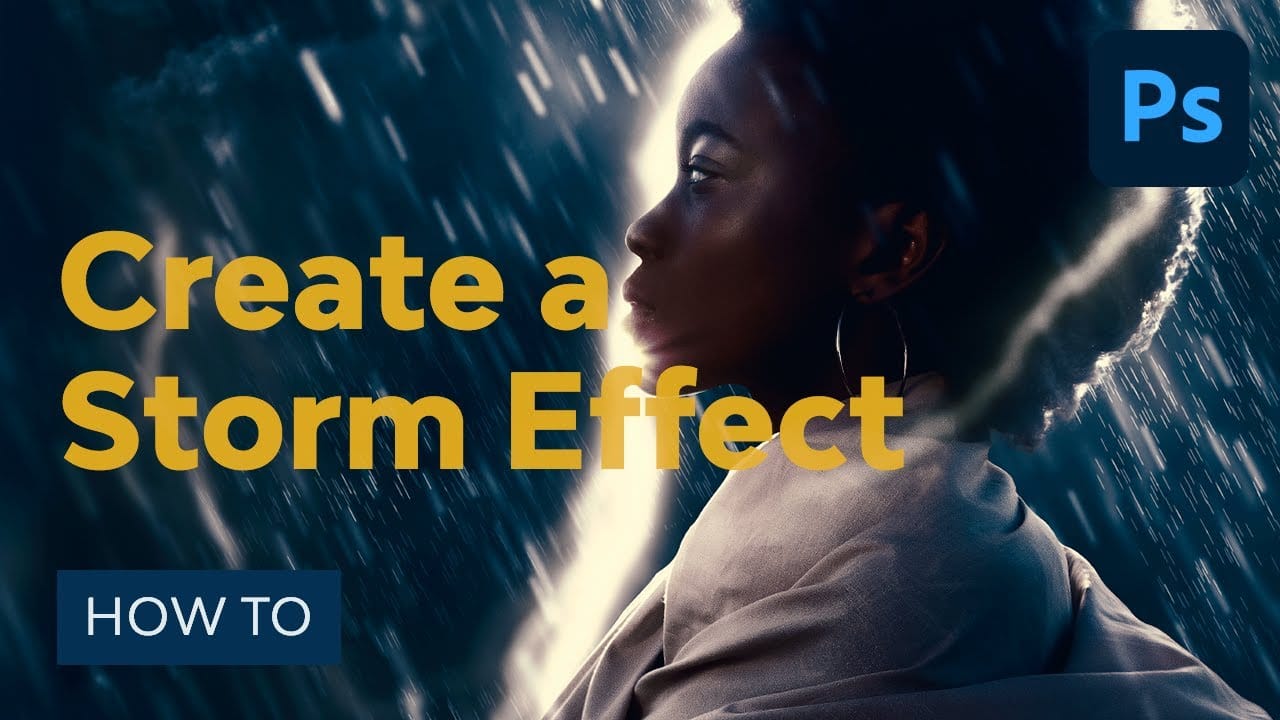
How to Create a Storm Photo Effect in Photoshop
In this detailed tutorial, you'll learn how to craft a compelling storm photo effect using Photoshop. The process begins with combining dramatic cloud and rain elements to set the scene. You'll then enhance the atmosphere with a lightning effect, adding a sense of intensity and realism to the storm. The tutorial covers various techniques and tools to seamlessly integrate these elements into your image, ensuring a cohesive and striking final result.
For those seeking a faster approach, the tutor