Well-shaped eyebrows dramatically transform facial appearance, yet many portraits suffer from sparse or poorly defined brows. This technique shows how to create custom brushes that paint individual hairs, producing natural-looking eyebrows that enhance any portrait.
The method builds a reusable brush system that works for both eyebrows and eyelashes, making it valuable for consistent portrait retouching work.
Watch the Video
Practical Tips
Master these essential techniques for creating realistic eyebrow effects:
- Use the pen tool with "simulate pressure" enabled to create hair strokes that taper naturally at both ends
- Set brush dynamics with size jitter and angle control to direction for varied, natural-looking hair placement
- Follow the nose-to-eye alignment rule: brow should start at inner eye edge, arch at pupil center, and end at outer eye corner
- Apply hairs on multiple layers with different opacity levels to build depth and realistic color variation
- Clean edges with clone stamp and brush tools to create the appearance of professionally shaped brows
Related Articles and Tutorials
Explore more beauty retouching and custom brush techniques to enhance your portrait editing skills.
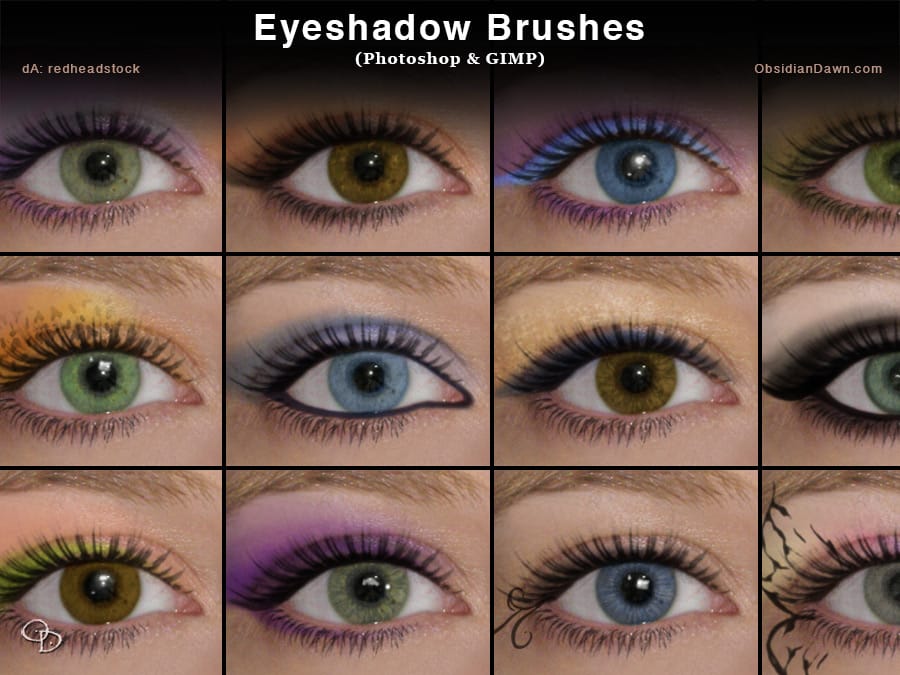
Eyeshadow Photoshop Brushes
In this set of Photoshop brushes, you'll find a diverse collection of eyeshadow shapes and effects. The set includes traditional eyeshadow shapes, both as individual brushes and combined, making it easy to apply detailed and varied makeup looks.
Additionally, it features glittery effects, patterned eye makeup, and creative face painting accents like butterflies and swirls. This collection allows for fun and intricate makeup applications in Photoshop, adding depth and style to your designs witho
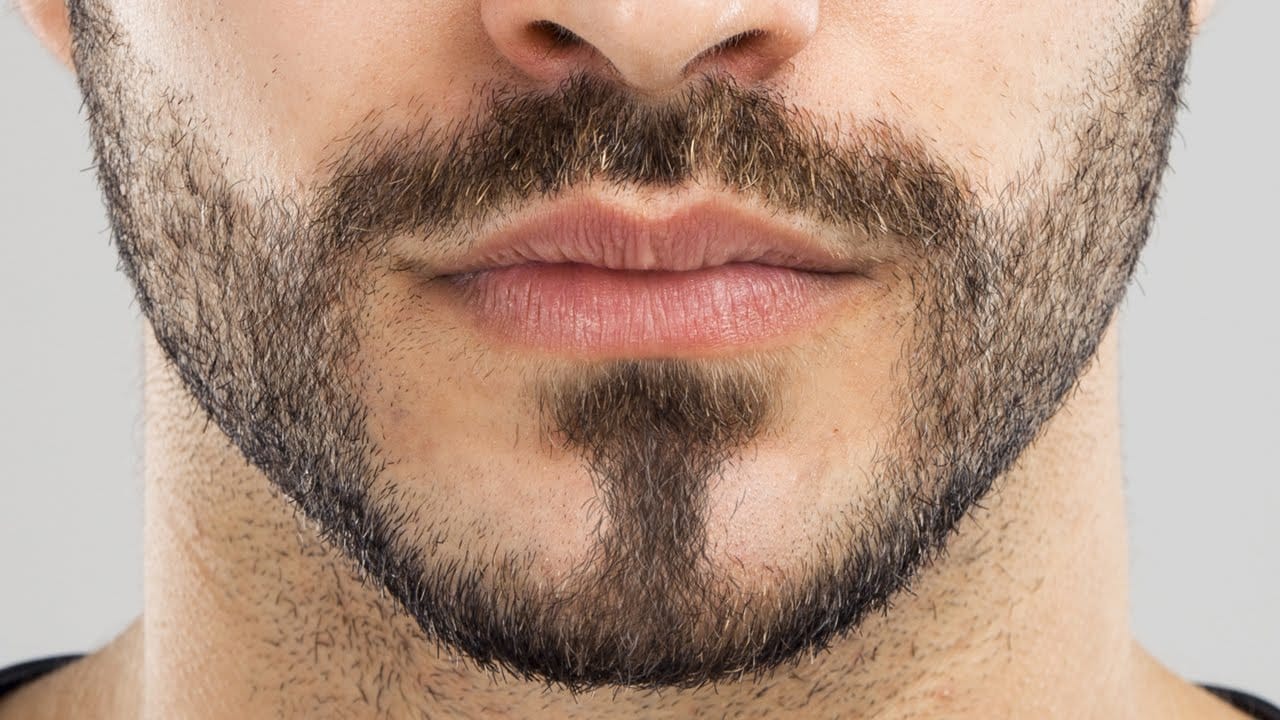
How to Create Facial Hair in Photoshop
Men's facial hair rarely grows evenly, leaving patchy spots that stand out in portraits. From sparse beard areas to missing mustache sections, these gaps can detract from an otherwise polished look.
This tutorial demonstrates how to create custom brushes that paint realistic facial hair, complete with natural color variation and highlights that match existing growth patterns.
Watch the Tutorial
Essential Tips for Creating Facial Hair
Master these key techniques to paint convincing facial h
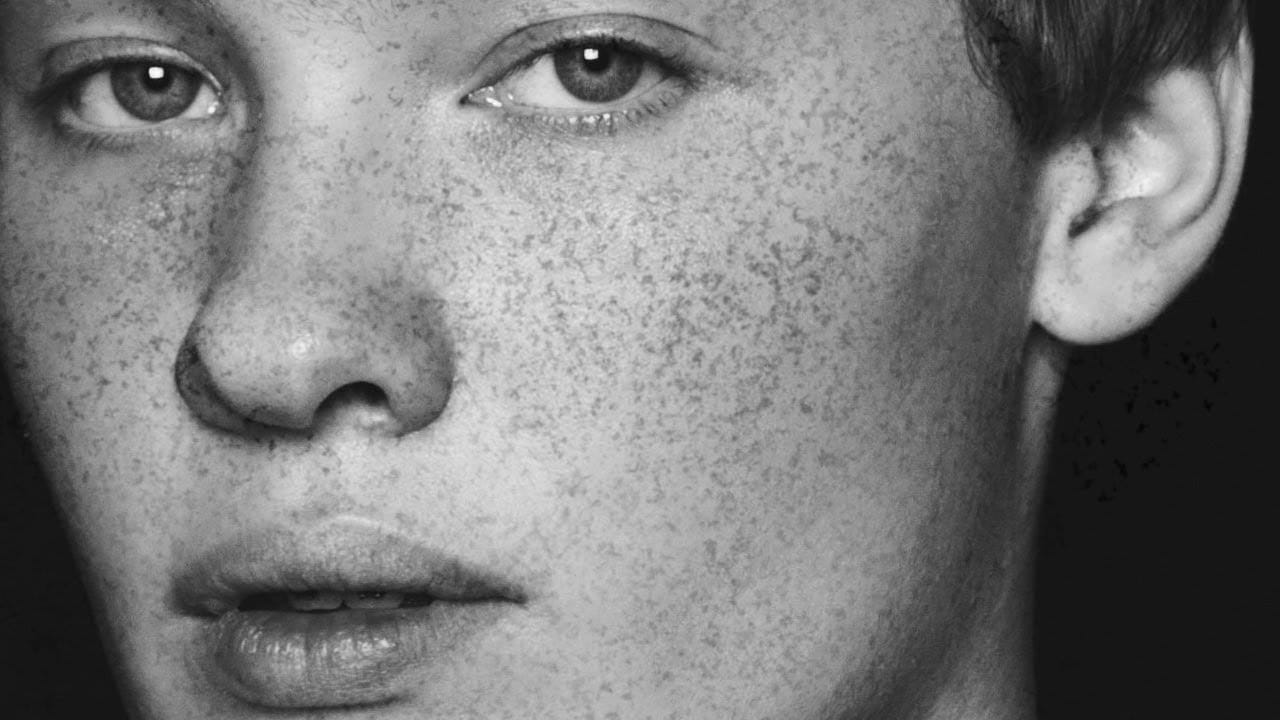
Add freckles to a face in Photoshop
In this tutorial by Aaron Nace from Phlearn, learn how to add realistic freckles to a face in Photoshop by creating a custom brush.
The process begins with using a photo of granite to create an organic freckle texture. You'll select the desired color range, create a black-and-white template, and define a brush preset. Adjust brush settings like shape dynamics and spacing for the best results. Apply the freckles on multiple layers for depth, using a layer mask to fade freckles in unwanted areas.
How to edit eyes in Photoshop
In this Photoshop tutorial by PSD Box, viewers learn how to creatively alter and enhance eye appearance in portraits.
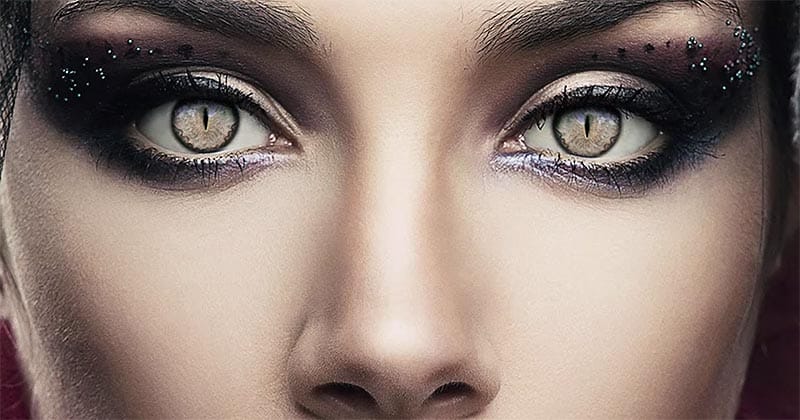
The tutorial begins by introducing a photo of a woman and a cat's eye, demonstrating how to replace the woman's eyes with those of the cat using adjustment layers. Key adjustments include Hue/Saturation and Curves layers to modify eye color, contrast, and overall look. Techniques like layer masking ensure smooth integration of the cat's eyes onto the woman's face, while addition
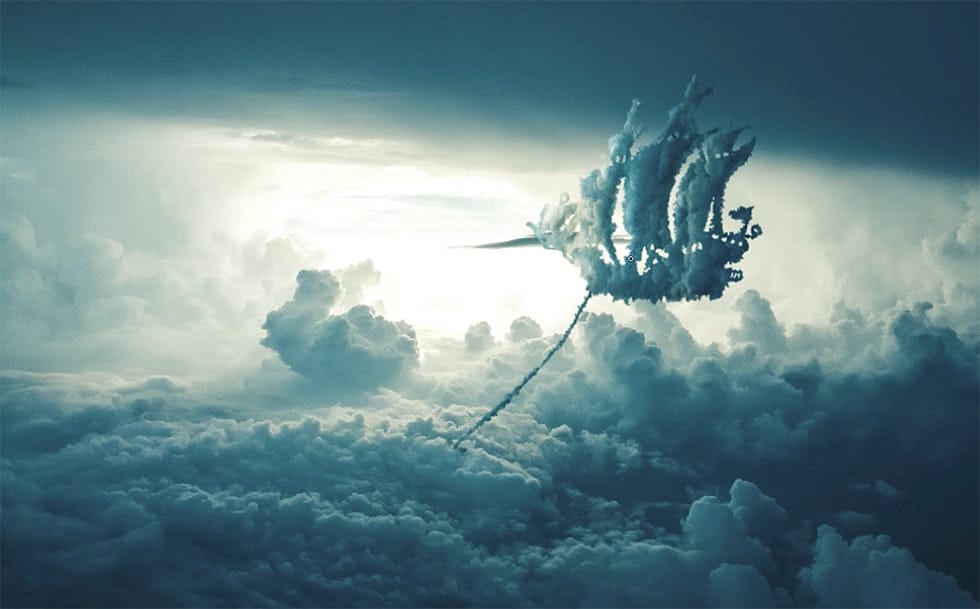
How to Create Any Cloud Shape in Photoshop
Nemanja Sekulic, a talented Serbian artist, shares a captivating tutorial on how to create any cloud shape in Photoshop. As a child, the artist reminisces about the joy of searching the sky for hidden shapes in the clouds. Now, with the power of photo retouching, Sekulic invites readers to bring those nostalgic moments back to life on their computer screens.
In this tutorial, Sekulic guides readers through the process of crafting any cloud shape they desire. By harnessing the tools and techniqu
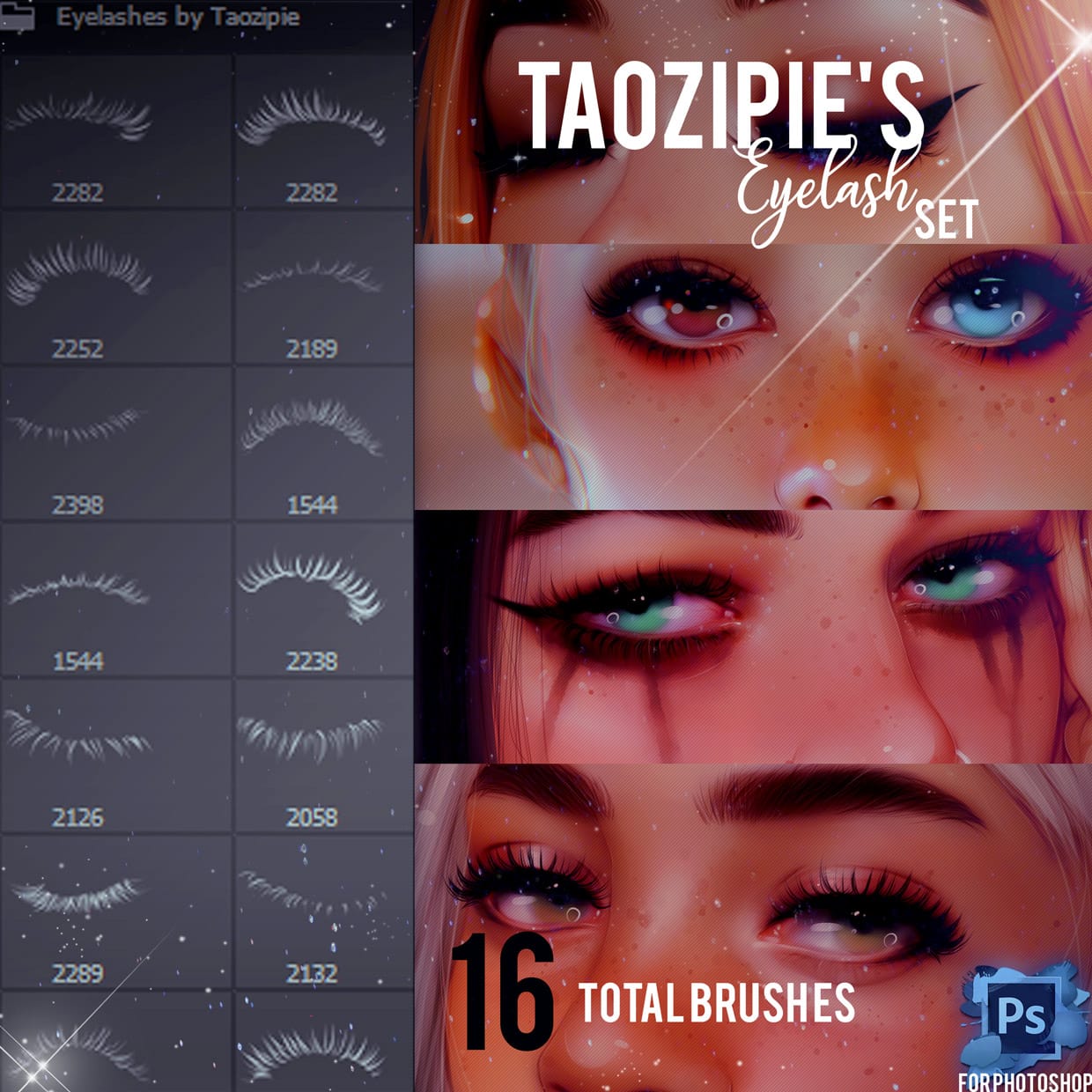
Eyelashes Photoshop Brushes
This set of Photoshop brushes offers a wide variety of eyelash shapes and styles. It stands out because it doesn't just show the basic false eyelash shape that many other brush sets use. Instead, it includes a diverse selection, allowing for more creative options when working on digital art.
The brushes are designed to create light and feathery eyelash effects, which can be used to produce both filled-in and wispy lash looks. This makes them useful for artists aiming to add detail and texture t
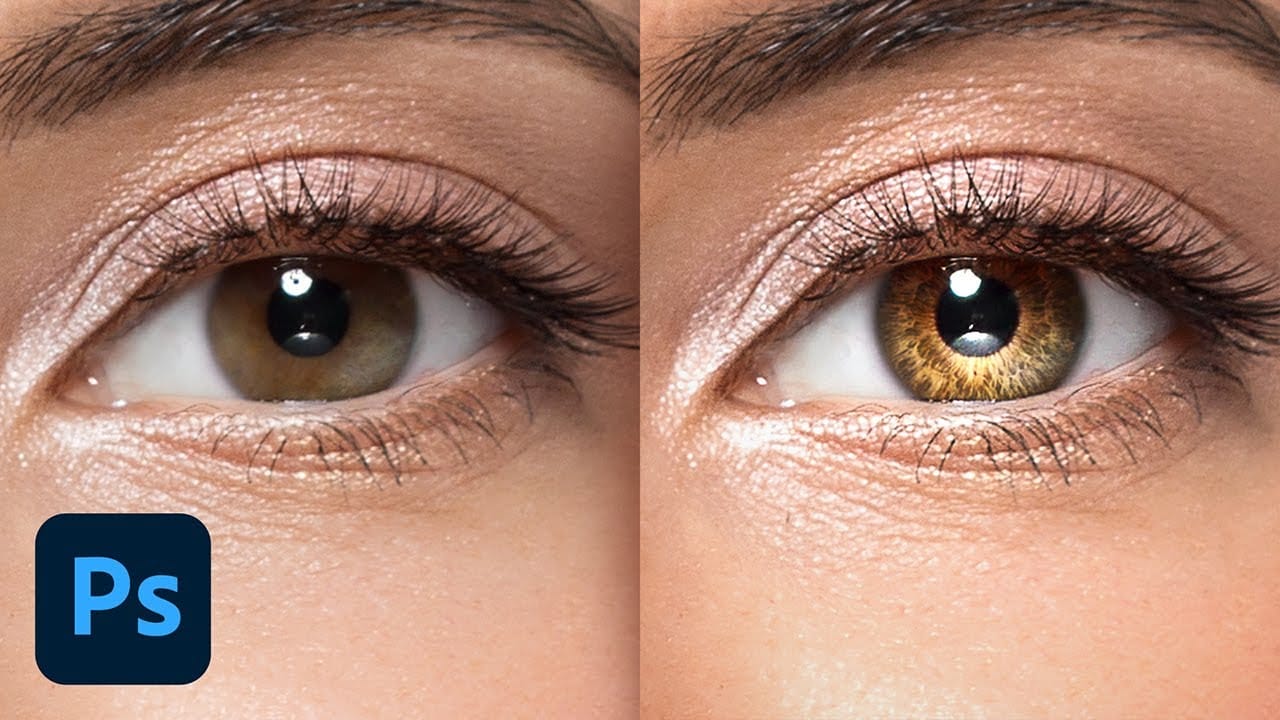
Create Insane Details in the Eyes with Photoshop
In this tutorial from PiXimperfect, you will learn how to add remarkable details to eyes in Photoshop. The process begins with the use of an iris brush that allows you to create intricate highlights and shadows, enhancing the eyes' natural beauty.
As you progress, you'll discover how to incorporate shine with a kicker light, making the eyes stand out and appear more engaging. This step is crucial for adding depth and dimension, pulling viewers' attention directly to the eyes.Finally, the tutori
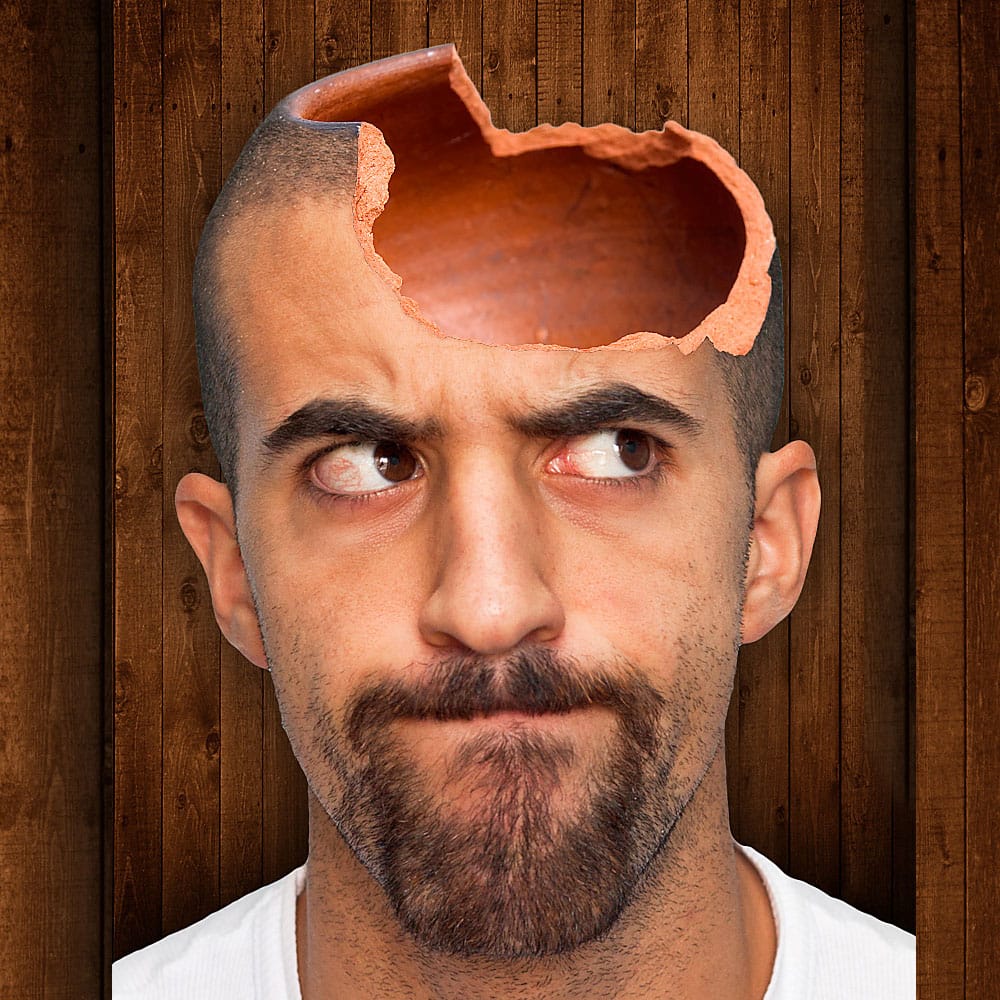
Create a Hollow Head Effect in Photoshop
In this Photoshop tutorial by Andre from PSD Box, you'll learn how to create a hollow head effect using three stock images. Andre begins by opening a stock image of a man and removing the background with the quick selection tool, followed by refining the selection with the refine edge tool.
He then adds a wooden background behind the man and incorporates a broken pot on the man's head, using the lasso tool to select the pot and the mask tool to hide its bottom part. Shadows are added with the b
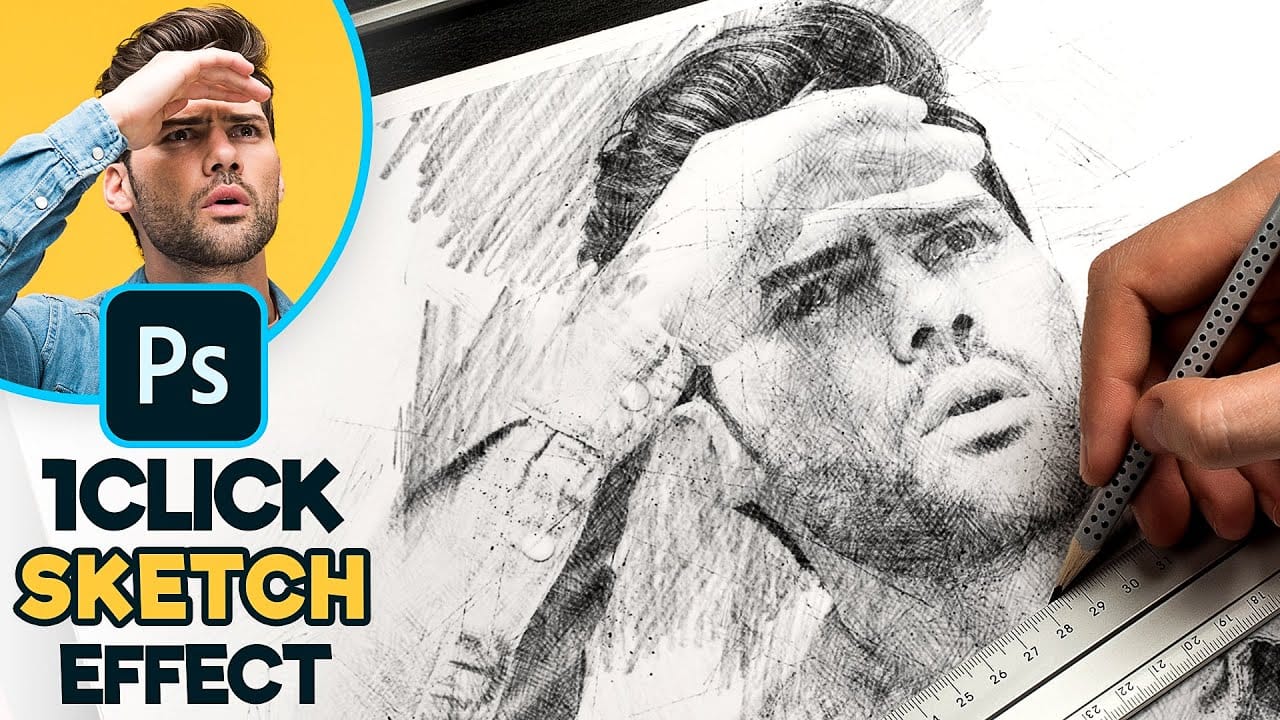
Create a 1-Click Photo to Pencil Drawing Sketch Effect in Photoshop
Turn any photograph into a realistic pencil drawing with this comprehensive Photoshop technique. This method creates a reusable template that transforms photos into detailed sketches with multiple texture layers and smart object functionality.
The tutorial builds a complete PSD file you can use repeatedly on different images with just a few clicks.
Watch the Tutorial
Tips for Better Pencil Sketch Effects
These techniques will help you create more realistic and professional-looking sketch e