Digital tattoo creation transforms flat illustrations into convincing skin art through careful texture work and blending techniques. The key lies in making computer-generated designs look hand-drawn and naturally integrated with skin.
This technique converts vector artwork or digital drawings into realistic tattoos by adding organic line variation, proper lighting effects, and skin integration that mimics how real ink settles beneath the surface.
Watch the Video
Practical Tips
Master these essential techniques to create convincing digital tattoos that look naturally integrated with skin.
- Apply multiple Glass filters at different scaling levels to create organic line variation that mimics hand-drawn artwork
- Use the Smudge tool sparingly to blur select line edges, simulating how tattoo ink naturally spreads into skin
- Add subtle Bevel and Emboss effects with Soft Light blend modes to create dimensional depth without overdoing the effect
- Paint skin texture back over the tattoo using low-flow brushes to make the design appear beneath the skin surface
- Create a blurred duplicate layer set to Multiply blend mode for areas where ink would naturally seep and appear darker
Related Articles and Tutorials
Explore more advanced techniques for realistic digital skin effects and design integration.
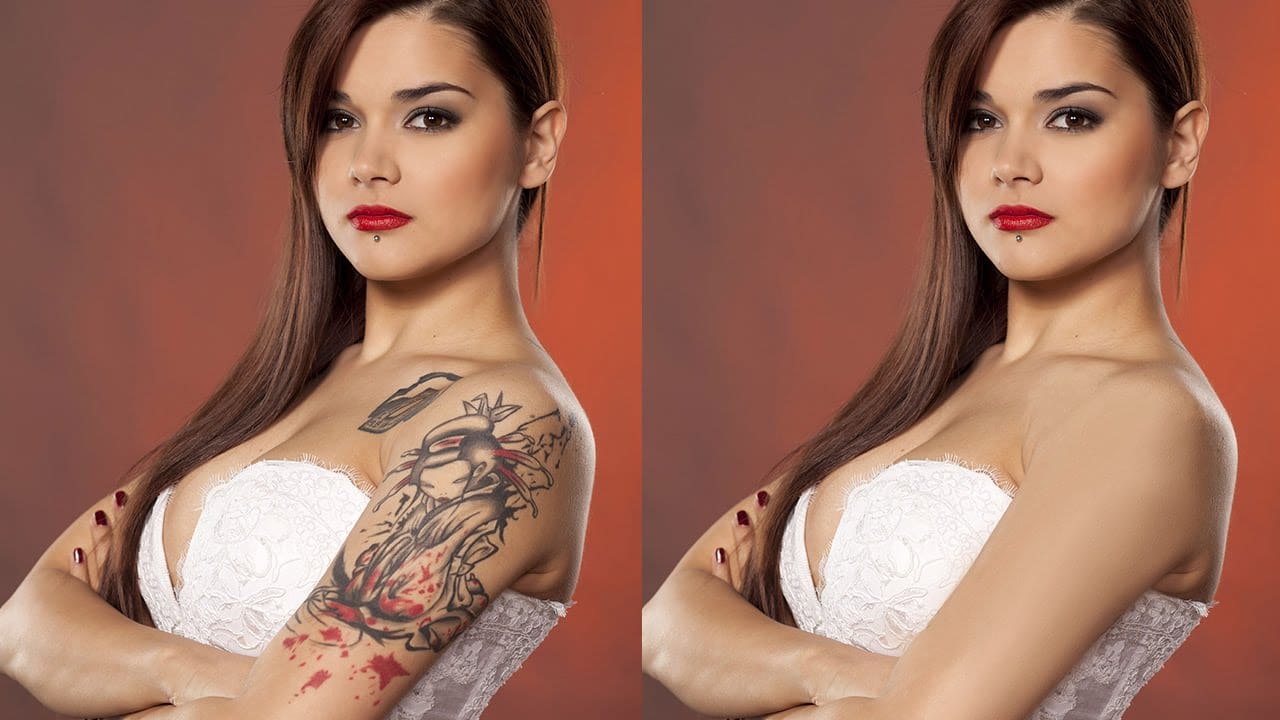
How to Remove a Tattoo in Photoshop
According to the author, Aaron Nace from Phlearn, removing a tattoo from an image using Photoshop is a more challenging task than simply retouching blemishes or other artifacts. While Photoshop offers excellent retouching tools, removing a tattoo can be more complex as it typically covers a larger area of the skin.
In this tutorial, Aaron demonstrates how to effectively remove a tattoo from a person's image in just a few straightforward steps using Adobe Photoshop. The author's approach aims to
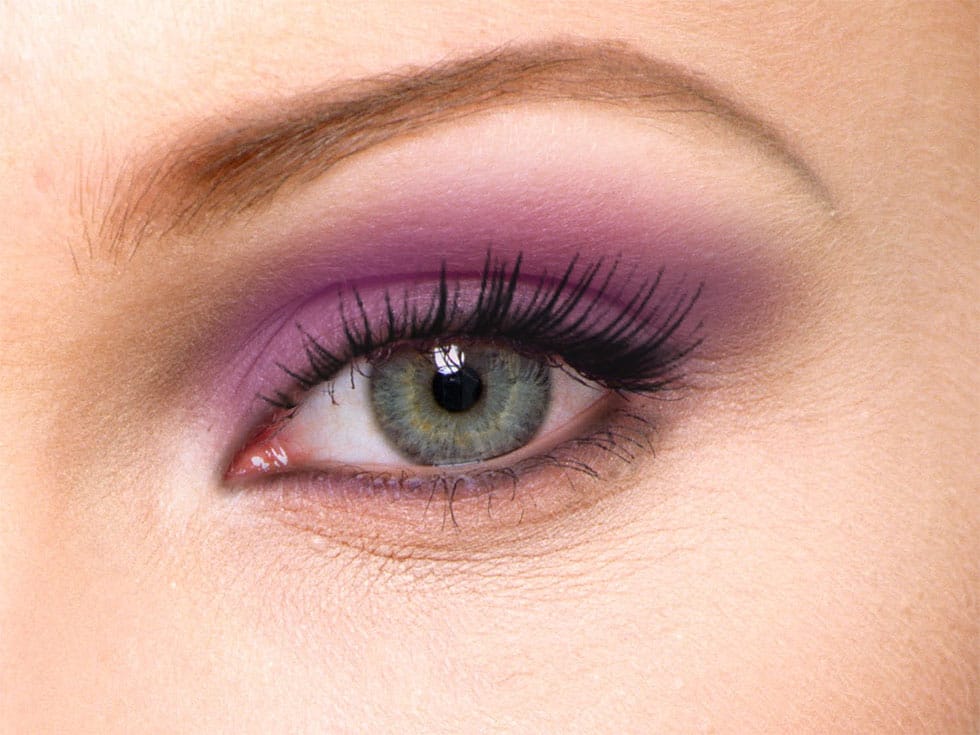
How to apply Realistic Eye Makeup Easily in Photoshop
In a step-by-step tutorial, the author provides a guide on how to add digital eye makeup using Photoshop. The video demonstrates the process of applying realistic eye makeup by utilizing various blend modes.
The author suggests using a 'Soft Brush' to apply different eye shadow colors. This technique ensures that the colors are well-blended. Additionally, the author recommends applying 'Gaussian blur' to further blend the colors and create a more seamless appearance.
Finally, the author advise
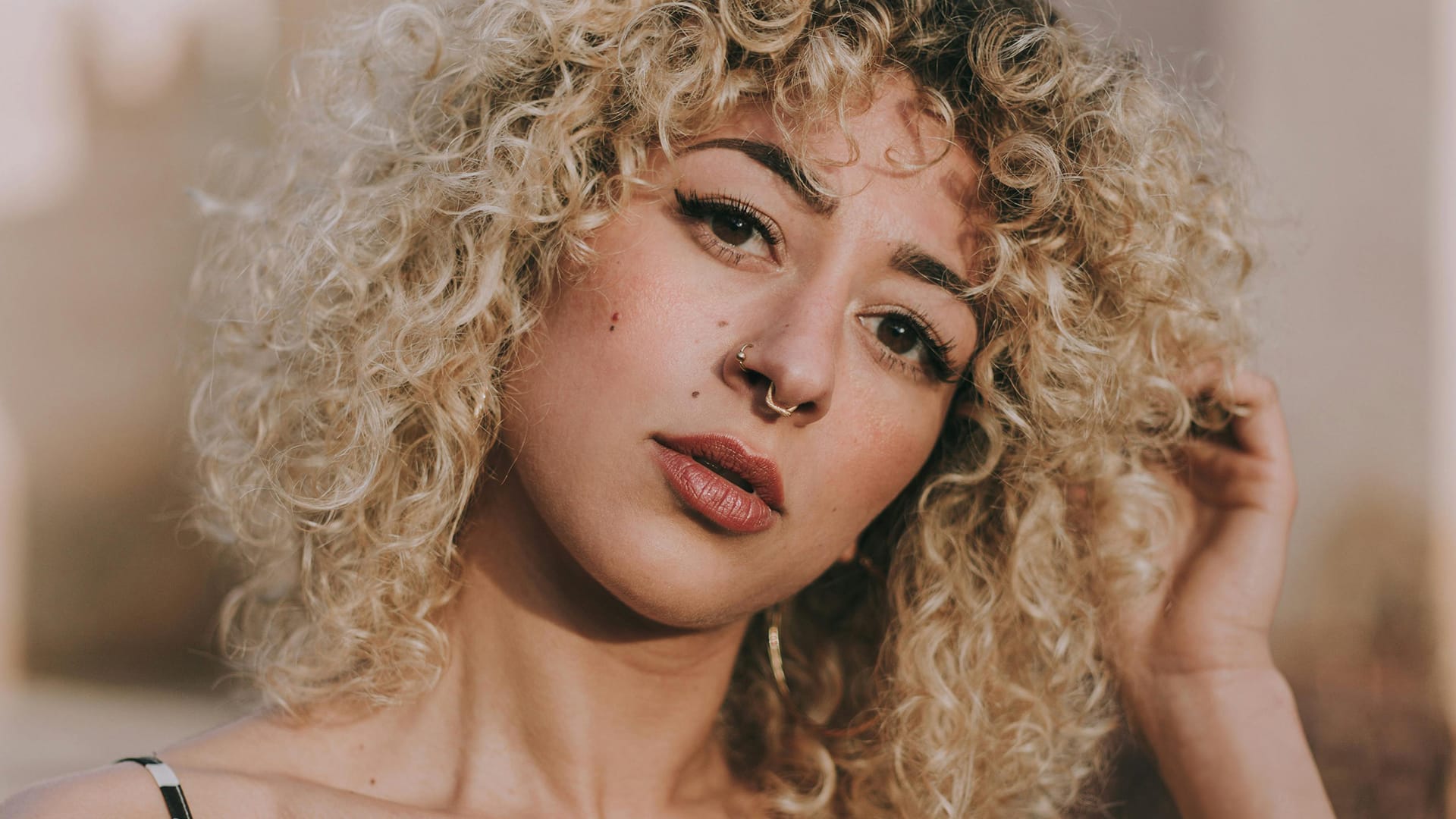
How to Remove Tattoos Using AI in Photoshop
In this Photoshop tutorial Aaron Nace from Phlearn offers a clear and effective approach to blending graphics with portraits. You will learn how to use the Super Zoom feature, which allows you to upscale graphics while maintaining their resolution. This technique ensures that your designs remain sharp and clear.
Next, the tutorial introduces the use of Gradient Maps. This tool is essential for color matching, making your graphics seamlessly integrate with your portraits. You will appreciate how
Realistic Blend Effect in Photoshop
In this advanced Photoshop tutorial, WebFlippy guides you through creating a realistic blend effect for text, graphics, or logos on any surface. This tutorial is designed to help you seamlessly integrate elements into various backgrounds, making them look like a natural part of the scene.
WebFlippy starts by demonstrating how to properly blend text or logos using Photoshop's powerful tools and techniques. You'll learn how to adjust and match the texture, lighting, and perspective of your surfac

How to Create Realistic Design Mockups in Photoshop
Creating convincing product mockups requires more than simply placing a design onto a template. Real fabric surfaces have subtle color variations, texture bumps, and complex lighting that affect how printed designs actually appear.
This comprehensive tutorial demonstrates professional techniques for building realistic mockups from scratch. You'll learn to control surface preparation, blend modes, displacement mapping, and lighting effects to achieve results that match real-world printing condit
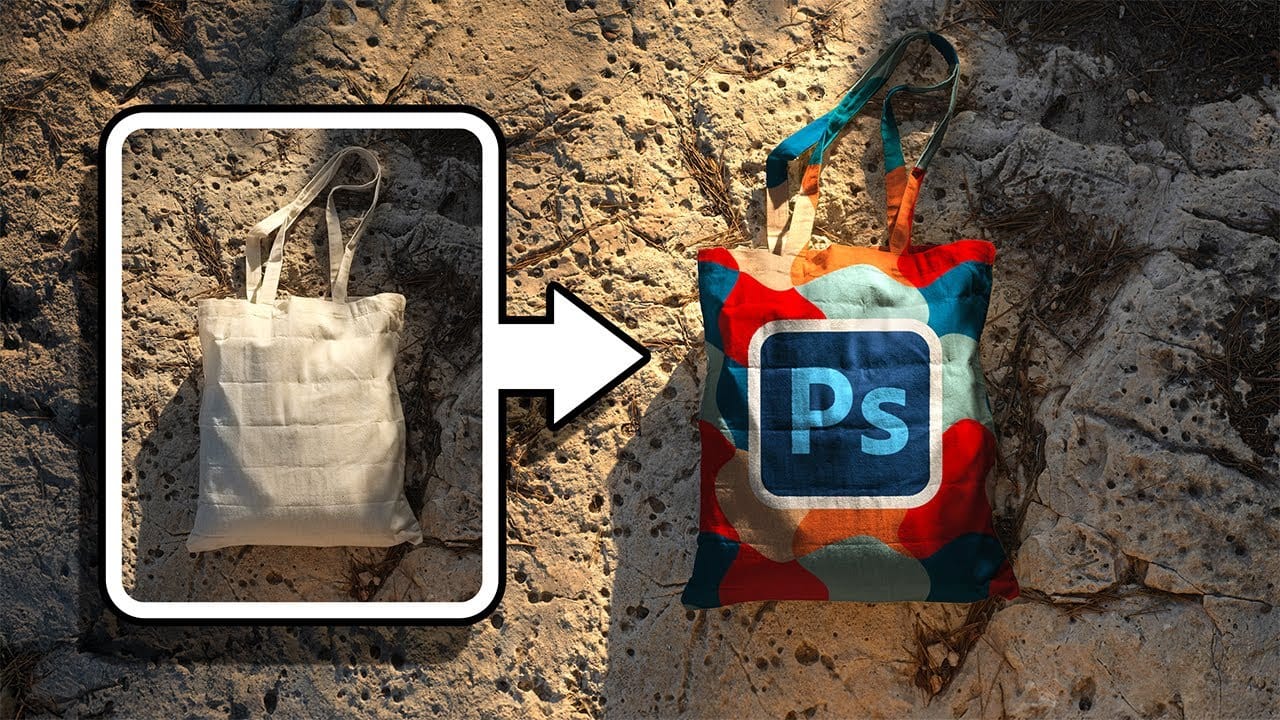
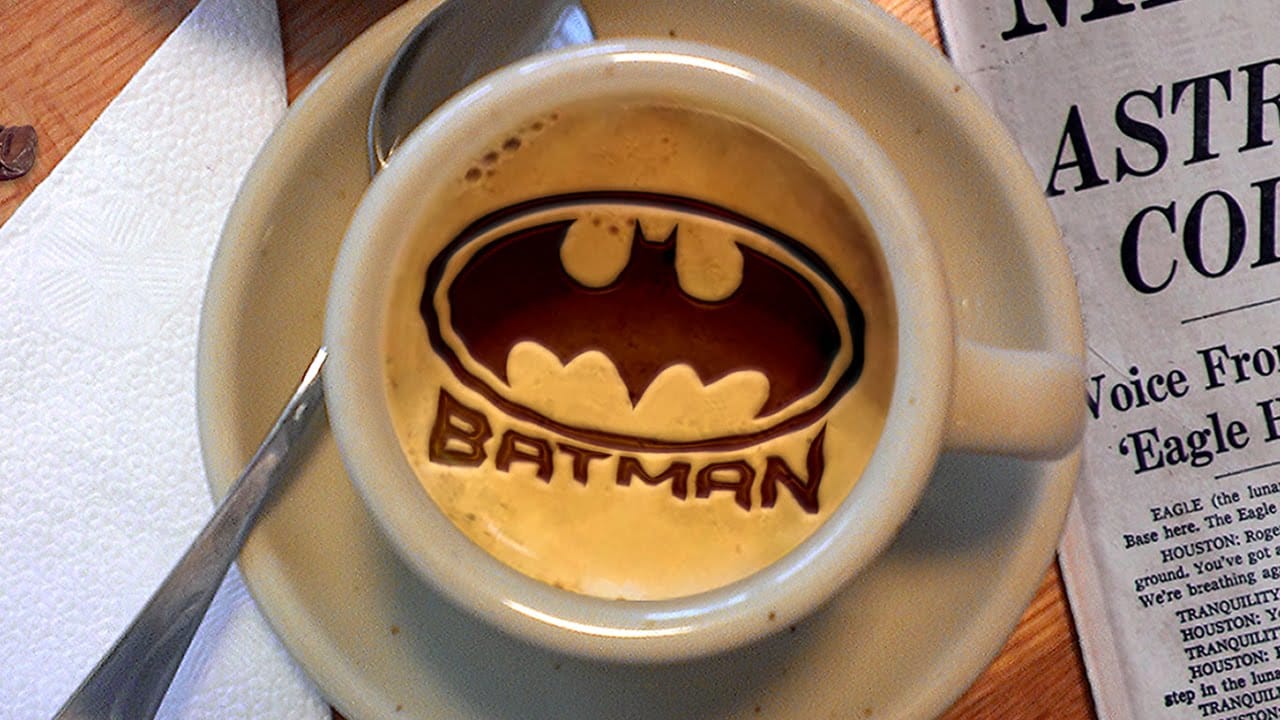
Create Latte Art in Photoshop
This tutorial demonstrates how to create latte art in Adobe Photoshop, transforming images into chocolate syrup designs on a virtual caffè mocha.
Learn essential techniques for converting photos, clip art, or text into high-contrast designs, seamlessly integrating them into a digital beverage.
Watch the Tutorial
Digital Artistry: Crafting Realistic Beverage Customizations
Digital latte art offers intricate designs impossible with physical syrup. Photoshop's precise image manipulation tools
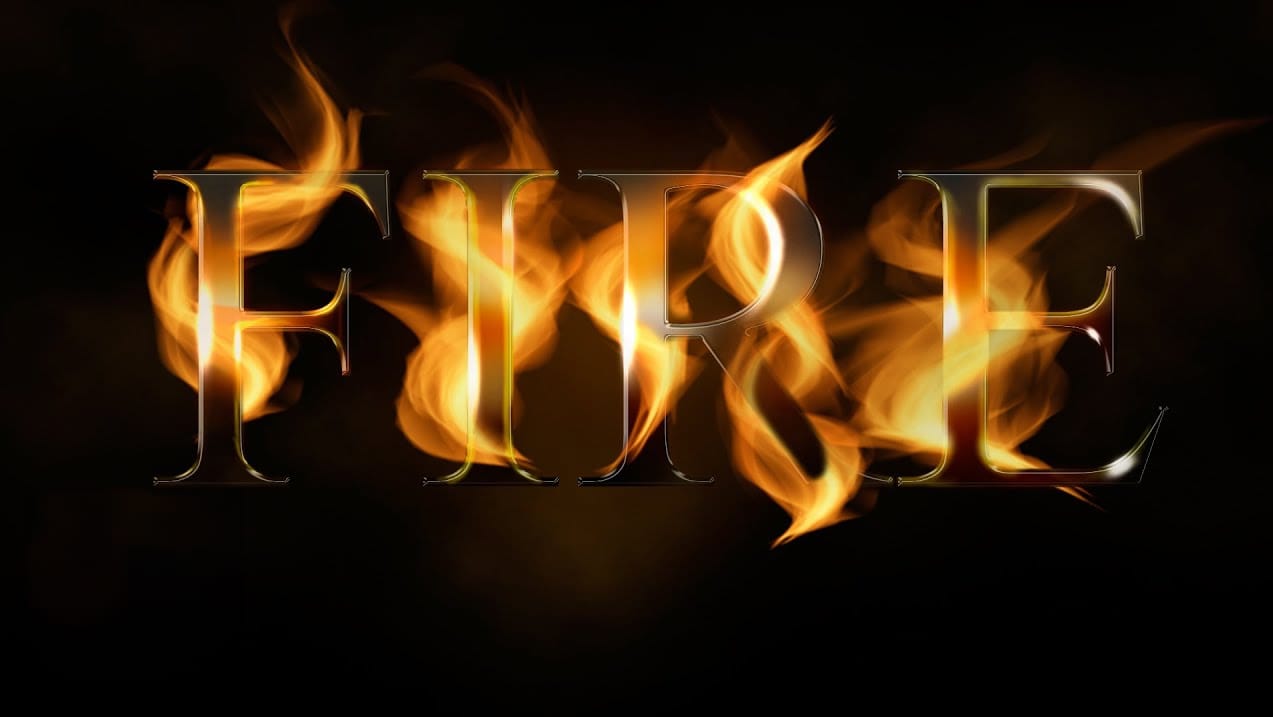
Realistic Fire Text Effect In Photoshop
In this Photoshop text effects tutorial by Jesus Ramirez from PTC Photoshop Training Channel you are going to learn how to create a vibrant flaming text effect.
This effect will be created from scratch, without using any photographs. The flames will be created with The Flame Generator filter, a feature found in Photoshop CC. This filter is designed to render realistic flames on user-defined paths.
Watch tutorial
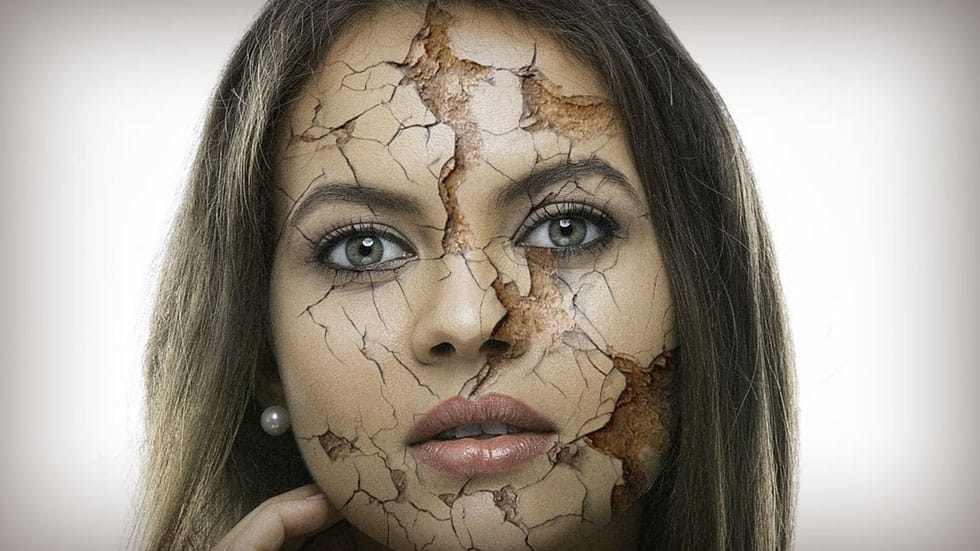
How to Create Realistic Cracked Skin using Photoshop
Transform ordinary portraits into striking, textured images with advanced Photoshop techniques. This tutorial reveals how to add dramatic, realistic skin cracking effects that elevate your creative photo editing skills.
Watch the Tutorial
Practical Tips for Creating Cracked Skin Texture
Master the art of adding realistic texture to your digital portraits with these professional techniques.
• Carefully warp and transform your texture layer to match the contours of the subject's face
• Use l
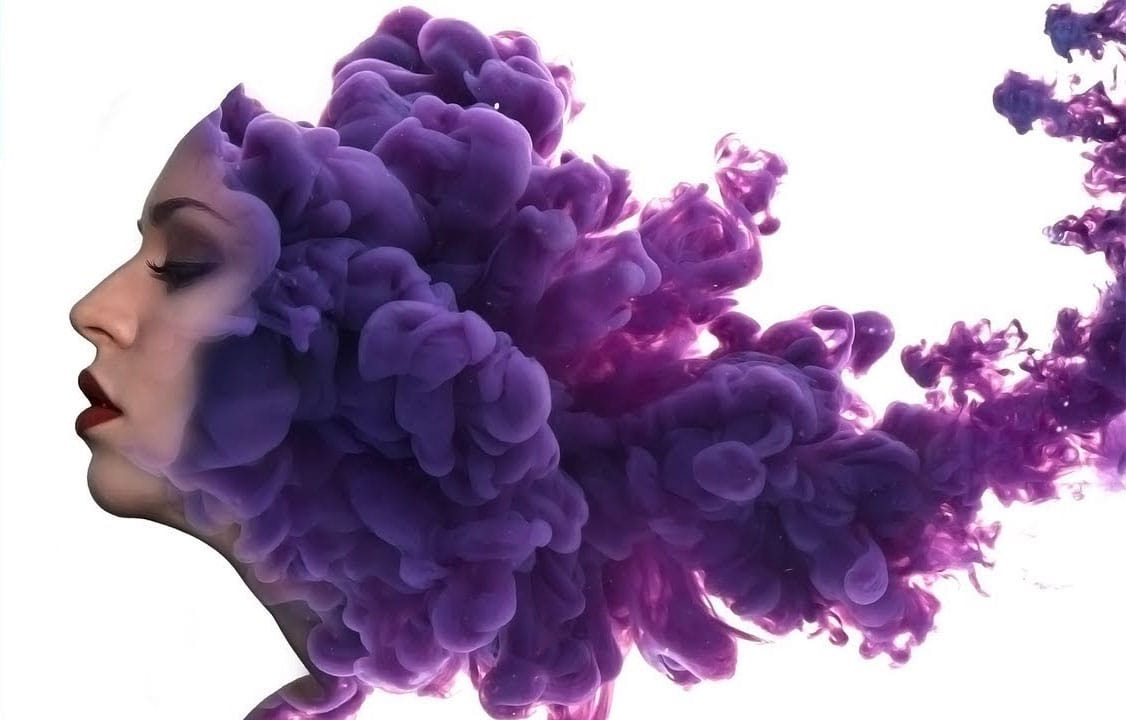
Create a surreal ink in water portrait effect in Photoshop
Ink and smoke effects transform ordinary portraits into striking artistic compositions. This technique blends human features with flowing ink textures to create dramatic, ethereal imagery.
The tutorial demonstrates how to seamlessly merge portrait elements with ink stock images using masking, blending modes, and highlight techniques for a professional result.
Watch the Tutorial
Key Techniques for Ink Portrait Effects
Master these essential steps to achieve smooth blending between portrait