


So, You’re on the Lookout for Some Oil Paint Photoshop Actions, then you would do well to take a look at the PhotoWhoa Oil Paint Photoshop Actions that does just that. This is like nothing you’ve ever seen before. This is the way to take your photos from ordinary to a piece of art that is worthy of any museum.
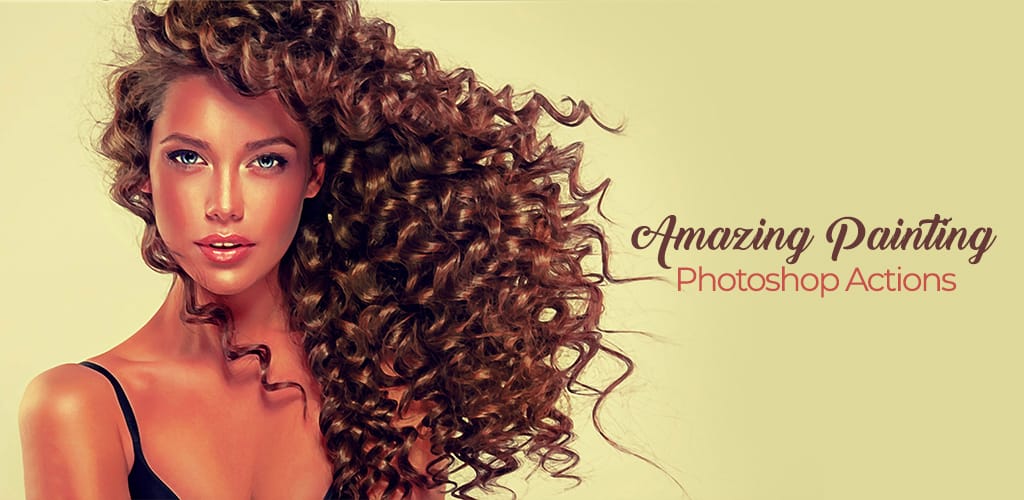
Digital paintings are beautiful on their own, blending the beauty of handmade art with the wonders and convenience of modern technology. It is a blend of talent and science that combines to create stunning and memorable artwork.
You can enhance your artwork using Photoshop actions that are perfect for oil paints. Effects such as realism, impressionism, water-color and more are at your fingertips!
Ready to learn what this can do for you? Then stay with us and read this review.
One Click Is All It Takes
If you are concerned about the ease of use for this particular product, there is no need to feel that way. One thing we really liked about this particular program is that you can easily add these effects to all your artwork or photos, as all it takes is one simple click.
We also enjoyed the video tutorial that came with the program. It was just a few moments of watching some short videos, and we were all ready to begin using the program as intended.
We advise testing it out on some work you already have and playing around with the original image resolution as well as the colors. This gets you some interesting results and also gets the creative juices flowing.
Watercolors Like No Other
Start with a Smart Object layer, this makes the image able to be fully editable. The effects work well on digital paintings and photos. You can also use it on double exposure photographs and black and white pictures, too.
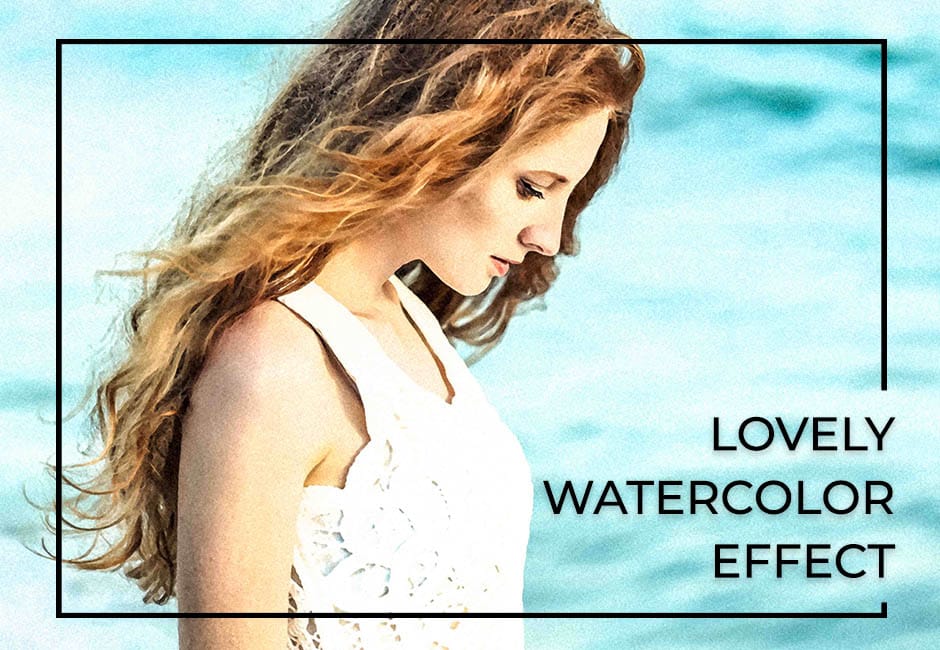
You get the watercolor texture you envisioned with just a single click. This is done by way of three watercolor blend brushes that come with the program. You can use them to put your own spin on your art.
It is also a good idea to use the Smudge Tool, so the effects are amplified. It works well on hair, trees and even animals with fur.
It is compatible with Photoshop’s latest version. You should also have CameraRaw 7-9 version installed too.
Digital Painting, But Better
Digital painting is revolutionary but adding these great effects to it make it legendary.
Your painting’s appearance and final outcome is completely in your hands with these amazing effects. You can make this look like a painting relatively easily by locking the layers in for the background.

Even more helpful is the Lightroom settings included inside a PSD file. This makes the process all the more user-friendly. This particular setting is compatible with Photoshop CS6 and Photoshop CC+, or the latest version.
They make your images look as though they were done as oil paintings, and it’s unreal how good they turn out! It’s so easy to use, the flow of your work speeds up faster and you get more editing done.
Ultimate Painting
This is a method that will really wow your clientele and leave them wondering just how you did what you did. This technique makes your photos look like real oil paintings. You get complete control via Lightroom, and Painting Effect.
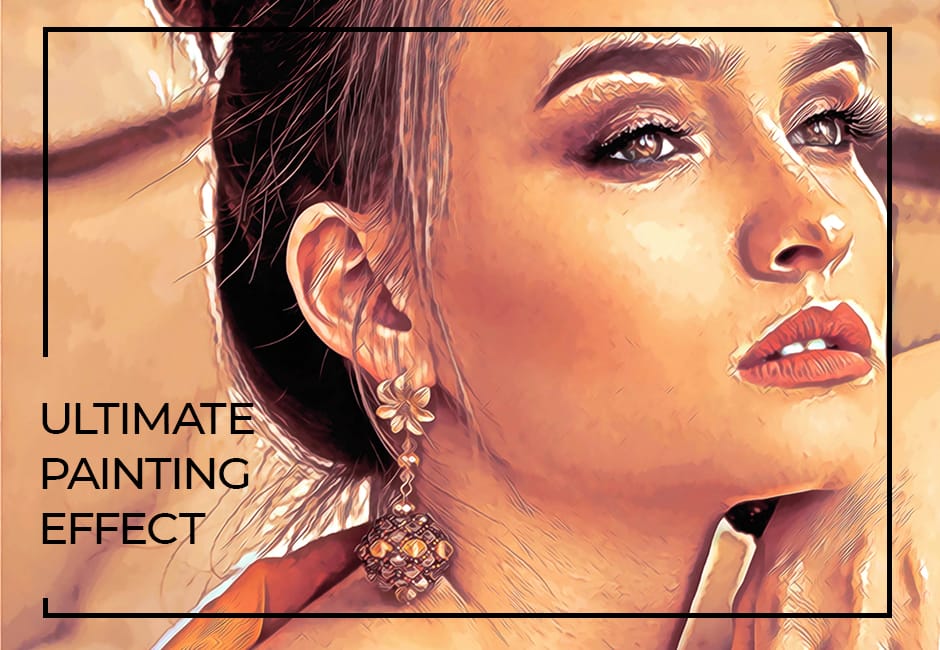
You can turn colors up or down for as much or as little drama as you would like. This is compatible with Photoshop CS6 and CC+.
Other Effects to Enjoy
Do you love Impressionist work? Do you want to take your Black and White photos to the next level? How about realistic paintings?
You can enjoy all of these amazing effects when you work with Oil Paint Photoshop Actions.
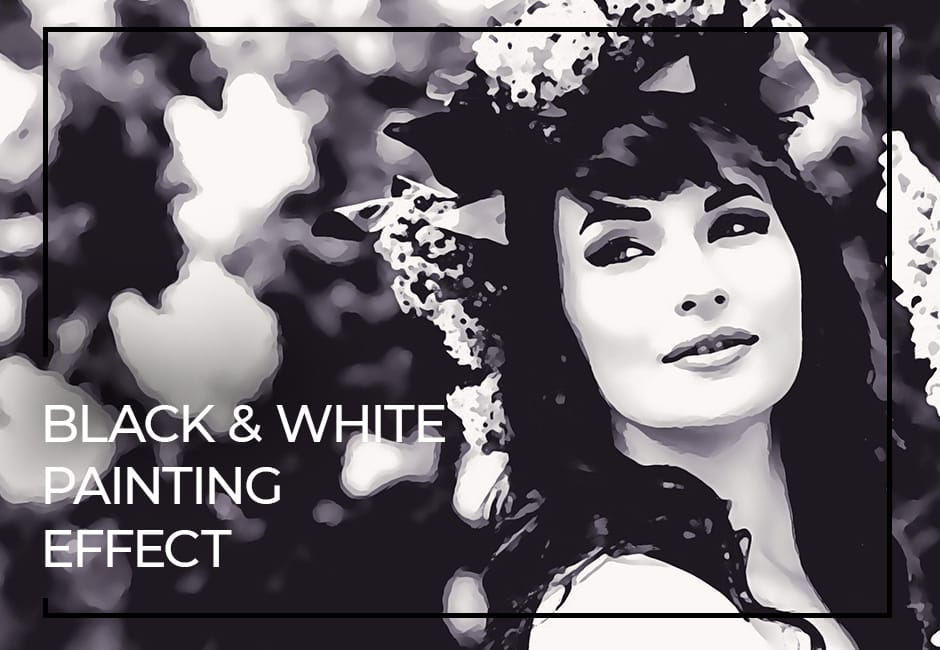
All of these effects can be yours when you get this program. These are all compatible with Photoshop CC+. Impressionist, Black and White and Realism paintings are all compatible with Photoshop CS6.
In Closing
Yes, we would recommend Oil Paint Photoshop Actions. After all it is so user-friendly and so easy to impress your clientele that you would be hurting yourself not to buy it! Your work will be ahead of the curve, so dive in and add this to your desktop ASAP.


