Gradients are far more versatile than most photographers realize. Beyond simple color transitions, they can create dramatic sunset effects, realistic light rays, and professional subject brightening. These five techniques demonstrate how gradient fill layers and strategic masking transform ordinary images into compelling visual stories.
Each method uses non-destructive editing principles, allowing you to adjust colors, scale, and positioning at any time while maintaining your original image quality.
Watch the Video
Practical Tips
These techniques will help you master gradient effects in your photo editing workflow:
- Use gradient fill layers instead of the gradient tool for maximum flexibility and non-destructive editing
- Apply screen blend mode to make dark areas invisible while keeping light areas visible for natural color effects
- Create noise gradients with angle style to generate realistic light ray patterns that can be refined with blur filters
- Position radial gradients over actual light sources in your images for believable sunset and sun flare effects
- Combine gradient masks with curves adjustments to selectively brighten subjects while darkening backgrounds
Related Articles and Tutorials
Explore more advanced gradient techniques and color effects to enhance your photo editing skills:
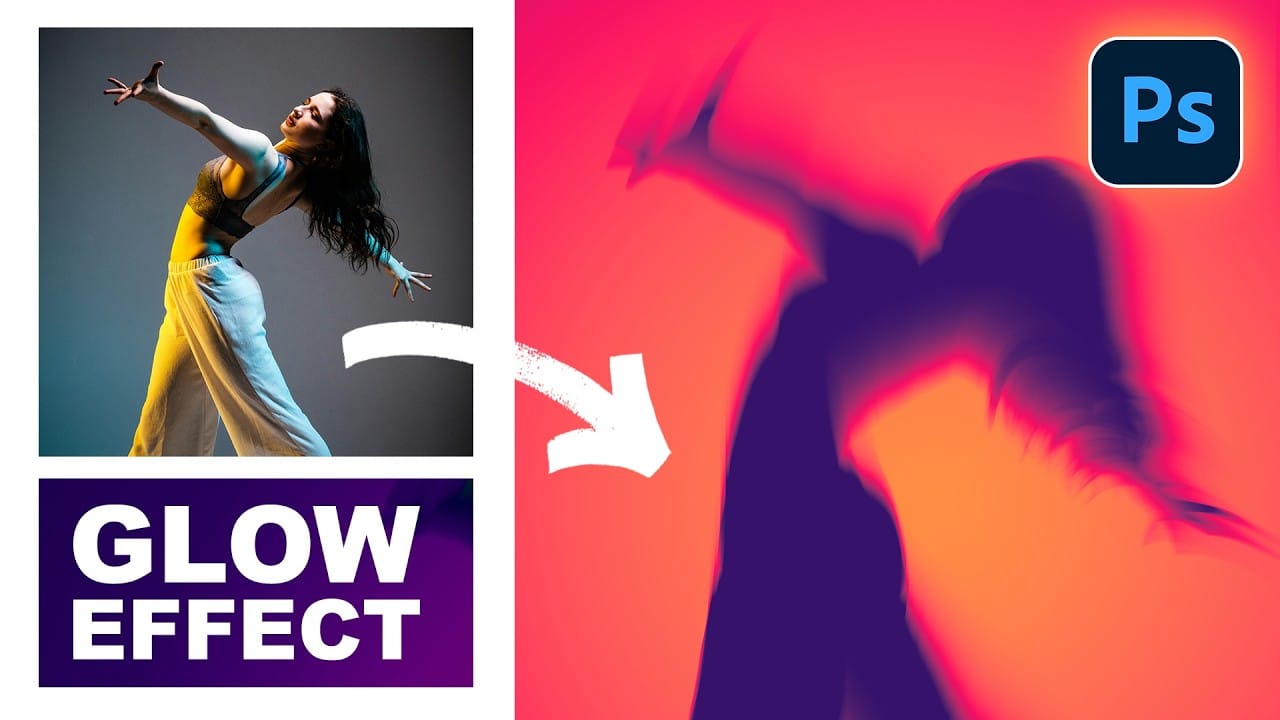
How to Create Glow Motion Effects with Gradient Maps in Photoshop
Motion blur combined with colorful gradients creates striking visual effects that transform ordinary photos into dynamic, cinematic images. This technique uses gradient maps to automatically color light and dark values, producing flowing color transitions that follow the movement of your subject.
The process involves subject isolation, strategic gradient placement, path blur for realistic motion, and gradient mapping to achieve vibrant color flows reminiscent of long exposure photography.
Wat
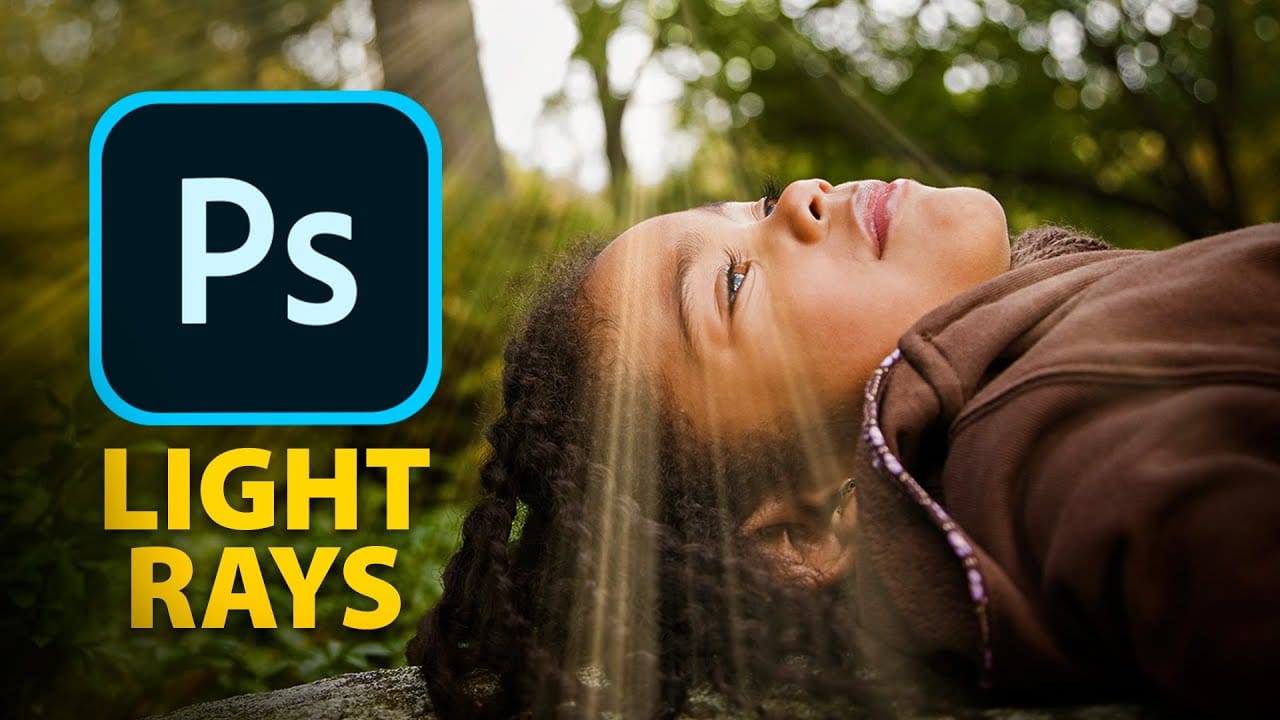
Epic gradient trick for beautiful light rays in Photoshop
In this tutorial, Jesus Ramirez teaches you how to create stunning light rays in Photoshop using an ingenious gradient trick. By utilizing a Gradient Fill layer in an unconventional way, you can achieve a mesmerizing light ray effect that adds a dramatic touch to your photos. This method is straightforward and effective, making it accessible even for beginners.
Part of the Photoshop in-app tutorials, this guide allows you to open the tutorial image directly from Photoshop and follow along with
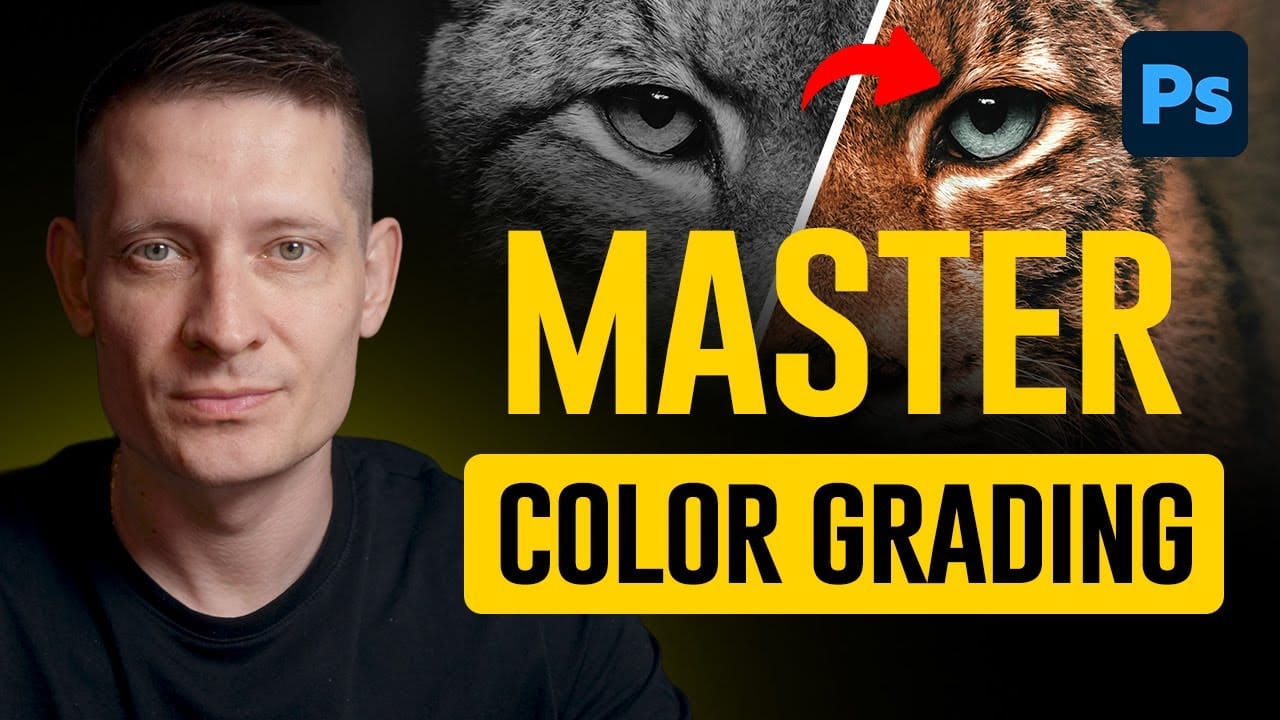
Professional color effects with a gradient map
In this Photoshop tutorial, Kevin Roodhorst shares his expertise on using a gradient map adjustment layer to achieve professional color effects. The author explains that this technique is ideal for experimentation, allowing users to explore different color grading options and find what works best for their projects.
Through clear and concise instructions, Kevin guides the reader through the process of adding beautiful color grading with a simple yet effective technique. The author suggests that
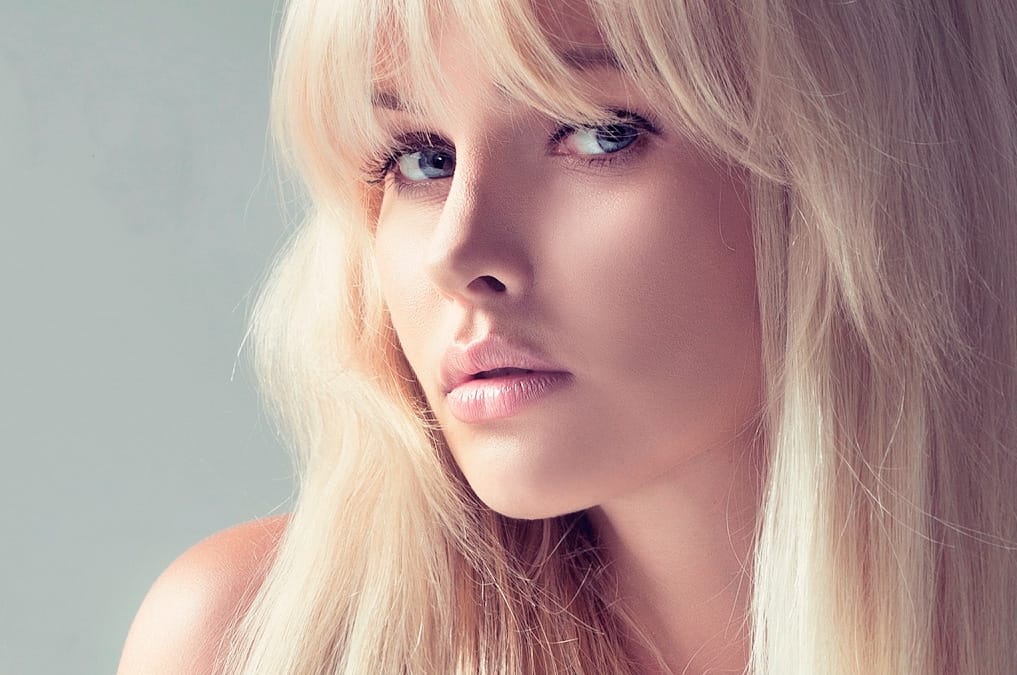
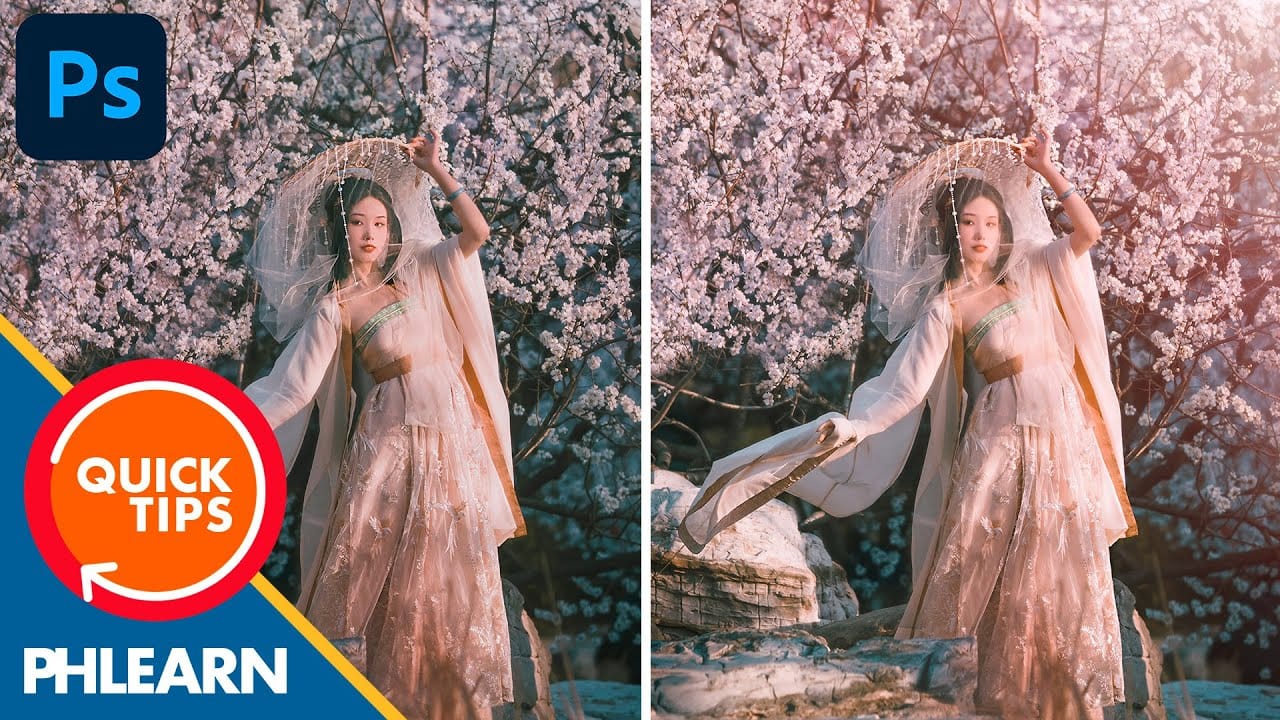
How to create a sun glow effect in Photoshop
In this tutorial, Aaron Nace shows how to add a vibrant sun glow effect to your photos with ease. The process involves a few straightforward steps to simulate the warm, radiant look of sunlight. Aaron explains how to use blending modes, gradients, and layer adjustments to achieve a natural and eye-catching glow.
The tutorial includes a free Sun Glow Gradient, which you can download and use immediately to enhance your images. This effect is perfect for adding a dreamy, sunlit atmosphere to your
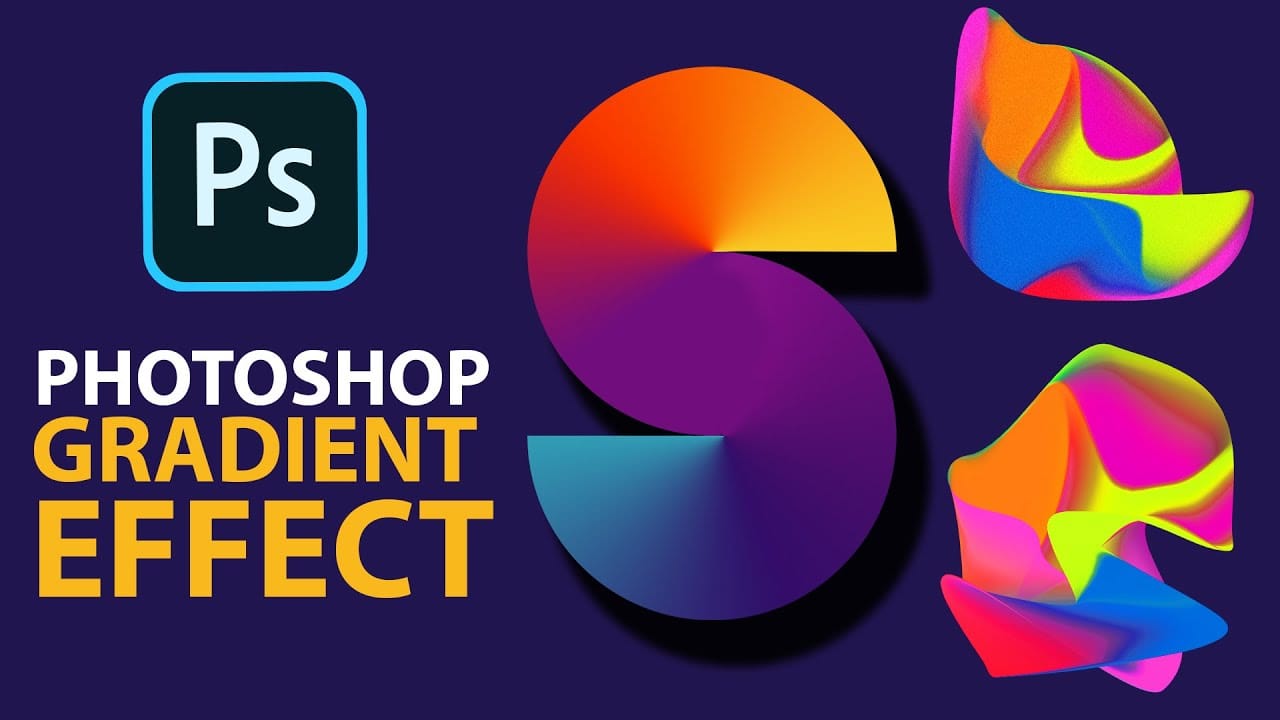
Cerate Stunning Gradient Effects in Photoshop
In this Photoshop tutorial, Trish from Quistt Photoshop demonstrates how to create stunning colorful gradients. This technique is perfect for enhancing lettering designs and art posters. Follow along to learn how to apply vibrant gradients that will make your designs pop.
Trish walks you through the process of using gradient tools and adjustment layers to craft beautiful, seamless transitions of color. You'll discover how to use gradients to add depth and dimension to your designs, making them
Professional Color Grading Techniques in Photoshop
Color grading transforms ordinary photos into compelling images with professional mood and atmosphere. These non-destructive techniques let you adjust tones, enhance specific colors, and create cinematic looks while preserving your original image data.
Master these four essential color grading methods to develop a consistent editing workflow that elevates your photography.
Watch the Video
Practical Tips
These techniques will help you achieve professional color grading results:
* Start wi
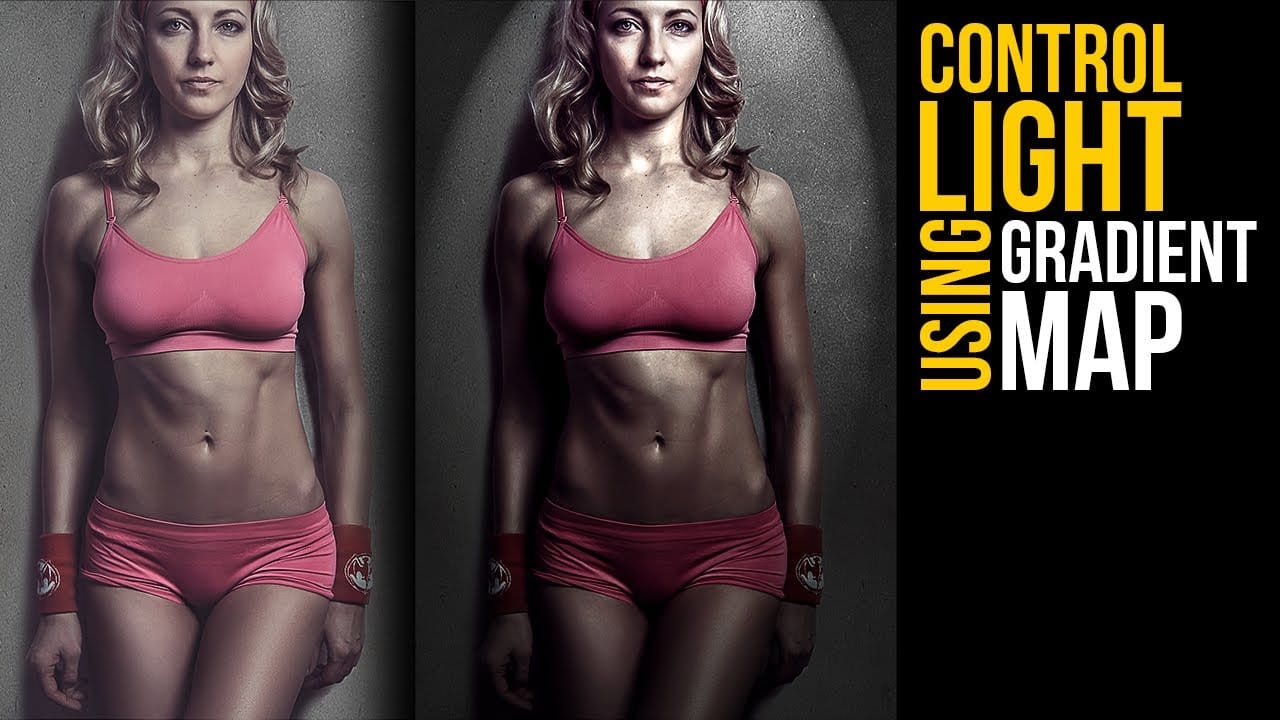
Create lighting effects using Gradient Maps in Photoshop
In this Photoshop tutorial by Unmesh Dinda from Piximperfect you will learn an interesting technique to completely mold and control light in Photoshop using Gradient Maps along with amazing light effects to add drama, depth, and dimension.
In this video, learn how to manipulate multiple levels of light. Whether you want to remove shiny flash hotspots or add more shine, make harsh light soft or soft light harsh, with Gradient Maps, you can control almost everything. Gradient Map allows you to co
Add Striking Light Effects to Your Photos in Photoshop
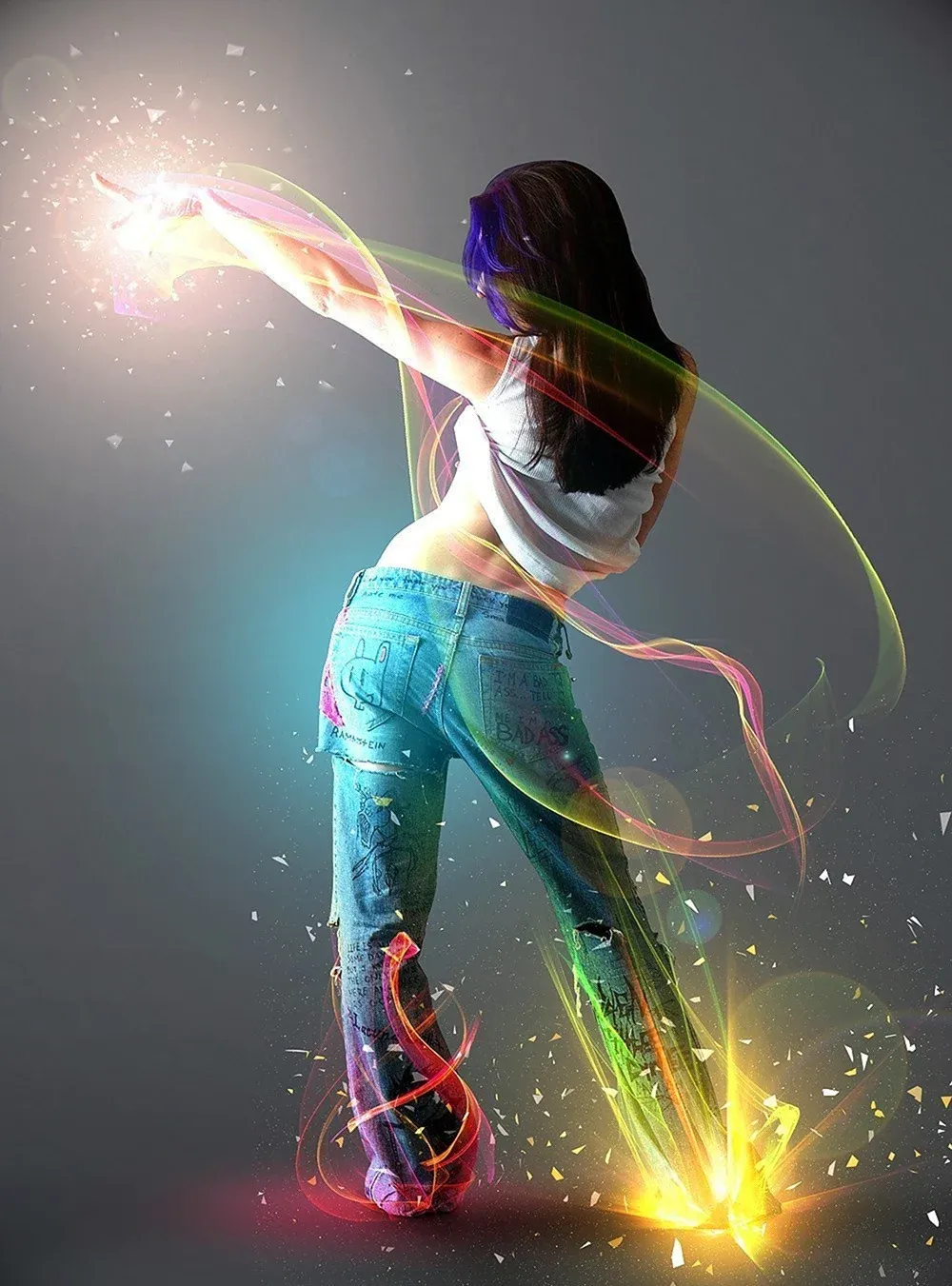
In this Photoshop tutorial from PSD Box, using the "Colors in Motion" textures pack and a model image from deviantArt or ISO Stock, you'll create a vibrant digital artwork.
Start by meticulously removing the background with the Pen Tool and placing the model on a new canvas with a gradient backdrop. Enhance the image with non-destructive adjustments for color and contrast, adding realistic shadows for depth. Integrate various light effects from the packs, adjusting blending modes and using tool
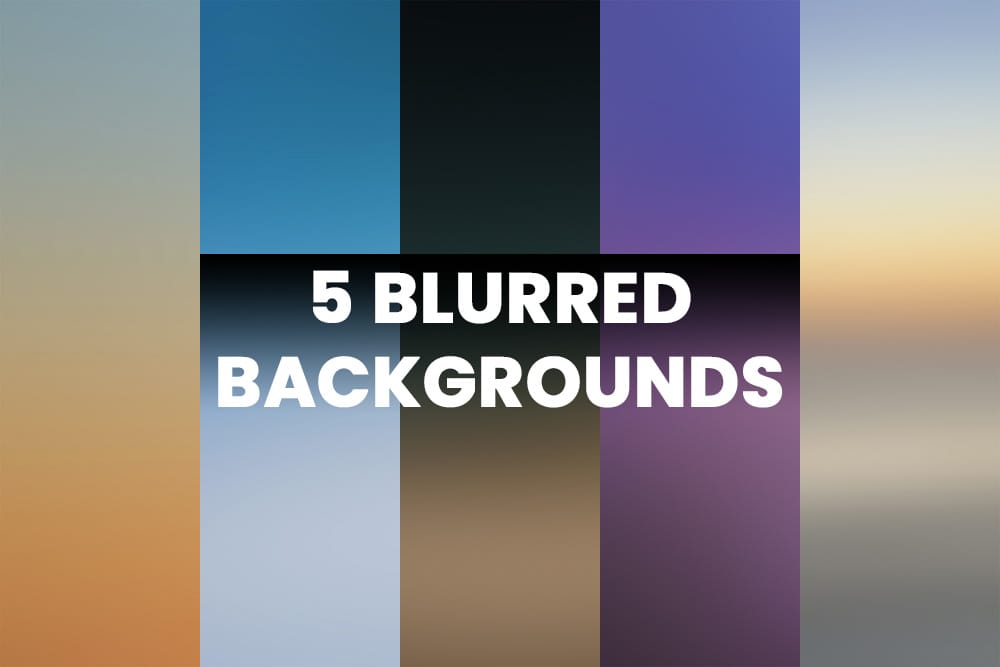
Download five beautiful free blurred backgrounds
These high-quality blurry images are perfect for a variety of uses, such as wallpapers, website backgrounds, or product presentations. Each background features smooth gradients and lovely colors, adding a touch of elegance and visual appeal to any project.
Whether you're looking to enhance your digital designs or create a calming visual atmosphere, this set of five blurred backgrounds offers versatile and aesthetically pleasing options for your creative needs.
License: You can use these images