12 Visually Striking Photoshop Effects You'll Want to Add to Your Portfolio Right Now

12 Visually Striking Photoshop Effects You'll Want to Add to Your Portfolio Right Now

Most people learning Photoshop quit way too early.

Here's why:

You start with excitement. Finally getting your hands on the world's most powerful image editing software. 'You'll create amazing things with just one click', they said.

You eagerly dive into generative fill, experiment with artistic brushes, play with those magical one-click filters.

Then reality hits.

Your creations look like amateur hour. The kind of work you'd be embarrassed to show your friends, let alone a potential client.

But here's what separates pros from beginners:

They know what's actually worth showing.

The following hand-picked tutorials aren't your typical Photoshop exercises. They create the kind of effects that make you stop and stare—work you'd actually want in your portfolio.

Try these 12 effects and you'll finally have something remarkable to proudly brag about.

The Special Effects
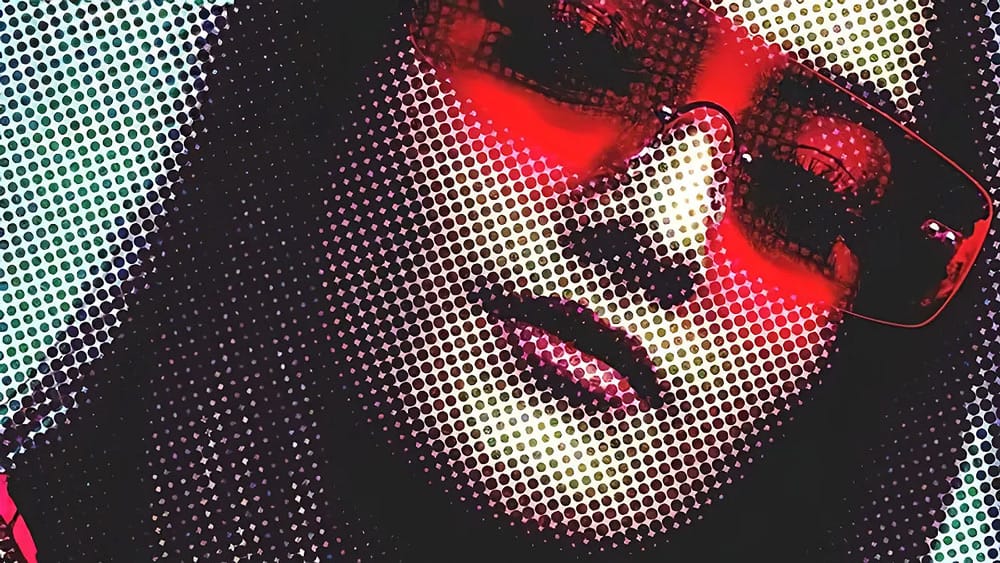
Create Grungy Retro Halftone Effect in Photoshop
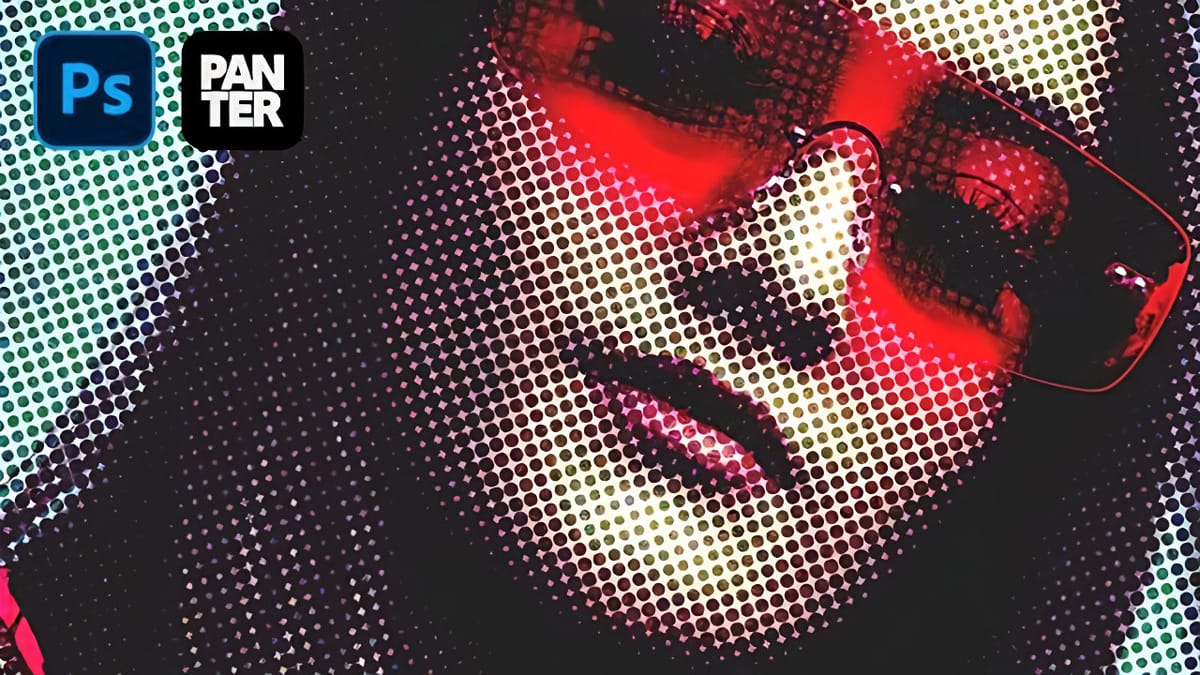
Vintage poster art captured attention through bold contrasts, visible printing dots, and rough textures that gave images character. The halftone effect recreates this aesthetic by breaking up continuous tones into distinct dots, mimicking old-school printing techniques. This technique transforms clean digital photos into gritty, retro-style artwork. The method combines Photoshop’s
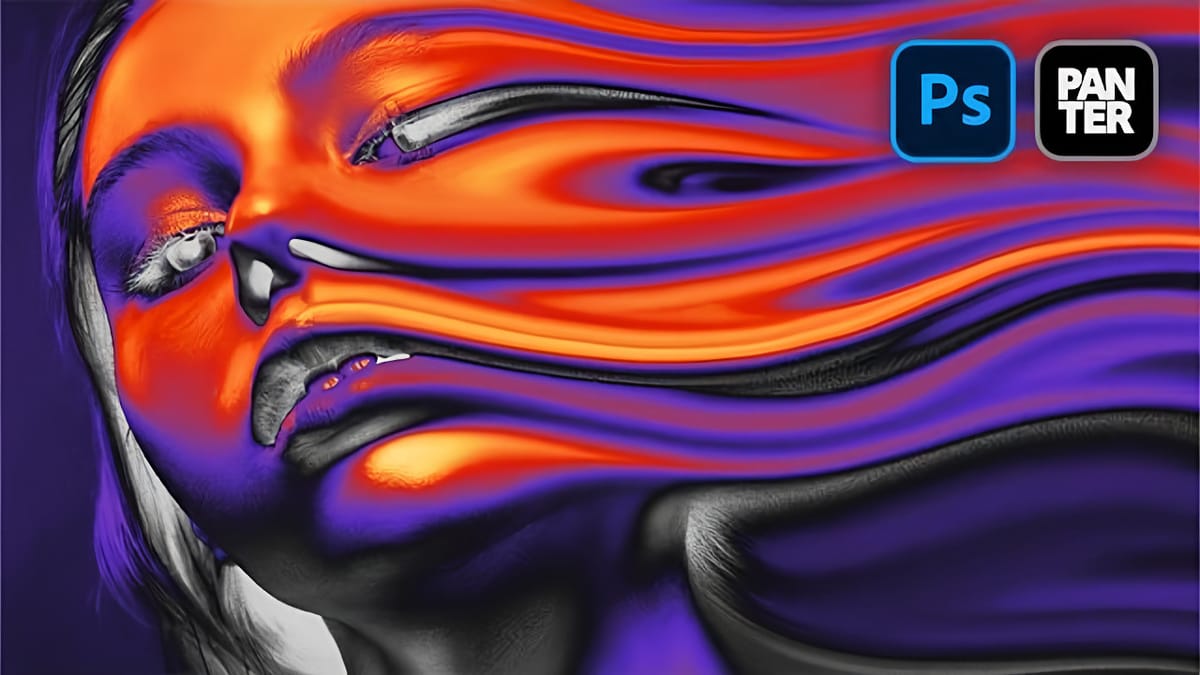
How to Create a Liquid Acid Melting Effect in Photoshop
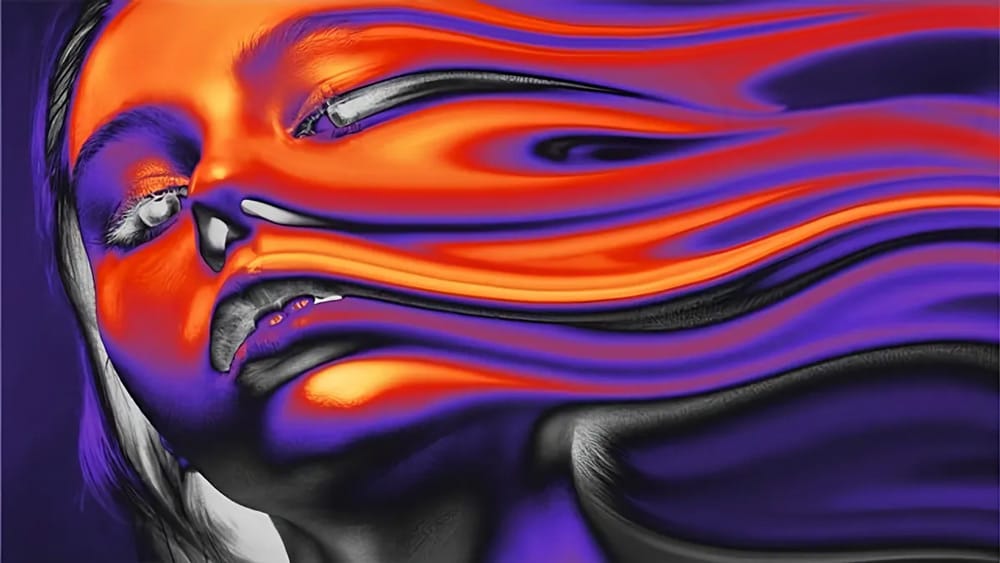
The liquid acid effect transforms ordinary portraits into surreal, otherworldly visuals that seem to melt and flow across the canvas. This distinctive distortion technique creates an organic, fluid appearance that suggests corrosive forces reshaping reality itself. This tutorial demonstrates how to achieve this striking visual using Photoshop’s smudge tool combined
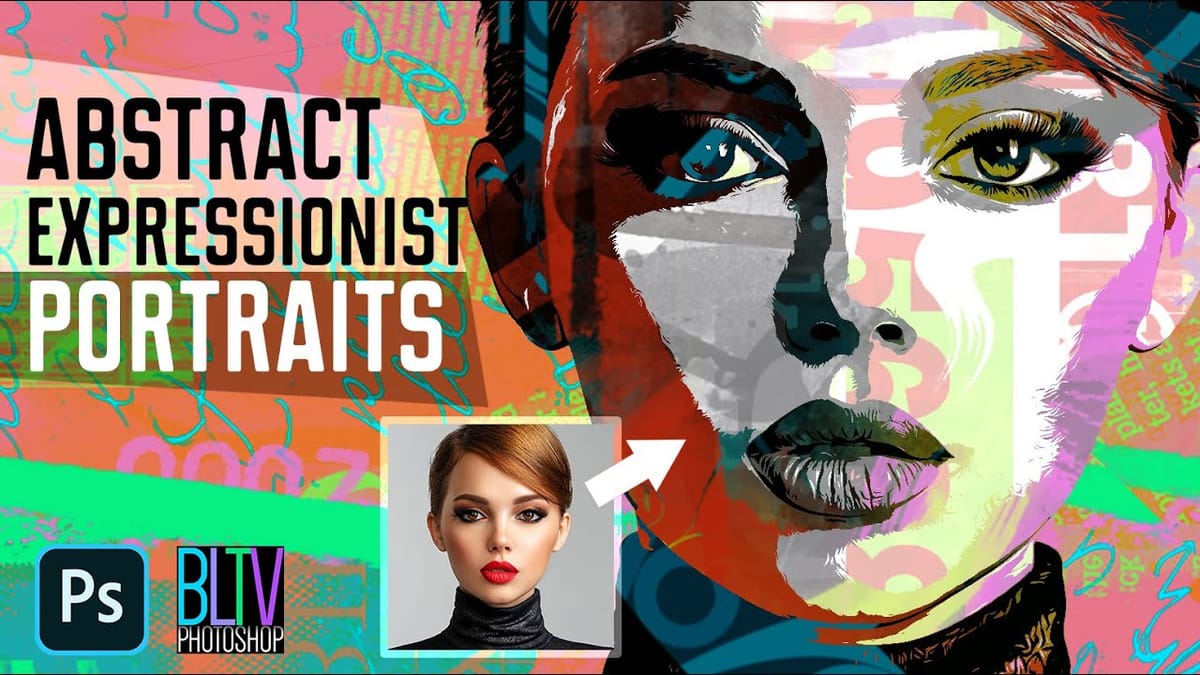
Transform Photos into Abstract Expressionist Portraits in Photoshop
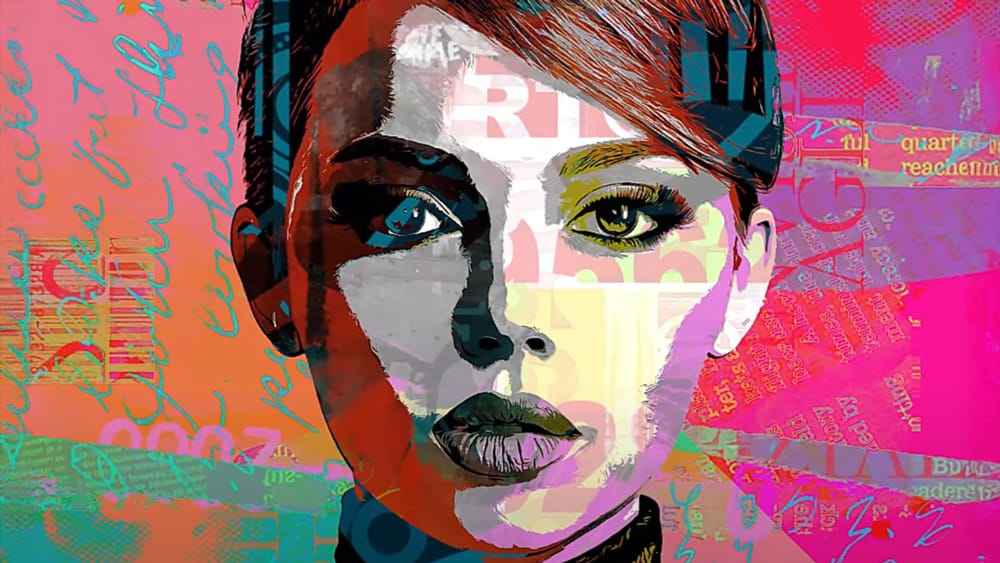
Abstract expressionism transforms raw emotion into bold visual statements through powerful brushstrokes, dramatic textures, and expressive color palettes. This painting movement emphasizes spontaneity and artistic freedom over realistic representation. This technique converts ordinary portraits into dynamic abstract expressionist artworks by combining multiple texture layers with strategic masking. The process creates
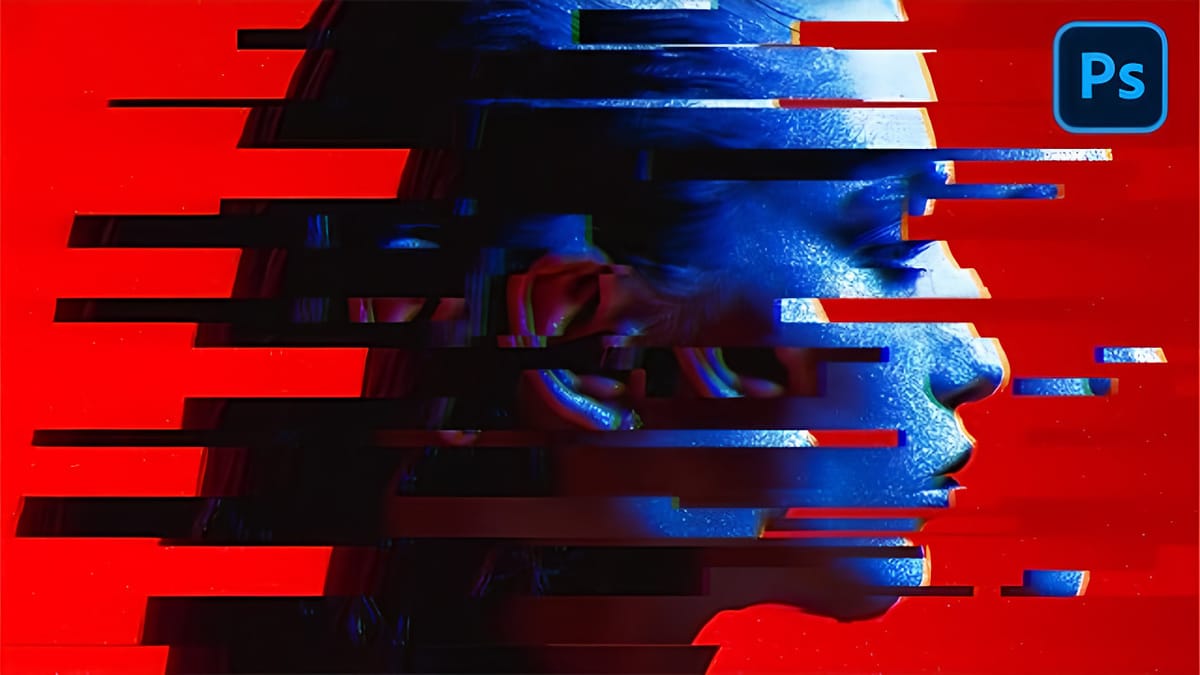
How to Create Glitch Effects in Photoshop Using the Wave Filter
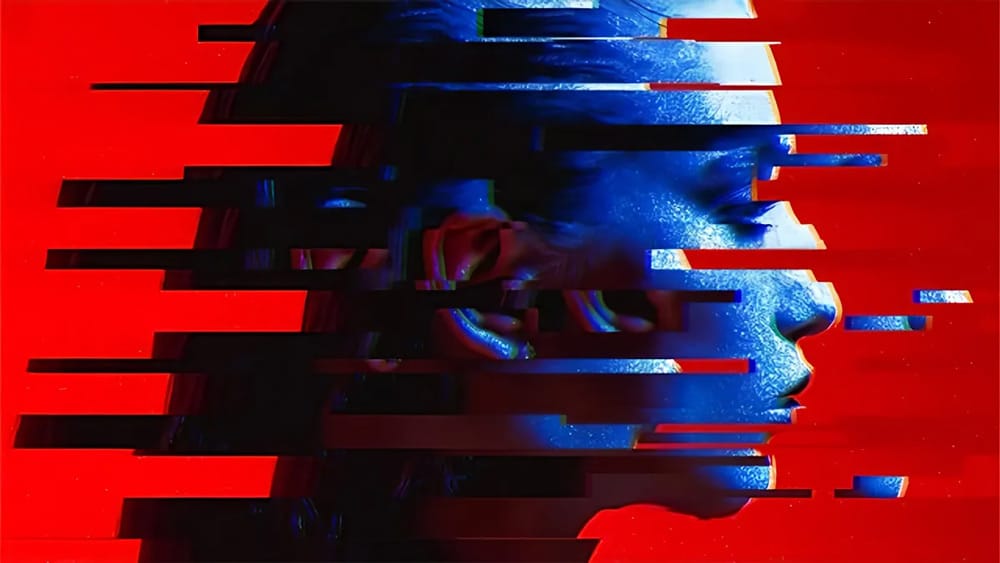
Digital glitches transform ordinary images into striking visual disruptions that capture attention instantly. The aesthetic of broken pixels, stretched sections, and fragmented visuals has become a powerful design element in contemporary digital art. This tutorial demonstrates a hidden technique using Photoshop’s Wave filter to create authentic-looking glitch effects. Learn how

The Photo Compositions

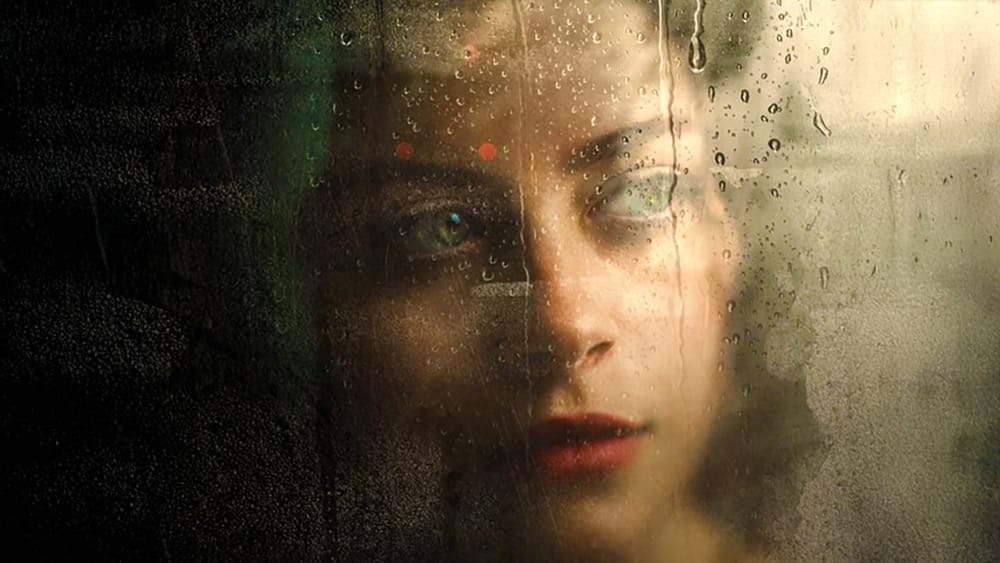
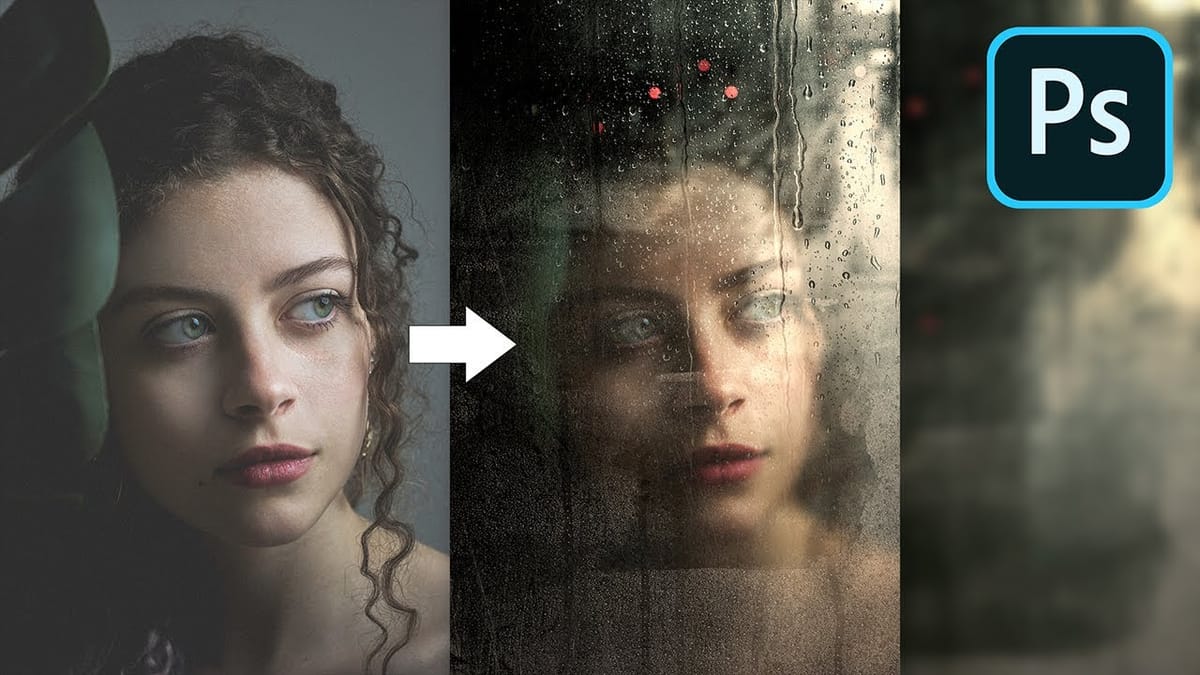
Create Realistic Wet Glass Effect in Photoshop
Create the Most Realistic Wet Glass or Window Effect with Natural Reflections & Textures in Photoshop! In this tutorial, we will blend three textures to create the water droplets, condensation, and also the wear and tear in the glass to give it a more authentic feel. In this video, we will use advanced blending modes, […] More
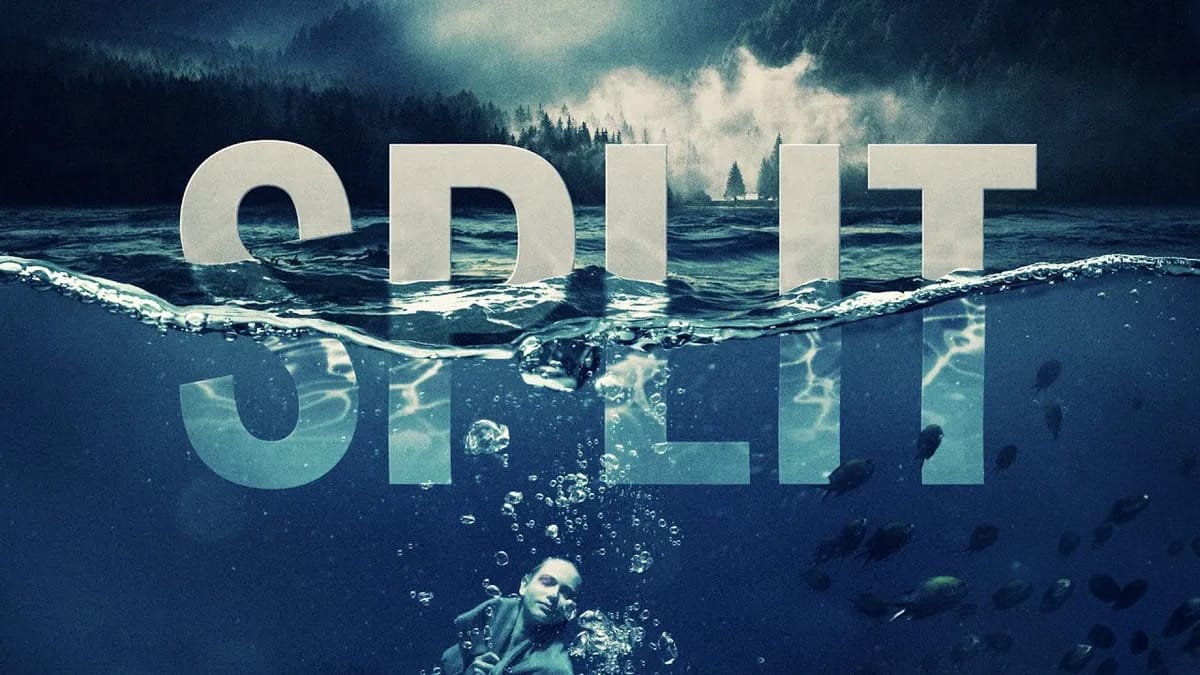
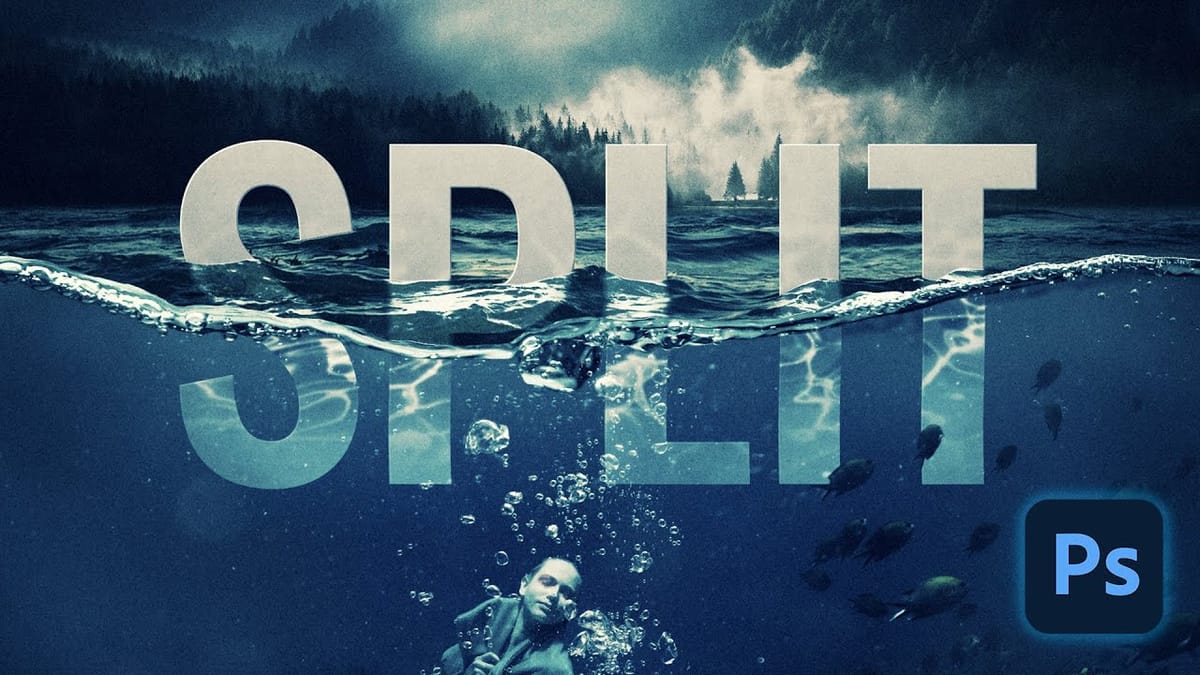
How to Create a Split Water Effect in Photoshop Using Smart Objects
Split water photography creates dramatic visuals that reveal both the underwater and above-water worlds in a single frame. This technique captures the mysterious boundary where light bends, visibility drops, and subjects take on an otherworldly quality beneath the surface. The process combines multiple images and advanced Photoshop techniques to recreate
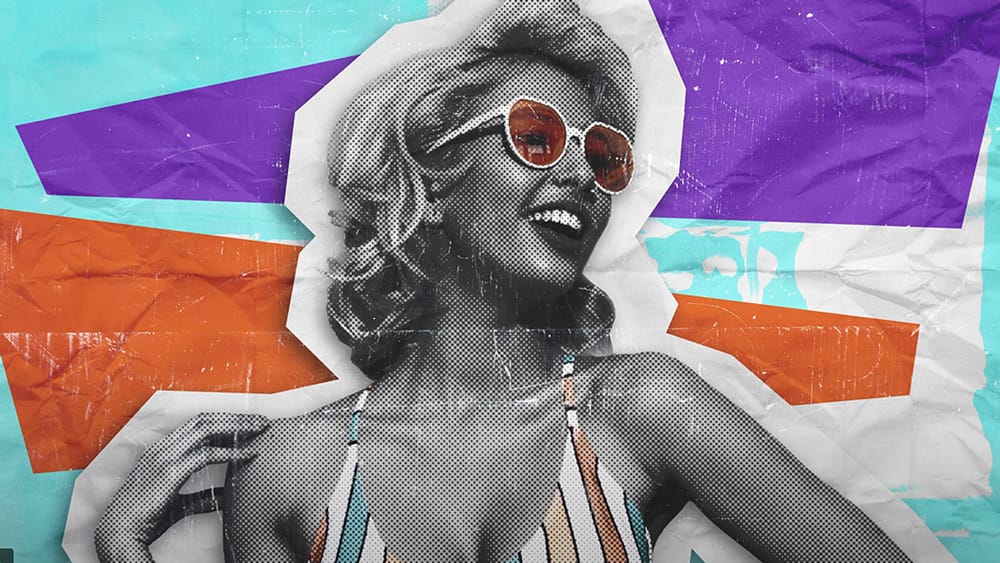
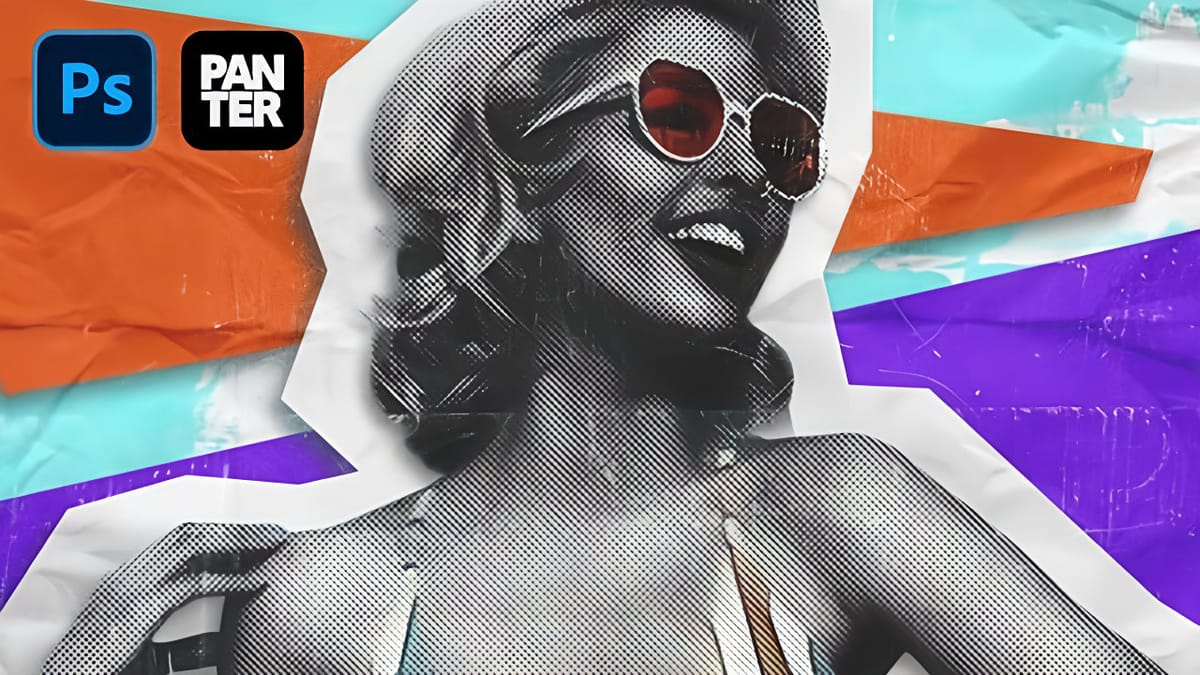
How to Create a Grungy Pop Art Collage with Halftone Effects in Photoshop
Pop art collages capture the bold, experimental spirit of 1960s graphic design through layered compositions and striking visual contrasts. This aesthetic combines commercial printing techniques with artistic rebellion, creating designs that feel both nostalgic and contemporary. This tutorial demonstrates how to build a complete pop art collage from a portrait
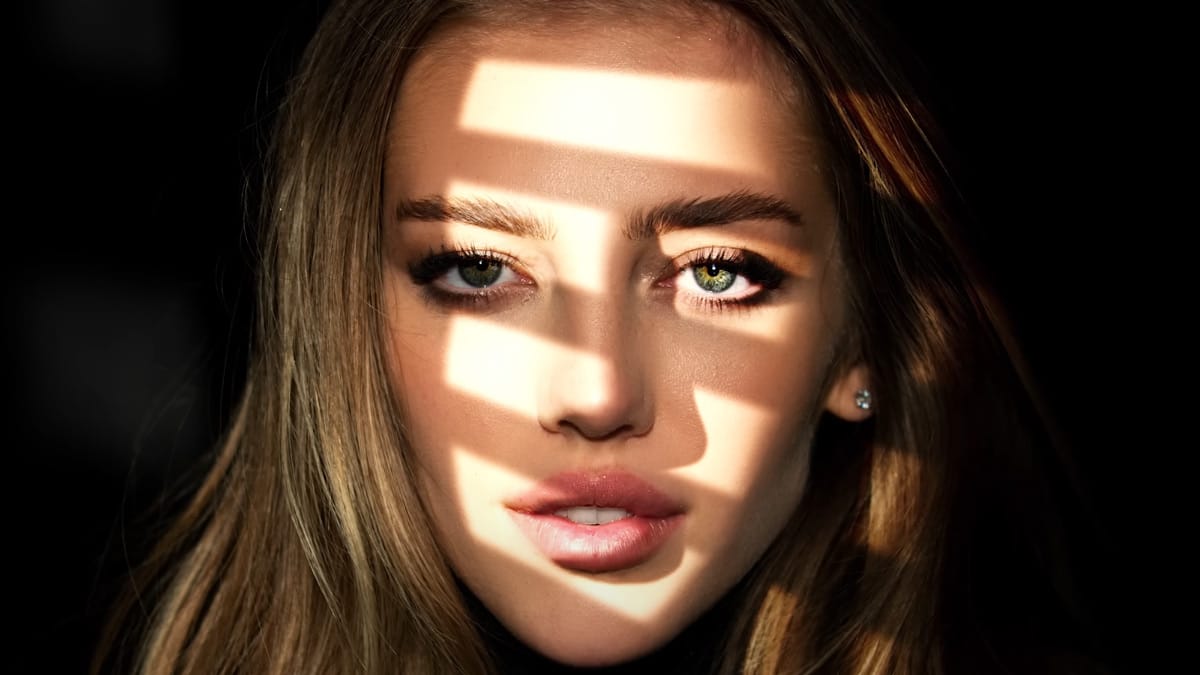
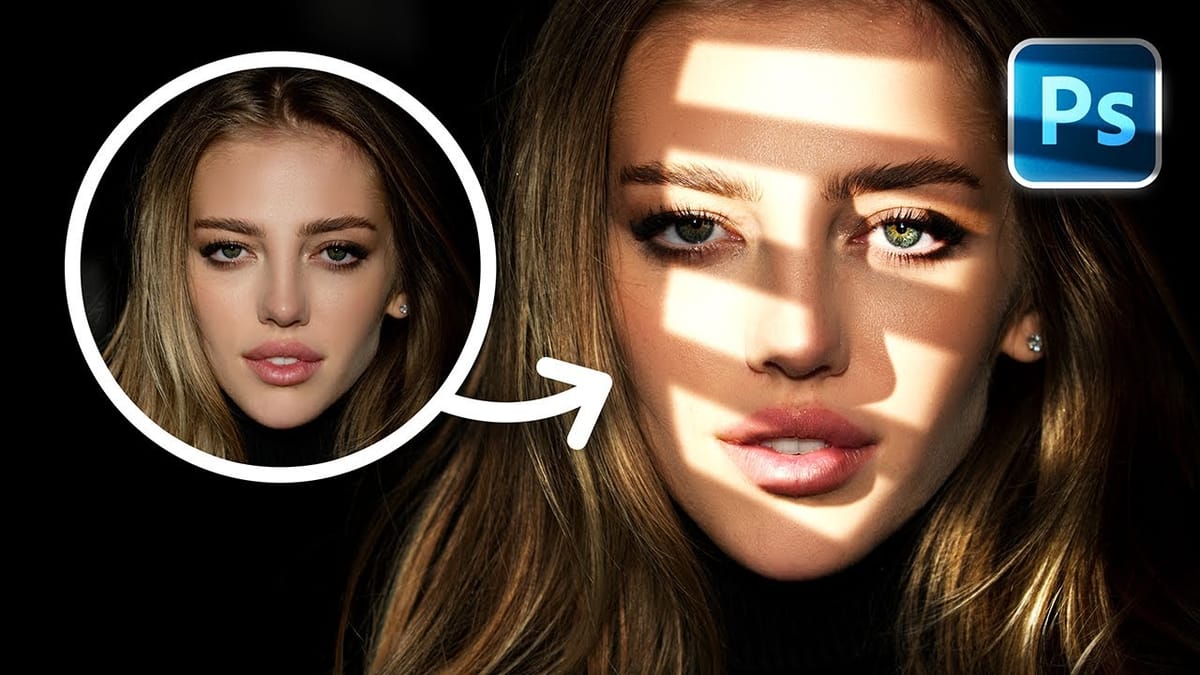
How to Add Realistic Light and Shadow Effects to Portraits in Photoshop
The difference between a flat portrait and one with captivating depth often comes down to how light and shadow play across the subject’s features. Professional photographers spend thousands on studio lighting equipment, but digital artists can achieve dramatic lighting effects using only Photoshop tools. This technique transforms ordinary portraits into

The Text Effects

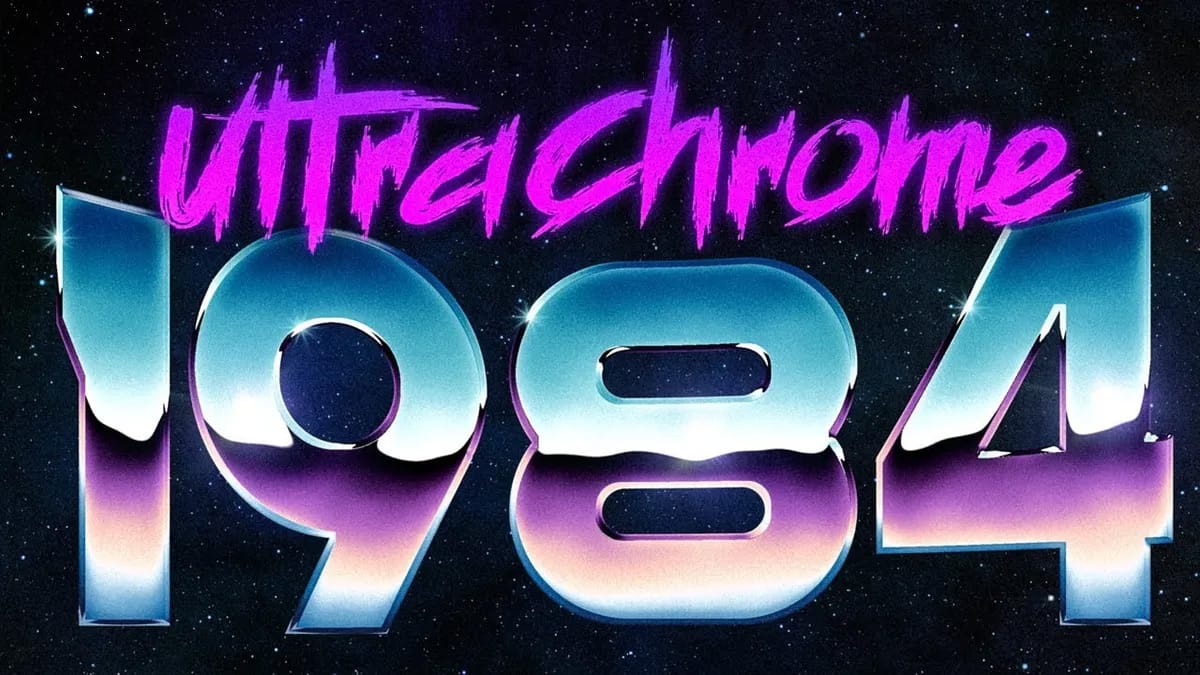
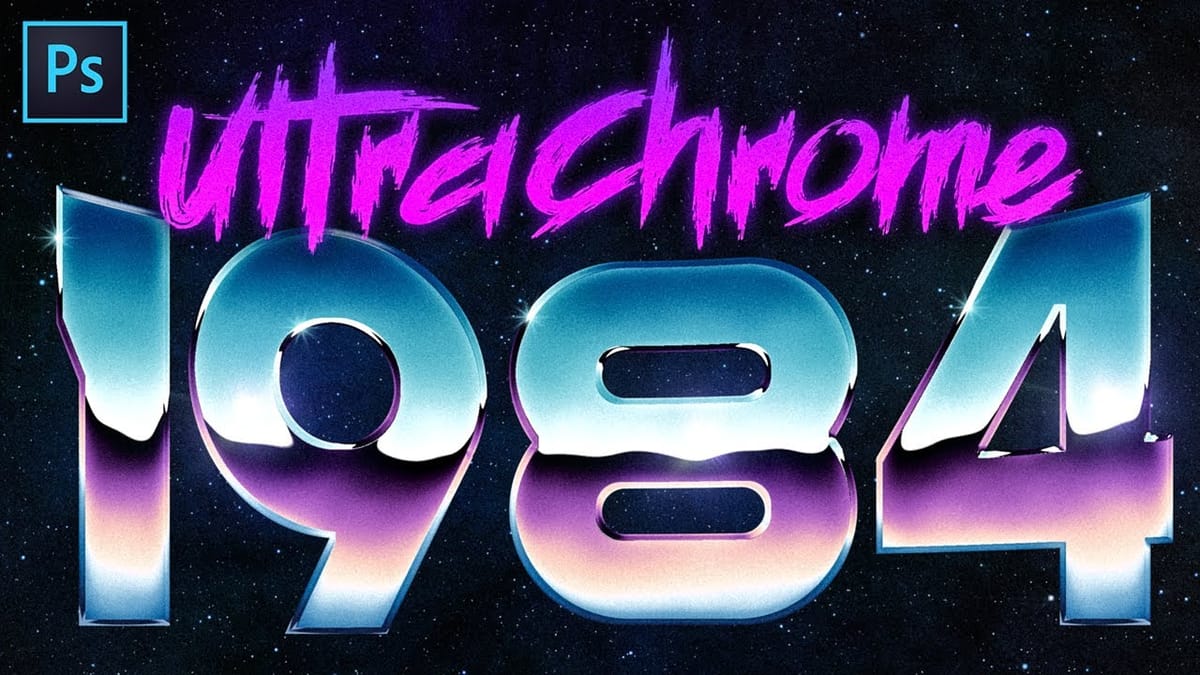
Create Super Rad 80’s Chrome in Photoshop
Create hyper-stylized 1980’s chrome text and logos with versatile techniques in Adobe Photoshop. This tutorial by Texturelabs covers the basic process of setting up a chrome reflection that can be customized for various looks. You’ll learn how to achieve hyper-realistic details to give your images a rad, retro vibe.
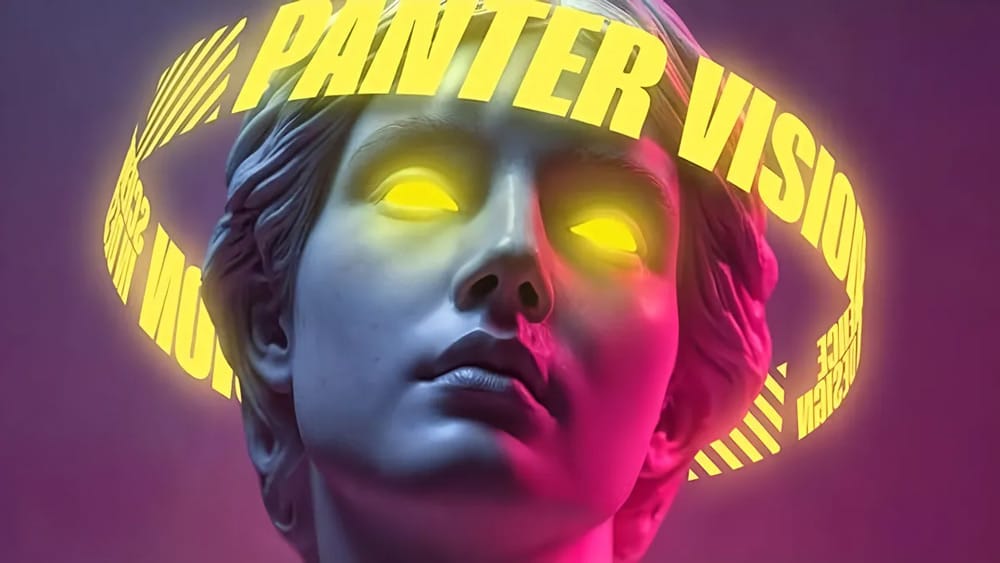
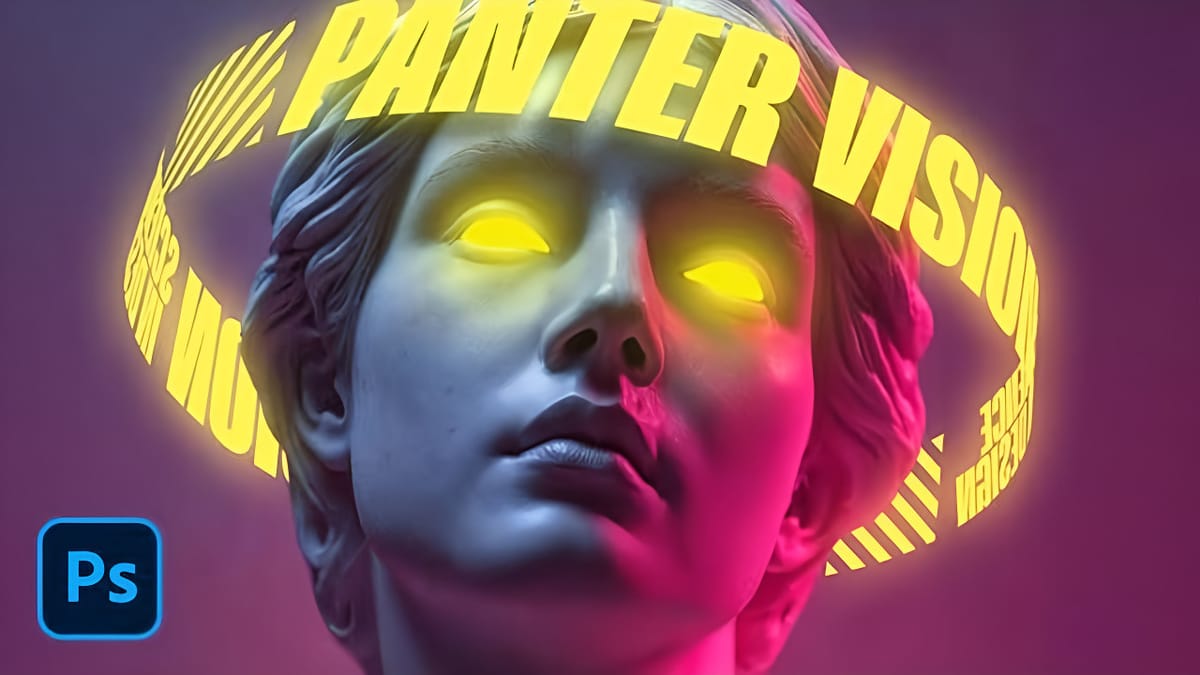
How to Create 3D Cylindrical Text Around a Model in Photoshop
Wrapping text around a three-dimensional cylinder creates dynamic visual effects that make designs pop off the page. This technique transforms flat typography into engaging dimensional elements that appear to curve naturally around objects or models. The process combines Illustrator’s 3D revolve capabilities with Photoshop’s masking and layer effects to achieve
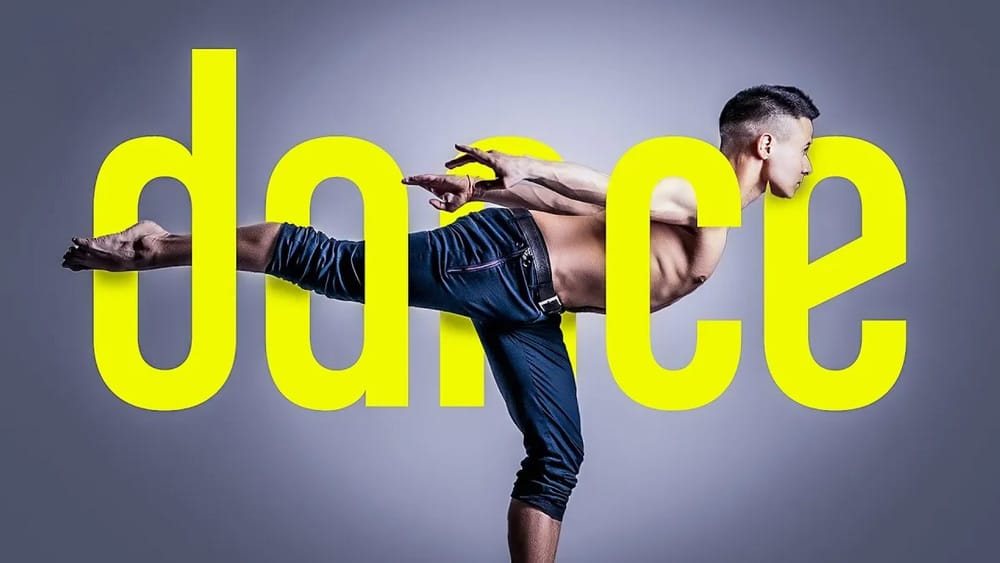
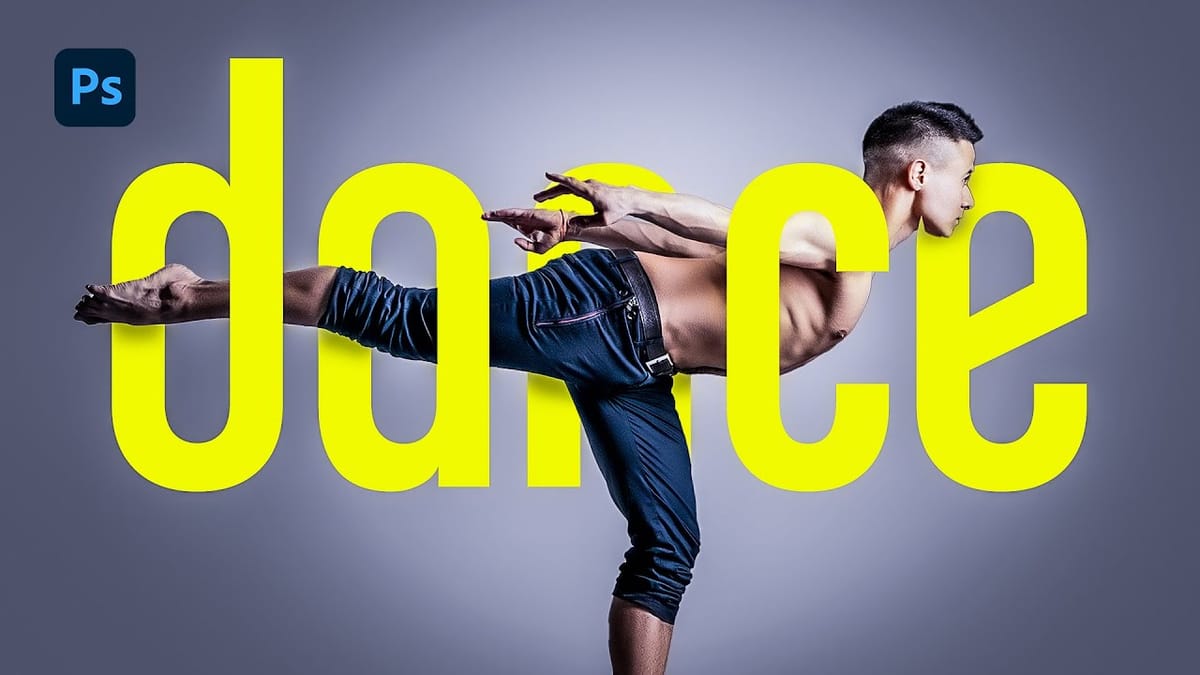
How to Merge Text with Images in Photoshop Using Layer Masks
Text effects can transform ordinary typography into striking visual elements that capture attention and convey meaning beyond words. When text appears to weave seamlessly through images, it creates a professional, dimensional look that suggests depth and craftsmanship. This technique combines the precision of layer masks with strategic brushwork to achieve
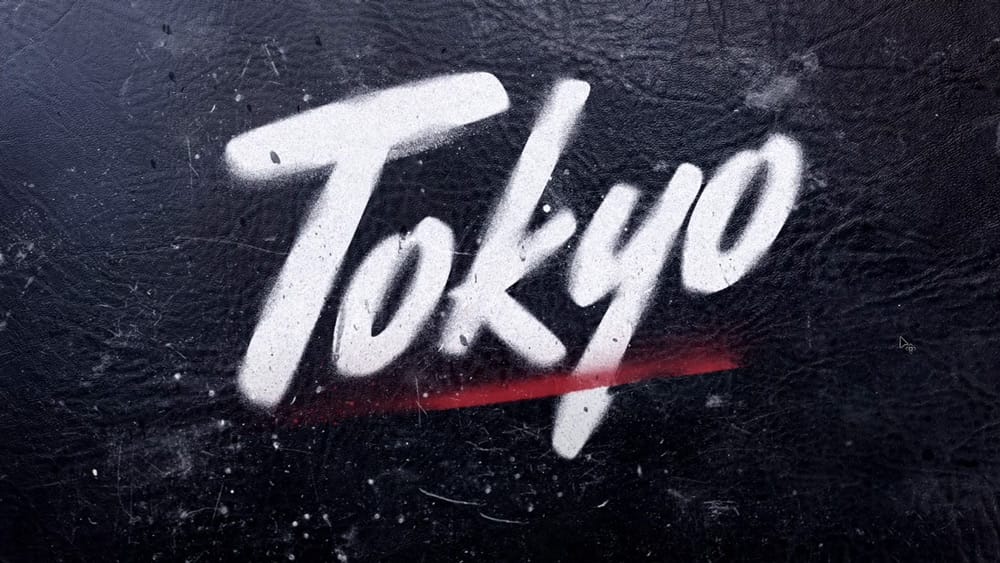
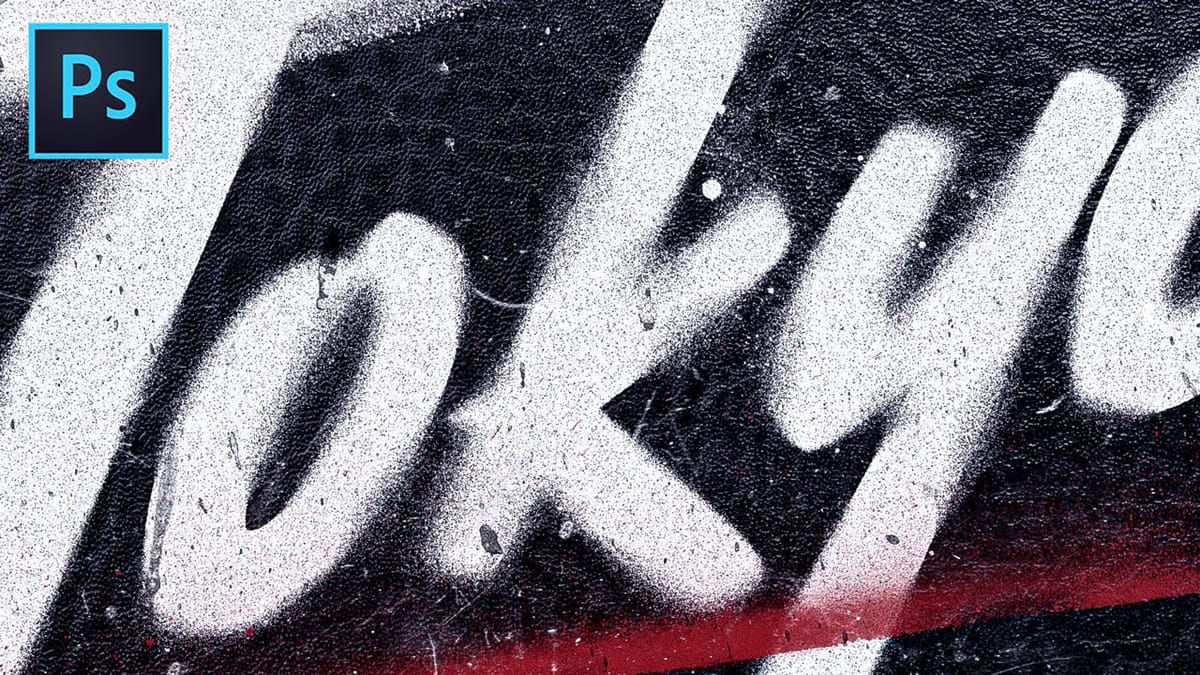
Spray Painted Stencil Text Effect in Photoshop
Learn this easy technique to create a realistic spray painted text effect on black leather without any custom painting in Adobe Photoshop. Download tutorial assets here… More

Assets to Enhance Your Photoshop Creations

Here are some free and paid high-quality assets that will help you get better results from these techniques and speed up your workflow.

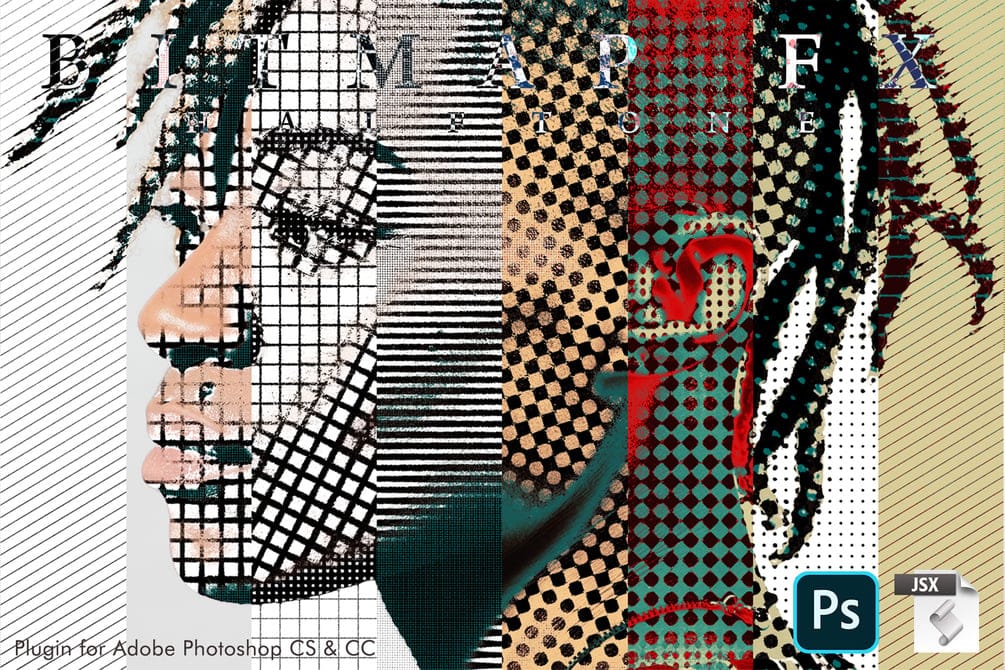
Create Distinctive Halftone Effects with Bitmap Halftone FX
Bitmap Halftone FX is an Adobe Photoshop tool for applying diverse bitmap halftone patterns. Compatible with Photoshop CS and CC, it offers options for circles, lines, diamonds, and crosses. Users can customize sizes and directions for shadows, highlights, and midtones, generating a wide array of visual effects. The script works
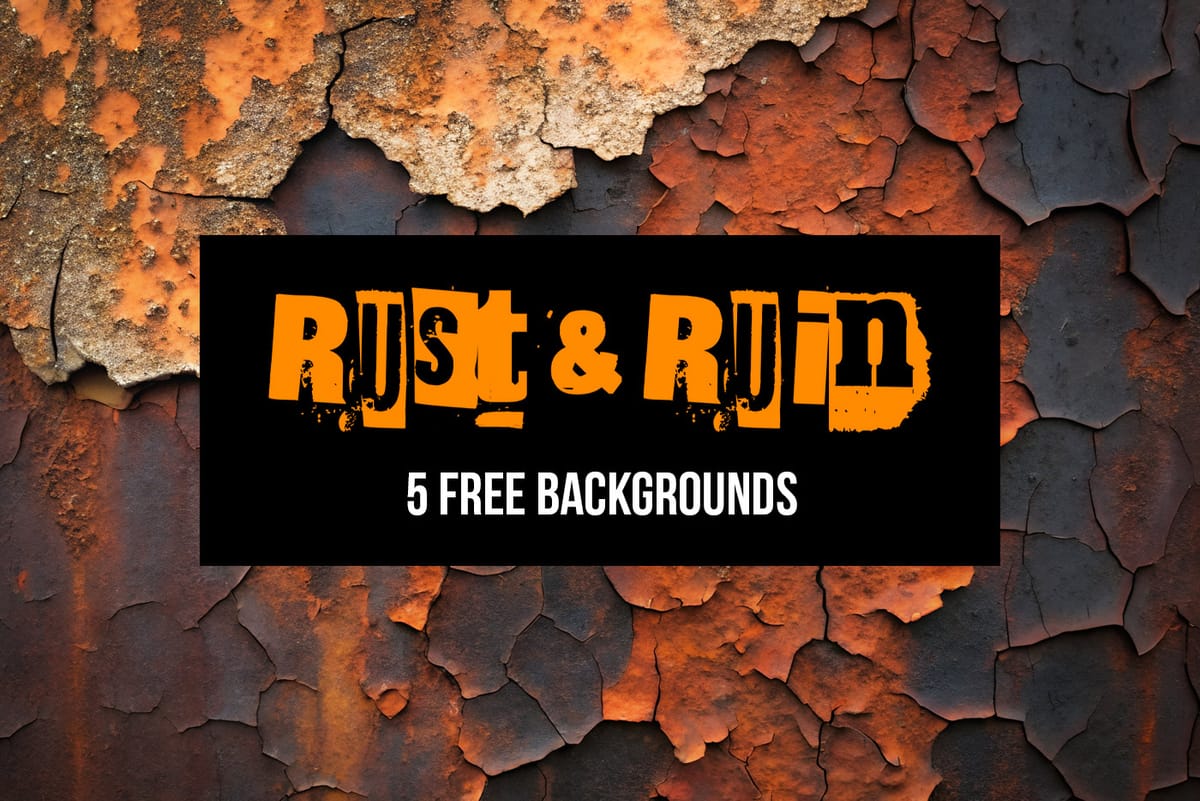
Rust & Ruin: 5 Bold Grunge and Distressed Textures
Introducing Rust and Ruin, a set of 5 free high-resolution distressed backgrounds designed to add gritty texture, character, and atmosphere to your creative projects. These rugged, AI-generated visuals capture the raw beauty of rust, decay, stains, and weathered surfaces. Each image is provided in JPG format at 4096 × 3073 px,
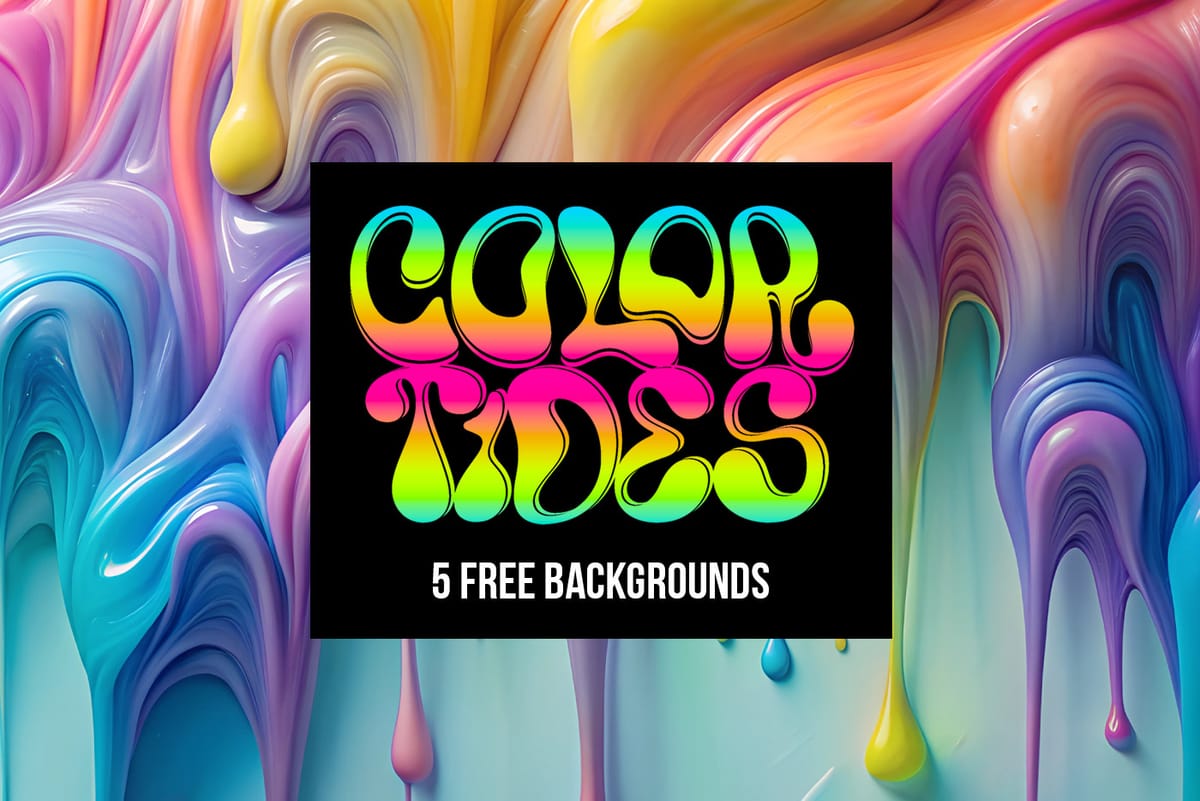
Color Tides: 5 Free Hypercolor Liquid Paint Backgrounds
Introducing Color Tides, a set of 5 free high-resolution liquid paint backgrounds designed to bring a sense of flow, vibrancy, and elegance to your creative projects. These stunning, AI-generated visuals showcase the dynamic beauty of liquid paint blending into mesmerizing patterns and ripples. Each image is provided in JPG format
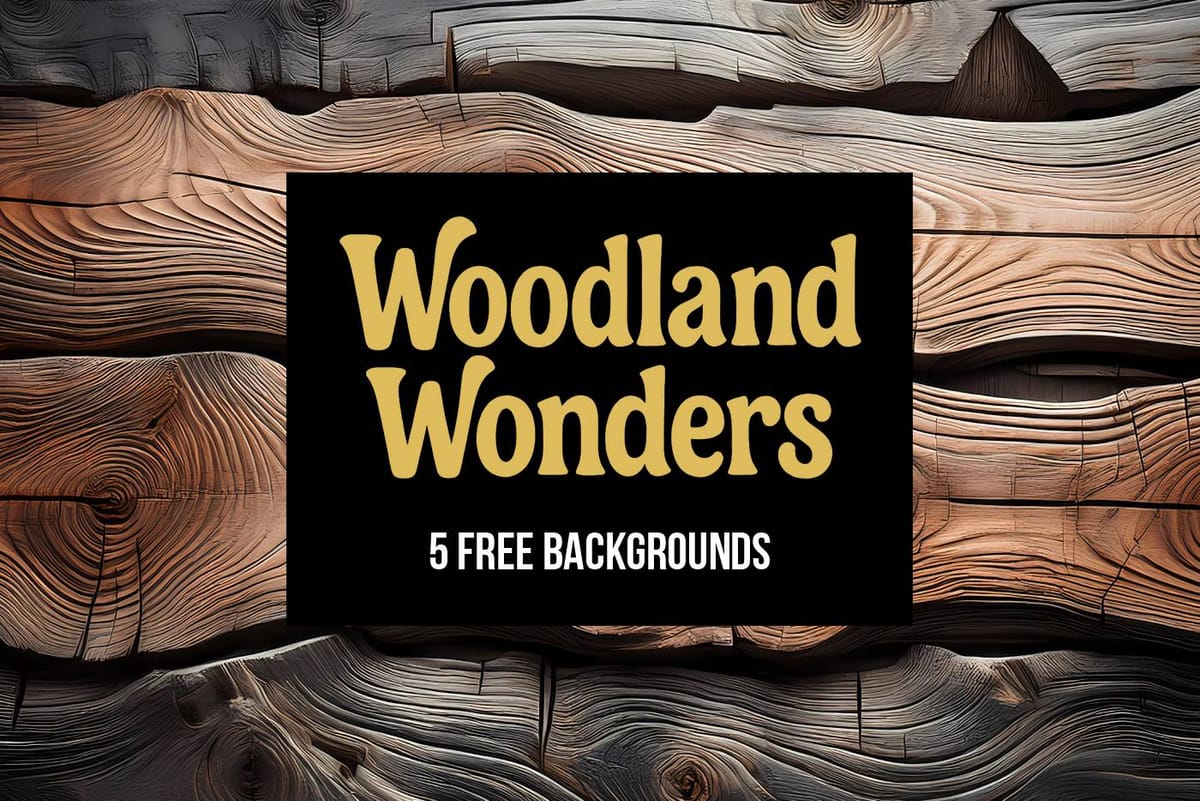
Woodland Wonders: 5 Free Detailed Wooden Backgrounds
Introducing Woodland Wonders – Free Sample Pack. Step into nature with this free sample from our Woodland Wonders collection. Featuring 5 high-resolution wooden backgrounds, this pack blends the natural elegance of wood with delicate organic accents like moss, petals, and vines. Ideal for digital art, social media, print design, and more.
100 Awesome High Resolution Photoshop Brushes
Discover 100 free Photoshop brushes to boost your designs—textures, effects, and creative tools all in one handy roundup
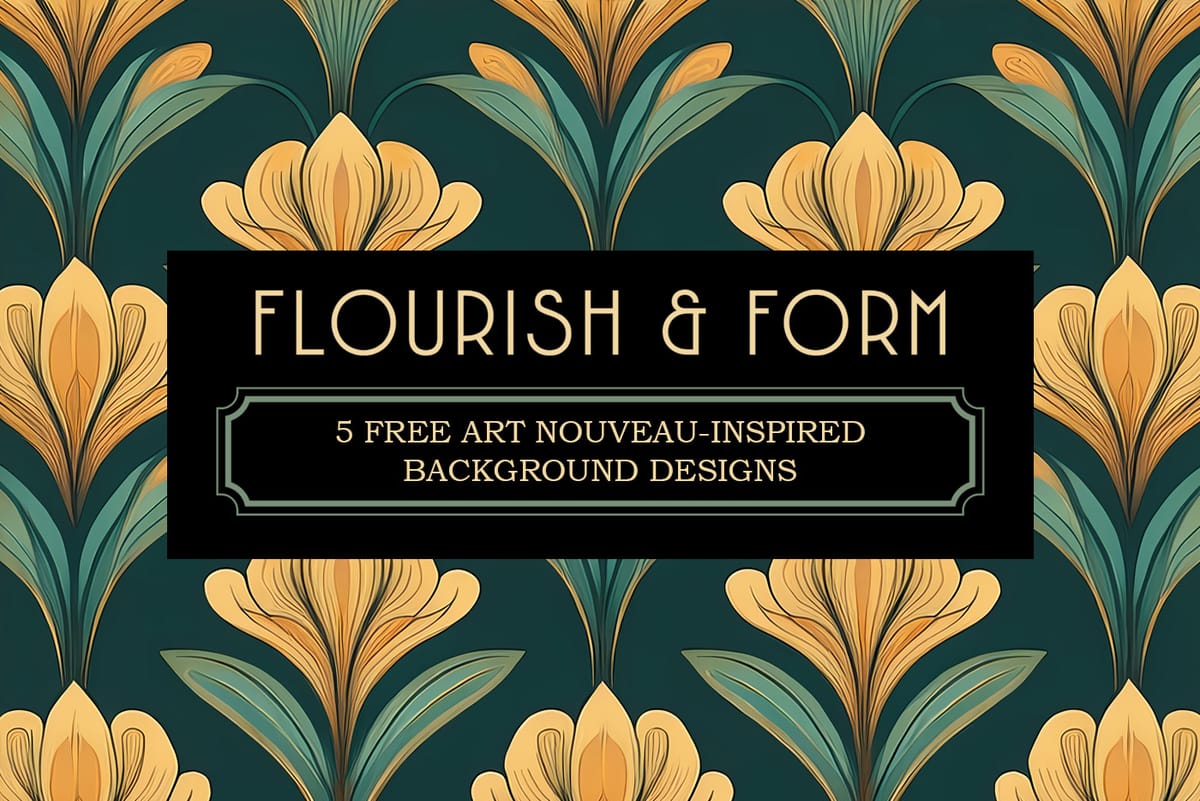
Flourish & Form: 5 Free Art Nouveau-Inspired Background Designs
Introducing Flourish & Form – 5 free high-resolution Art Nouveau-inspired backgrounds designed to infuse your creative projects with elegance, flow, and vintage sophistication. These finely detailed, AI-generated designs showcase the graceful curves, floral elements, and ornamental patterns of the Art Nouveau era. Each image is delivered in JPG format at 4000 × 3111
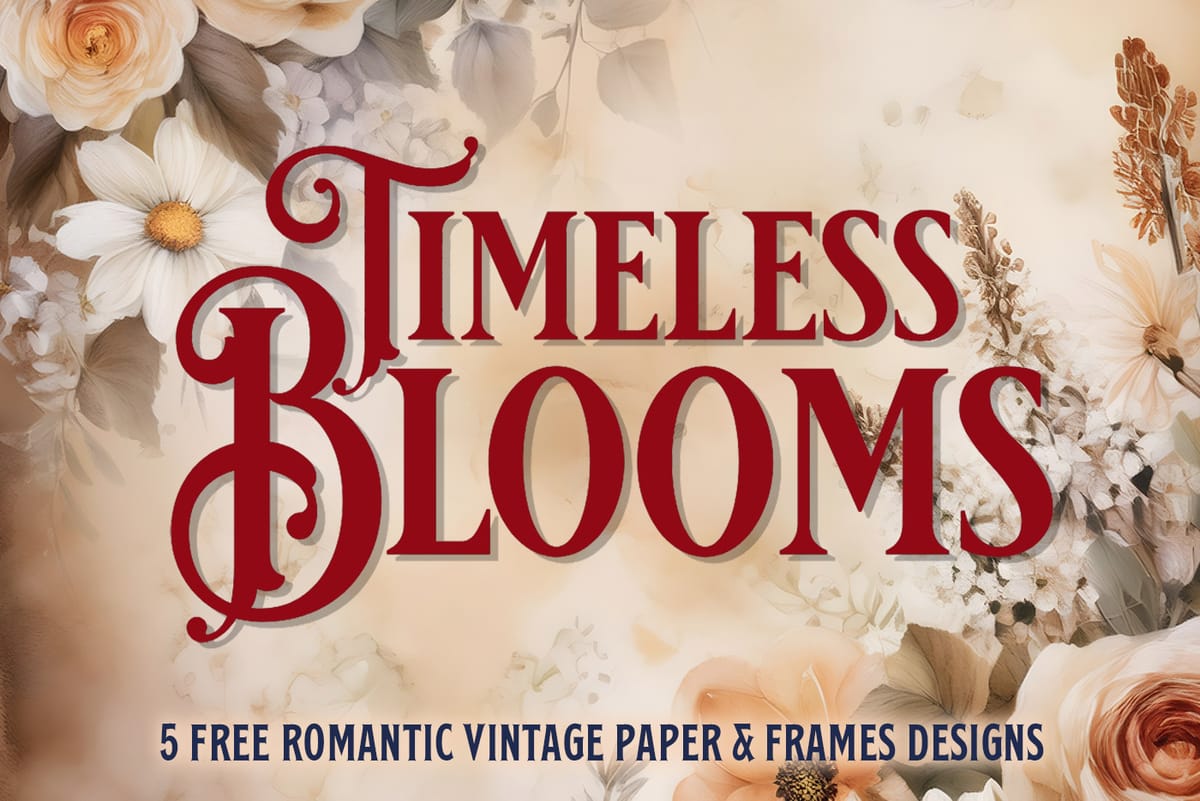
Timeless Blooms: 5 Free Romantic Vintage Floral Paper and Frames Designs
Introducing Timeless Blooms – 5 five free high-resolution vintage-inspired backgrounds designed to bring elegance, romance, and old-world charm to your creative projects. These beautifully detailed, AI-generated images capture the delicate beauty of antique paper, floral motifs, and ornamental filigree. Each image is provided in JPG format at 4000 × 5142 px, making
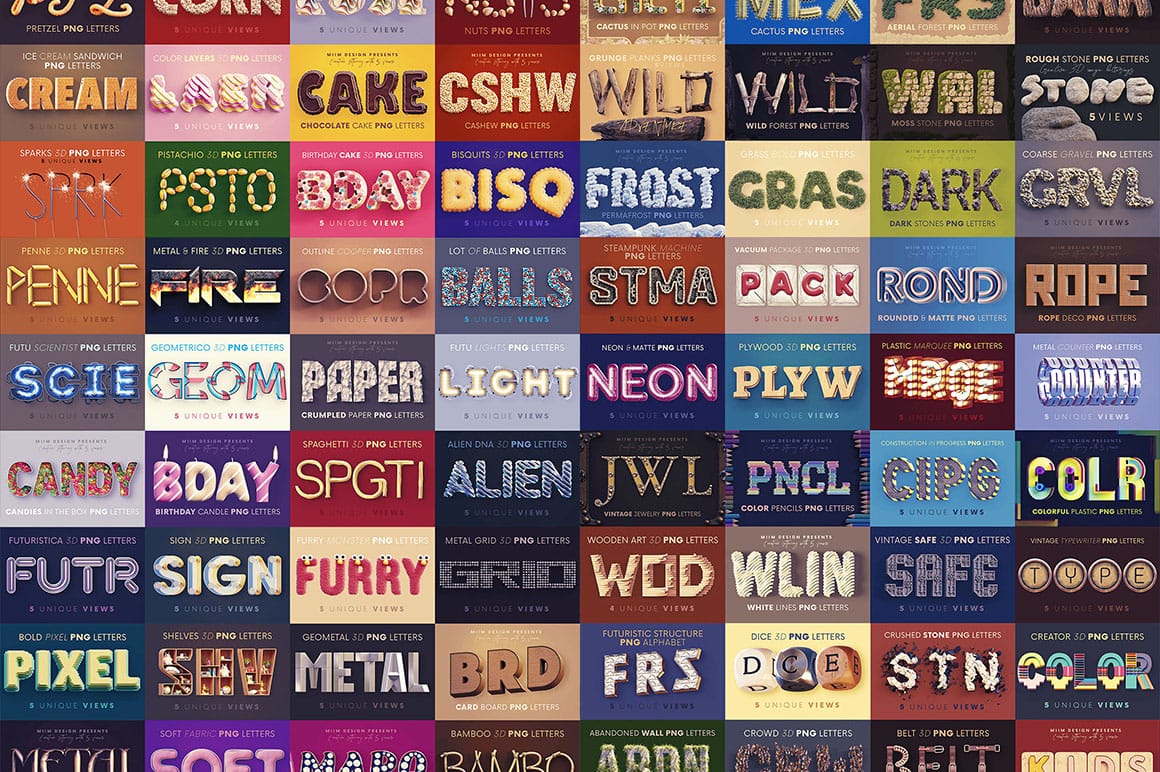
Huge Creative 3D Lettering bundle with 72 Stunning Sets
This impressive 3D typography bundle offers a total of 72 stunning lettering sets, making it a valuable addition to any designer’s toolkit. With six unique lettering or 3D image alphabet sets included, this collection is perfect for both print and web projects. At a very low price, it presents an
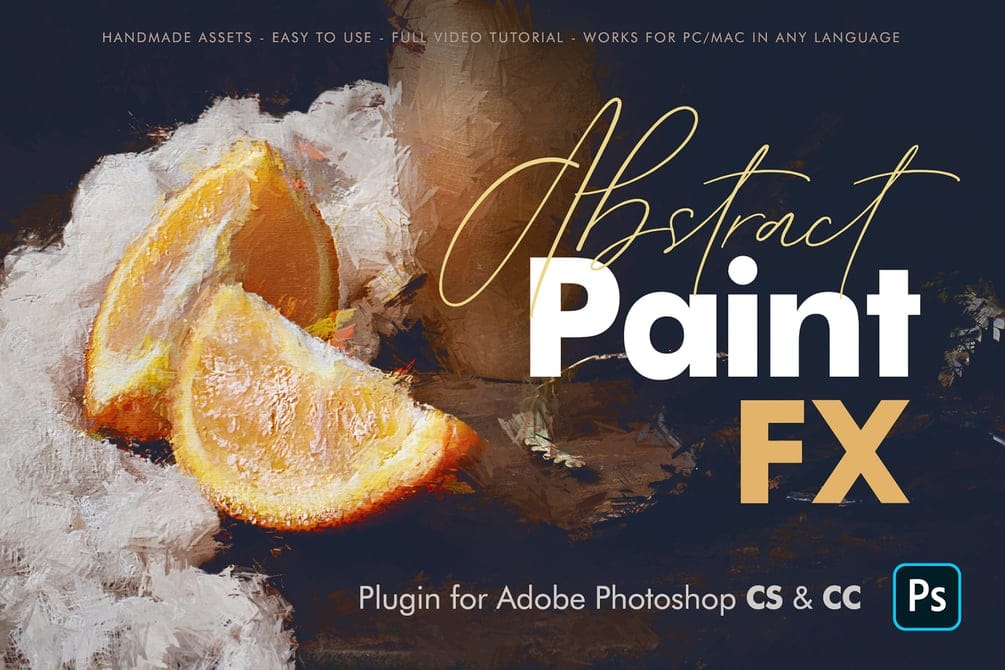
Create Beautiful Artworks with Abstract Paint FX for Photoshop
The Abstract Paint FX Photoshop Plugin is a powerful and intuitive tool designed to transform any image into a stunning abstract painting with a single click. Now updated as a user-friendly UXP Plugin, it offers exceptional ease of installation and use, making it ideal for both beginners seeking creative fun

Get tutorials & freebies delivered to you.

Subscribe to the Photoshop Roadmap newsletter, a weekly roundup of new tutorials, insights and quality downloads, trusted by 6500+ readers.

You might also like

How to Create a Steel Engraving Effect from Photos in Photoshop

Steel engravings were a traditional printmaking technique that created intricate illustrations with fine lines and rich tonal variation. This effect transforms ordinary photographs into artwork that mimics the detailed crosshatching and precise lines characteristic of vintage engravings found in old books and currency. The technique combines strategic filter combinations with...

How to Customize Your Photoshop Workspace for Better Workflow

A cluttered workspace can overwhelm new users and slow down experienced editors. The default interface includes dozens of panels and tools, many of which you may rarely use, while the ones you need most remain scattered across the screen. This tutorial shows you how to reorganize panels, position toolbars, and...

Creating a Fantasy Photo Composite with Grapes as Balloons in Photoshop

Transform ordinary photographs into whimsical fantasy scenes using creative vision and modern compositing tools. This detailed walkthrough demonstrates how to build a surreal image of a young girl floating through the sky, held aloft by grapes reimagined as colorful balloons. The project combines just two main photos—a portrait and...

How to Use Photoshop's Auto Distraction Removal Tool

Removing unwanted elements from photos used to require hours of careful work with clone stamps and healing brushes. The new General Distractions feature in Photoshop's Remove Tool changes this completely by automatically detecting and eliminating distractions across 26 different categories with a single click. This AI-powered upgrade can...

How to Apply Gradients to Any Object Using Hue/Saturation and Layer Masks

Changing colors and adding gradients to clothing or objects in photos requires precise selection techniques to avoid affecting surrounding elements like skin tones. This method combines hue/saturation adjustment layers with layer masks to create stunning gradient effects while maintaining full control over which parts of your image are affected....

How to Use Layer Filtering to Organize Complex Projects in Photoshop

When working with dozens of layers in complex composites or designs, finding specific elements becomes a time-consuming challenge. The layer filtering system in the Layers panel offers powerful tools to instantly isolate different types of content, making organization and editing far more efficient. These filtering options help you quickly group...

You’ve successfully subscribed to Photoshop Roadmap
Welcome back! You’ve successfully signed in.
Great! You’ve successfully signed up.
Success! Your email is updated.
Your link has expired
Success! Check your email for magic link to sign-in.