Create a stunning Film Noir photo effect in Photoshop

Create a stunning Film Noir photo effect in Photoshop

The classic film noir aesthetic, popularized by movies like Sin City, offers a dramatic and stylized visual experience. This unique style relies heavily on specific lighting and contrast techniques to evoke a sense of mystery and tension.

This video tutorial guides you through the process of transforming your images into a low-key black and white scene reminiscent of these iconic films. You will discover practical methods for enhancing contrast, creating dramatic lighting, and establishing a dark, cinematic atmosphere in Photoshop.

Watch the Film Noir Effect Tutorial

Video by Spoon Graphics. Any links or downloads mentioned by the creator are available only on YouTube

The Cinematic Impact of Neo-Noir Aesthetics

Film noir, originating in the 1940s and 50s, is characterized by its stark visual style, often featuring high contrast, deep shadows, and dramatic lighting. This aesthetic amplifies themes of moral ambiguity and psychological tension, drawing viewers into a world of suspense.

The modern evolution, neo-noir, reinterprets these elements with contemporary narratives and advanced visual effects, as seen in the striking look of the Sin City films. These movies masterfully blend traditional black and white with selective color to enhance mood and focus attention, creating a distinct visual signature.

Key visual components of this style include:

  • Strong chiaroscuro lighting
  • Silhouettes and deep shadows
  • Exaggerated perspectives

This visual language is crucial for setting the tone and immersing the audience in the story's dark, atmospheric world.

Practical Tips for Achieving a Film Noir Effect

  • Convert images to a low-key black and white format to establish the foundational dramatic look.
  • Employ techniques to significantly boost image contrast, enhancing the starkness characteristic of the genre.
  • Introduce faux lighting effects to create dramatic highlights and shadows, effectively guiding the viewer's eye.
  • Cultivate a dark and atmospheric mood to evoke the tension and mystery of a movie freeze frame.

Explore additional techniques for photo manipulation and cinematic visual styles with these related guides.
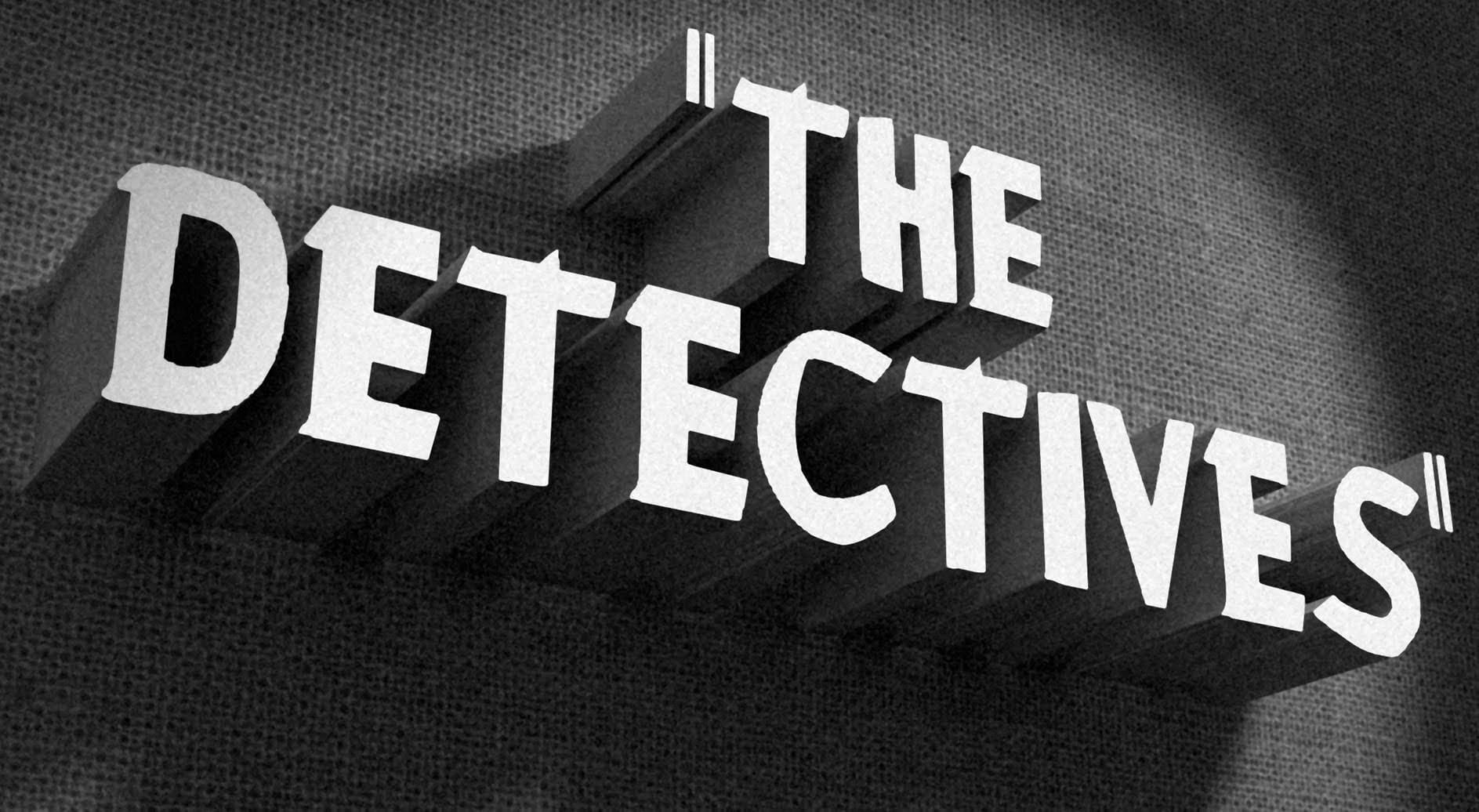
How to Create a Vintage, Film Noir Movie Title in Photoshop
In this Photoshop tutorial by BlueLightning TV, you'll learn how to design and create a film noir movie opening title card, reminiscent of crime dramas from the 1940s and 1950s. The tutorial guides you through the process step-by-step, demonstrating techniques to achieve the classic film noir aesthetic using typography, textures, and atmospheric effects in Photoshop. Whether you're a fan of vintage cinema or looking to create a nostalgic title card for a project, this tutorial provides the ski
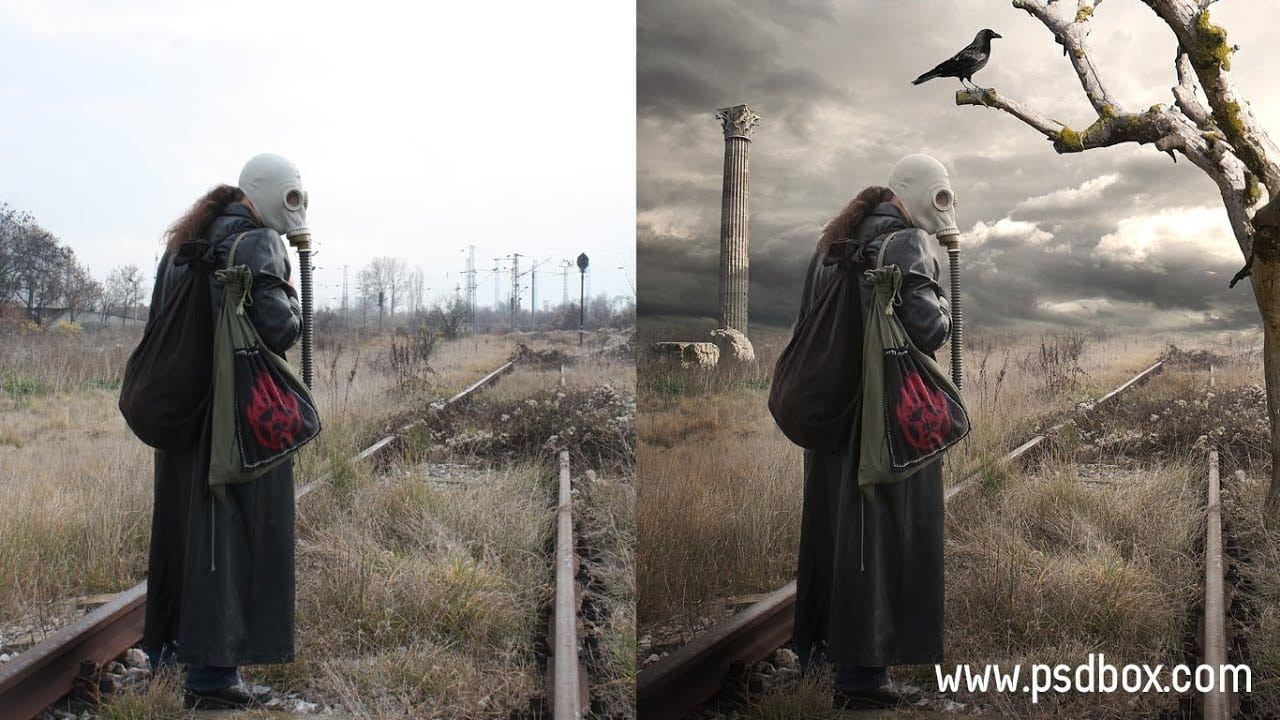
Post Apocalyptic Photo Effect Tutorial in Photoshop
In this tutorial, you will learn how to create a striking post-apocalyptic photo effect using Photoshop. By following straightforward manipulation techniques, you will see how to transform stock images to create an atmospheric scene that captures the essence of a world after calamity. The tutorial focuses not only on the manipulation of images but also on changing the lighting to enhance the overall mood. A unique tip for masking pixel edges will also be shared, using the Contract Selection com
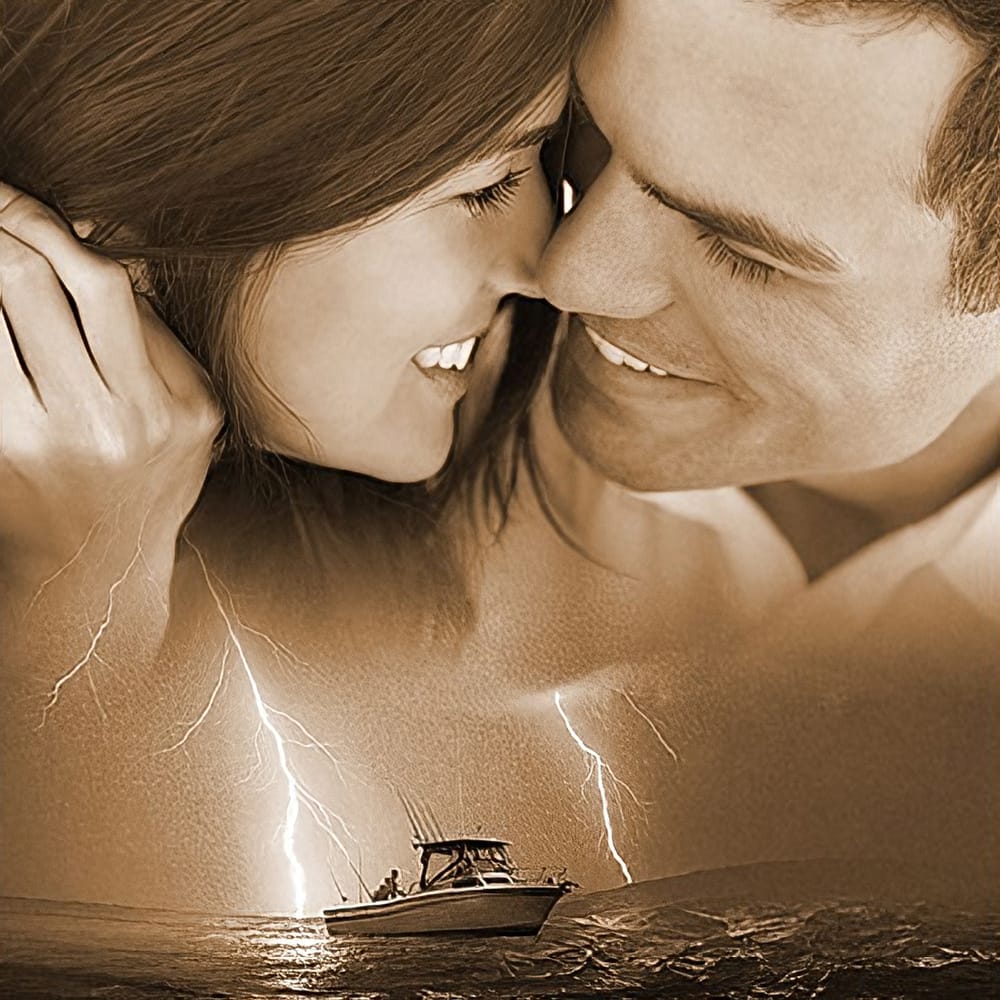
Blend Photos Like A Hollywood Movie Poster With Photoshop
In this Photo Effects tutorial, you will discover how to mix two photos seamlessly, just like in professional movie posters. The techniques covered will guide you through the process step by step, ensuring that even beginners can achieve stunning results. You’ll start by selecting the right images to work with, focusing on how their elements will complement each other. From there, you will learn about layering and using various tools to adjust the images for a flawless integration. By the end o
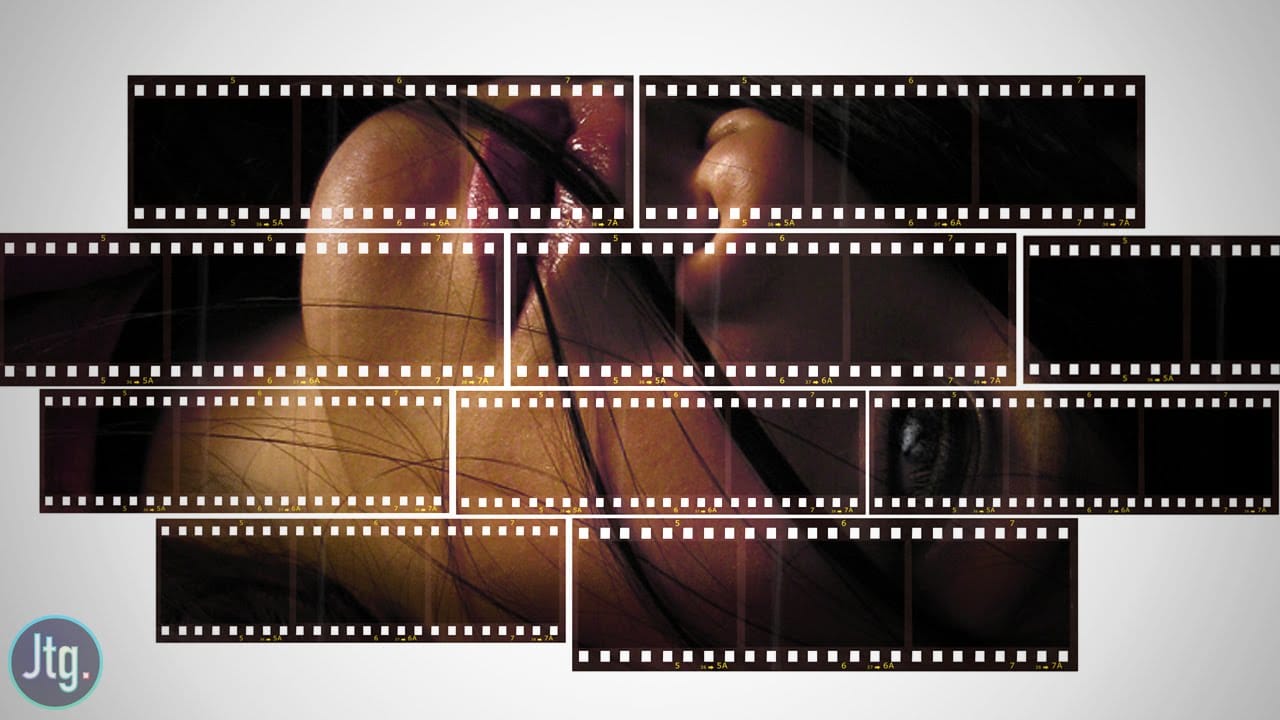
Create a Film Strip Photo Collage Portrait effect in Photoshop
The film strip effect is a popular technique that allows you to frame your images in a unique, retro-inspired way. According to author Justin Odisho, this effect can be achieved in a few simple steps using Adobe Photoshop. The process involves creating a collage-style layout with multiple images arranged in a filmstrip-like fashion. This approach not only adds a nostalgic touch to your photographs but also enables you to showcase several related or complementary images in a visually appealing m

Get tutorials & freebies delivered to you.

Subscribe to the Photoshop Roadmap newsletter, a weekly roundup of new tutorials, insights and quality downloads, trusted by 6500+ readers.

You might also like

How to Expand Photos Beyond Their Edges Using AI Generative Expand in Photoshop

Sometimes your best photos need more breathing room or a different aspect ratio. Generative Expand in Photoshop lets you extend your canvas beyond the original image boundaries, using AI to intelligently fill in missing areas with content that matches your scene. This technique works for changing portrait photos to landscape...

How to Create Digital Scrapbook Carousels in Photoshop

Digital scrapbook pages capture memories beautifully, but a single page limits your storytelling. Creating a carousel format lets you design multiple connected panels that work together as one cohesive piece while giving viewers more content to explore. This technique uses frames, custom shapes, and smart export settings to build templates...

How to Use Auto Align Layers in Photoshop for Perfect Layer Alignment

When working with multiple layers that need perfect alignment, manual positioning often falls short. Slight camera movement, different crops, or rotated images can make precise alignment seem impossible through visual adjustment alone. Auto Align Layers automatically handles rotation, scaling, and positioning to create perfect layer alignment, even when images have...

How to Use Nano Banana Pro in Adobe Firefly for Advanced AI Image Generation

Adobe Firefly now includes Gemini 3 with Nano Banana Pro, offering sharper 2K image generation with improved text clarity and precision blending. This advanced AI model works seamlessly within Firefly's generative workspace, enabling powerful workflows like multi-image composition and virtual try-on effects. The integration provides access to sophisticated...

Create Colorful Retro Text Compositions in Photoshop

Retro design trends continue to captivate audiences with their bold colors and geometric shapes. This tutorial demonstrates how to build a complete vintage-inspired composition using text, geometric elements, and vibrant color schemes that capture the essence of classic graphic design. You'll learn to combine typography with custom shapes,...

Photoshop's New Color and Temperature Tool for Advanced Color Grading

Photoshop's latest update introduces temperature and tint controls directly into the adjustment layer panel, bringing white balance tools from Camera Raw into the main editing workspace. This addition transforms color grading workflows by enabling precise local adjustments with custom brushes and blend modes. The new Color and Vibrance...

You’ve successfully subscribed to Photoshop Roadmap
Welcome back! You’ve successfully signed in.
Great! You’ve successfully signed up.
Success! Your email is updated.
Your link has expired
Success! Check your email for magic link to sign-in.